Taranker.Com Logo
Data Migration Magic logo

Data Migration Magic

Develop by Shopify
Free App

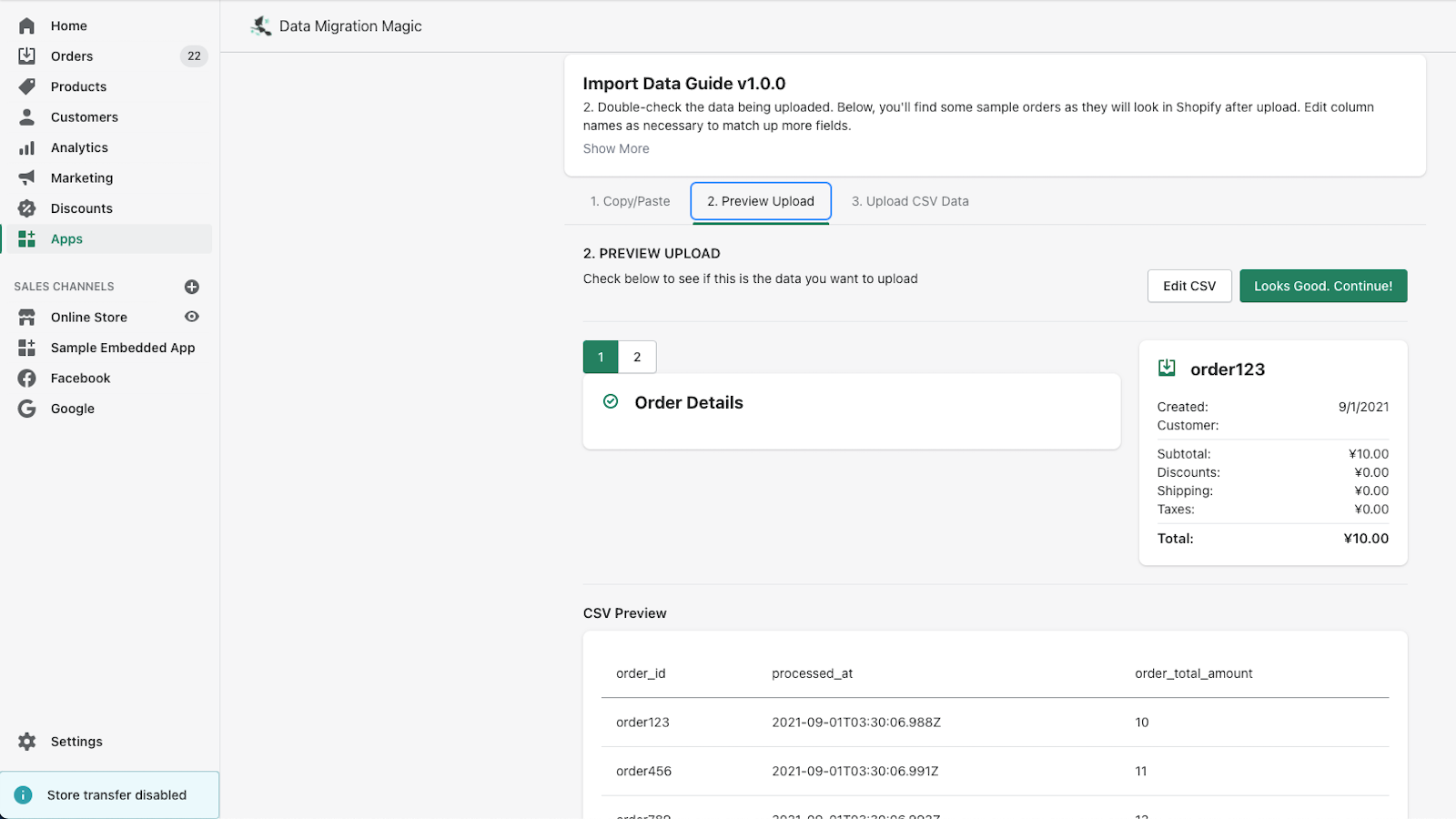
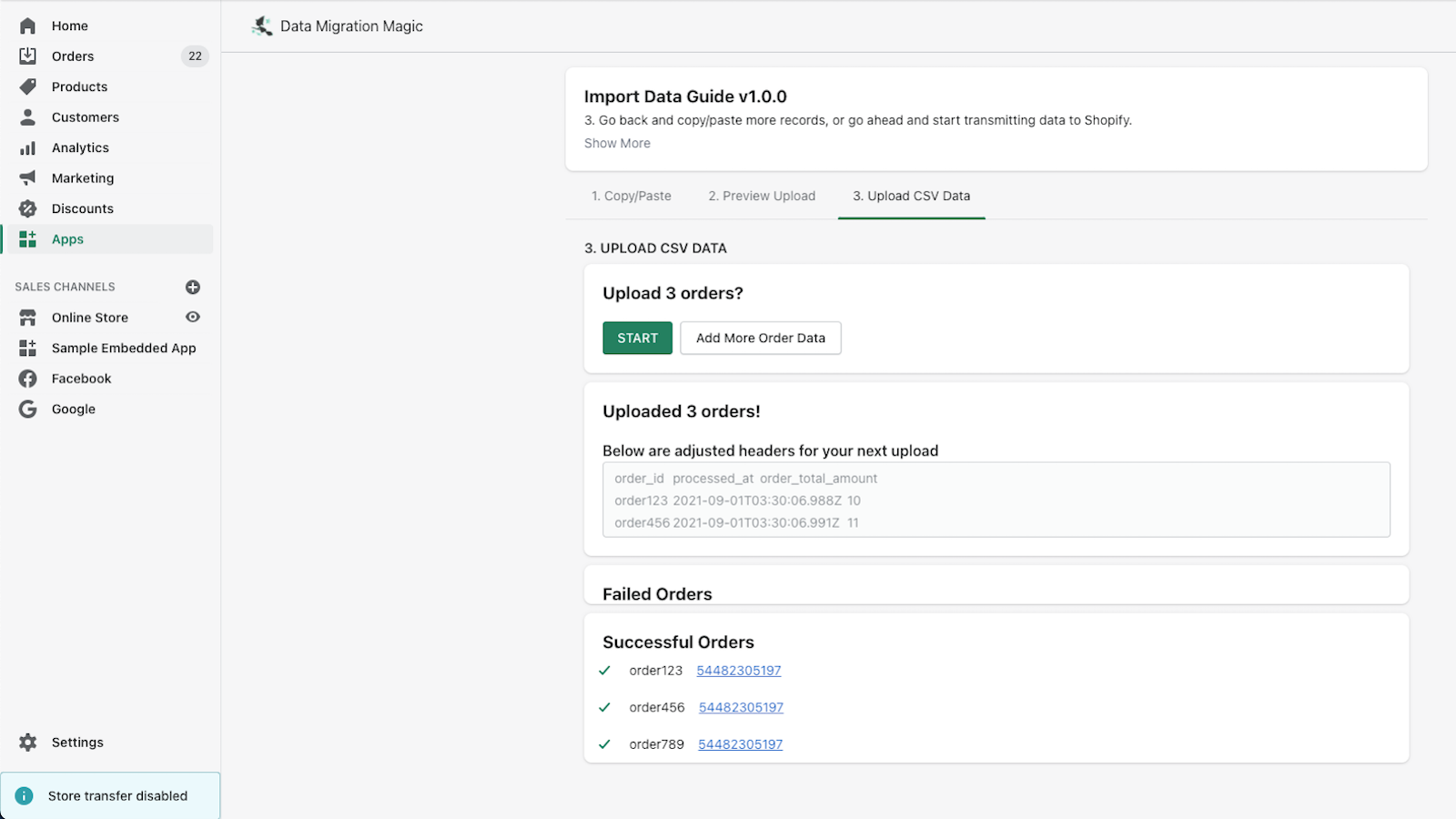
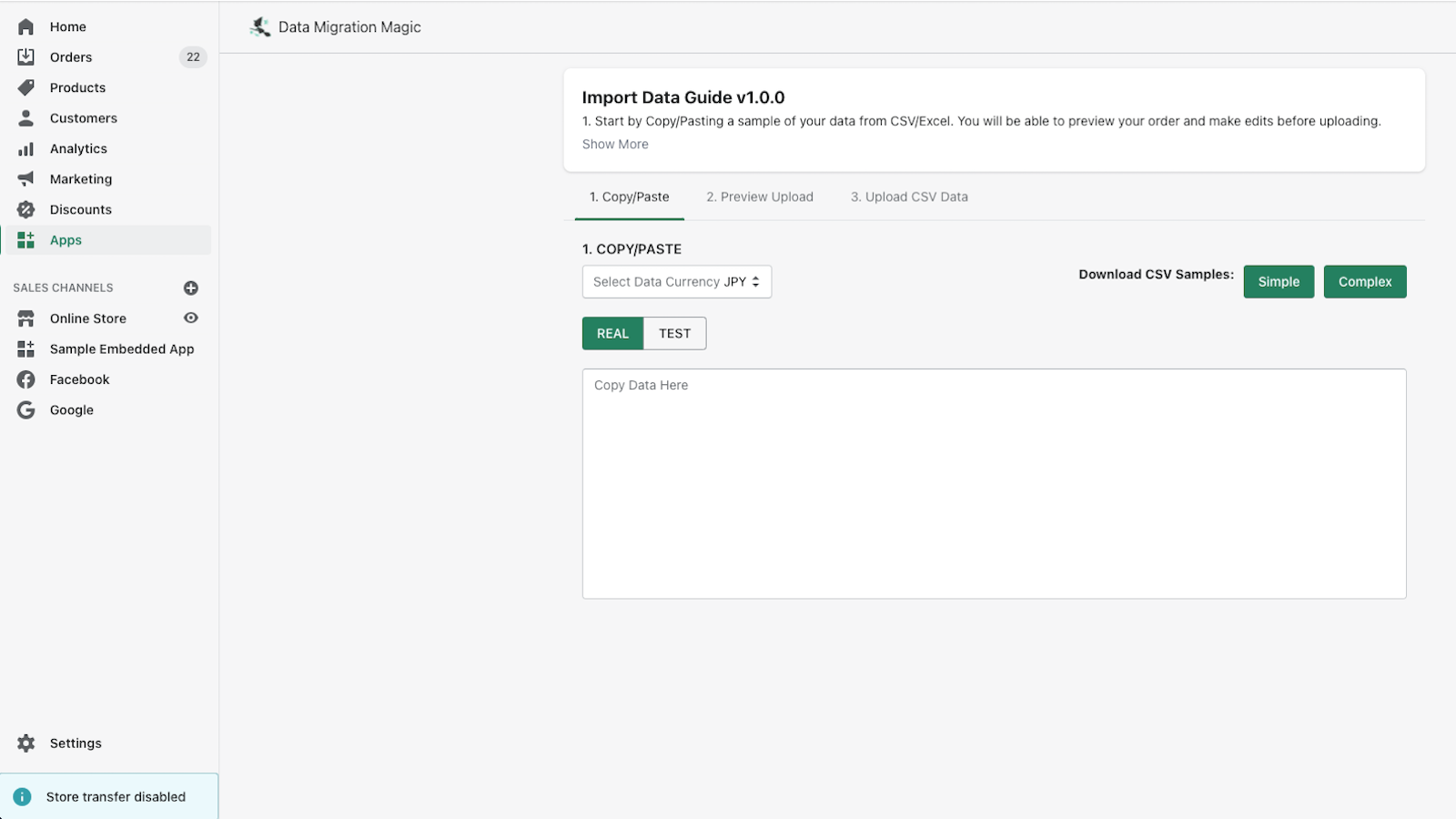
Magically import your order data. Copy. Paste. Go

Migrate products data
Use csv files
Easy transfer process

About Data Migration Magic

Launched Nov 29, 2021

Categories

Built by Shopify

Address

C-60 Taj Complex, Okhla, New Delhi, DL, 110025, IN

Website Support Portal Privacy policy Tutorial FAQ Document
Z Sticky Add To Cart Button logo
  • Sponsored

Keep "Add to Cart" visible, boost conversions. No coding...

Description

Migrates products data from data files to your store.

Migrates products data from data files to your store. more
  • Migrates data
  • Use simple CSV file to transfer
  • Easy to use

Pros

  • Easy to use: The app is described as user-friendly, which can save time and reduce the learning curve for new users
  • Simple CSV file transfer: Users can migrate their data using a straightforward CSV file format
  • Automated data migration: The app facilitates the migration of products data, reducing manual work

Cons

  • Limited functionality: The description mainly highlights product data migration, potentially indicating a lack of support for other data types
  • Lack of detailed description: The app description is very brief and repetitive, which may not provide enough information for users to understand the full capabilities of the app
  • Potential for errors: While not explicitly mentioned, the use of CSV files can sometimes lead to formatting issues or errors if not handled properly

More App like this

Puco Blocks: Product Blocks logo
(5 Reviews)
  • Free Plan Available

Boost Shopify sales with customizable, no-code, conversion-focused...

B4B ‑ Variable Products logo
(53 Reviews)
$9-$19 / Month
  • 30 Days Free Trial

Variants on collection page & Collection filter by variants...

Pent Library | Theme Sections logo
(12 Reviews)
$19-$39 / Month
  • Free Plan Available

Customizable sections for seamless, dynamic storefront design...

XO Insert Code logo
(108 Reviews)
  • Free Plan Available

Add custom code to <head>, after <body> and...

Scroll to Top