Where Knowledge Meets Innovation

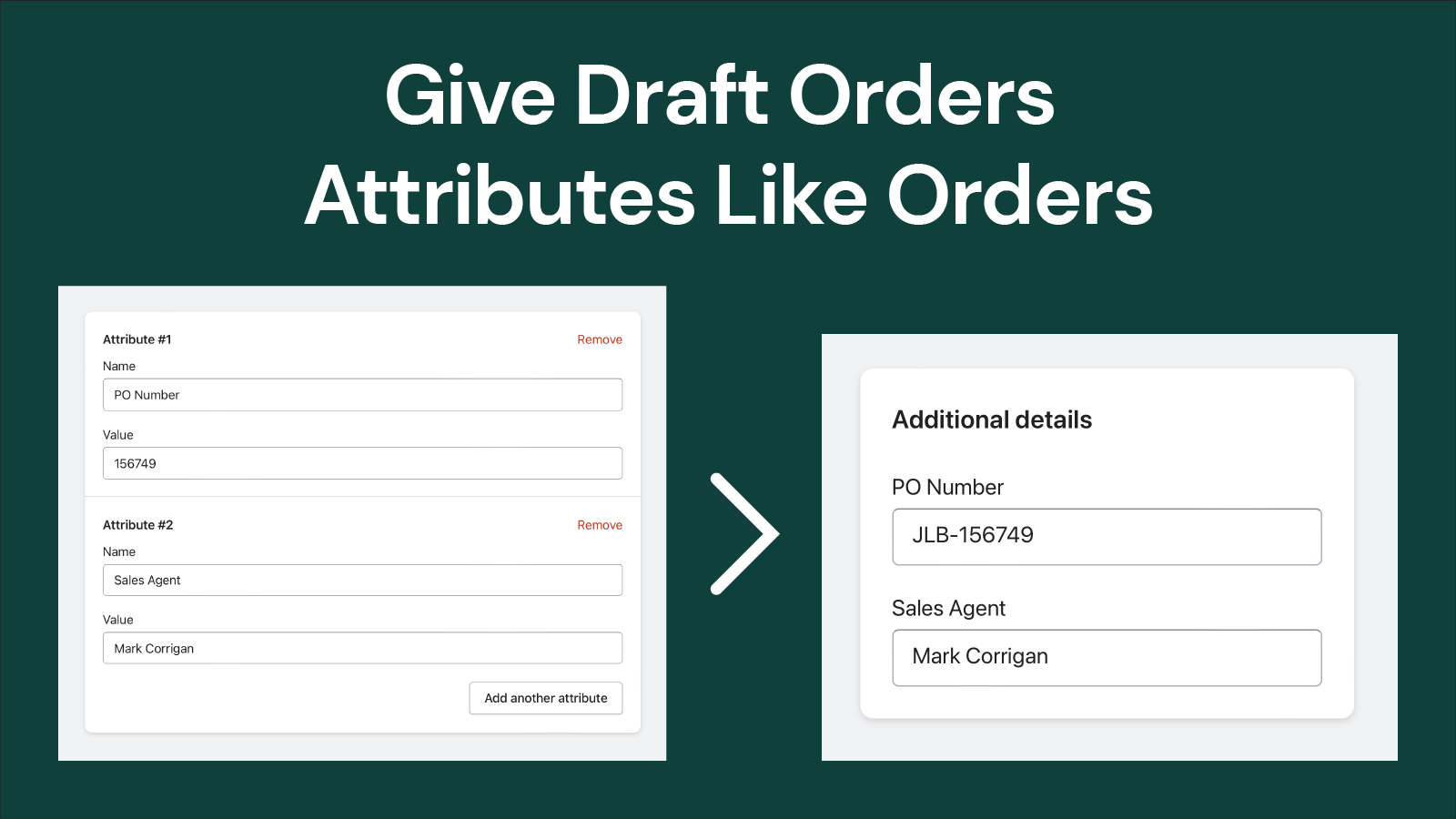
Add and edit the "additional details" fields to draft orders
151 O’Connor St, Ottawa, ON, ON, CA
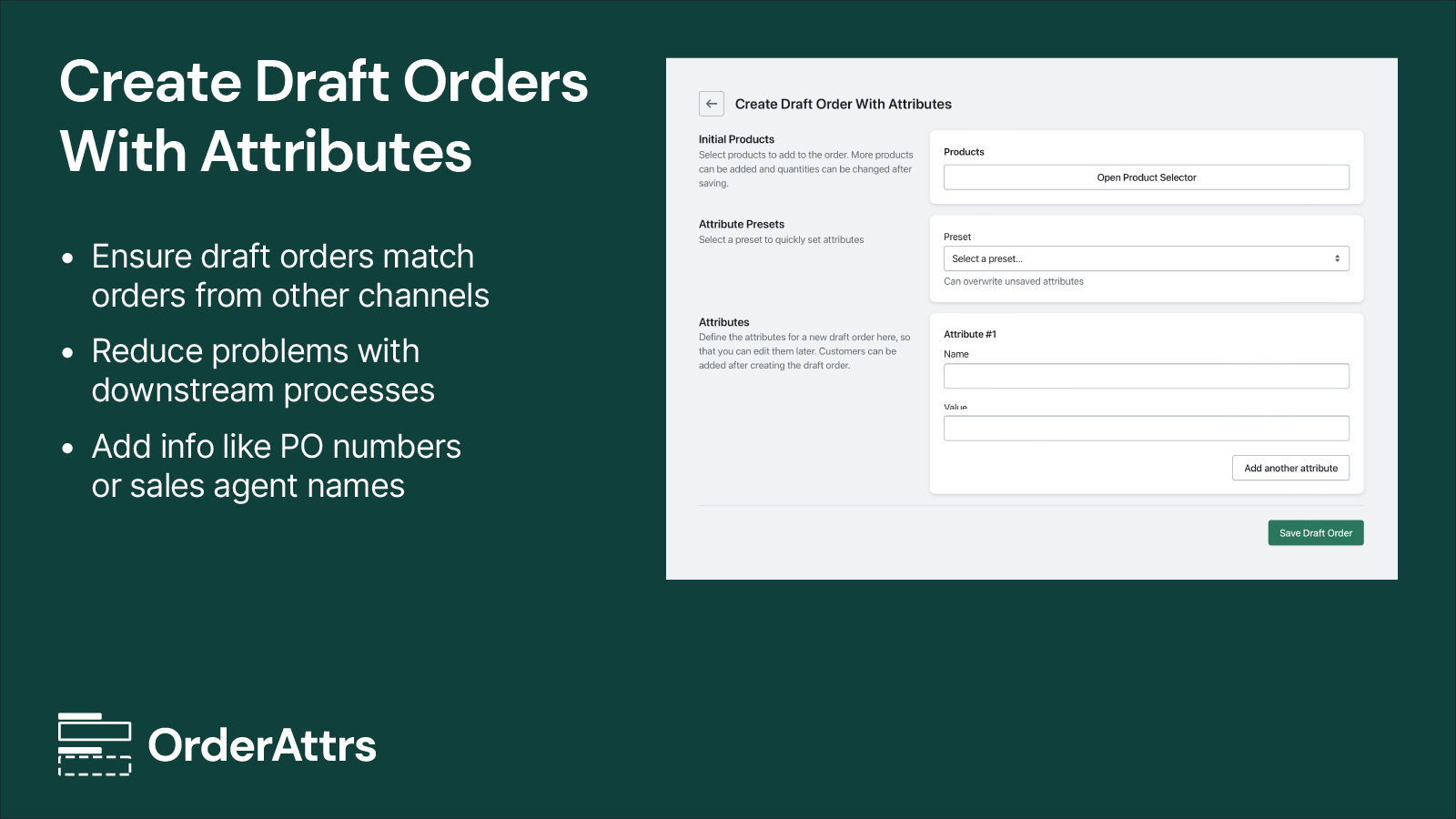
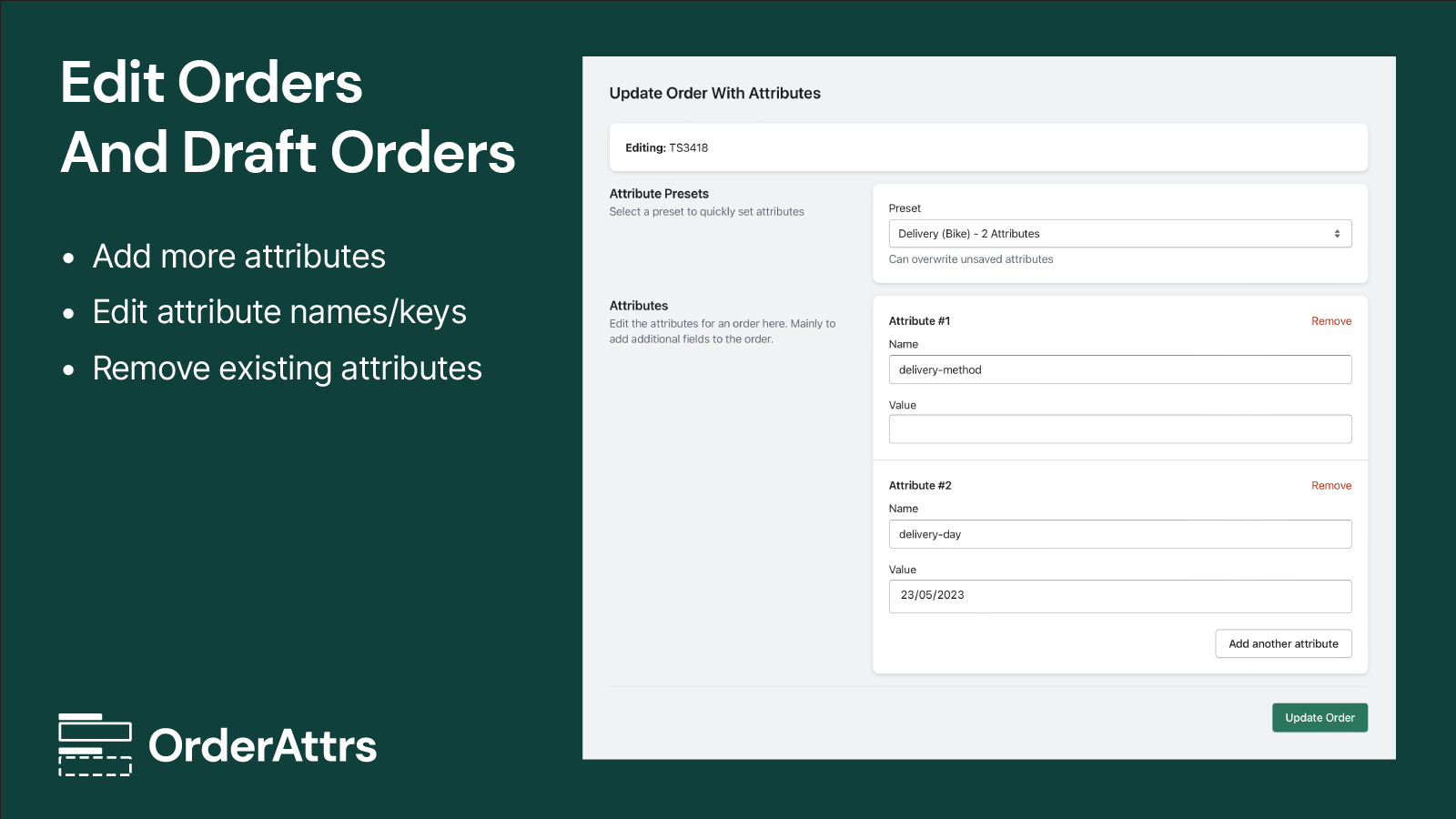
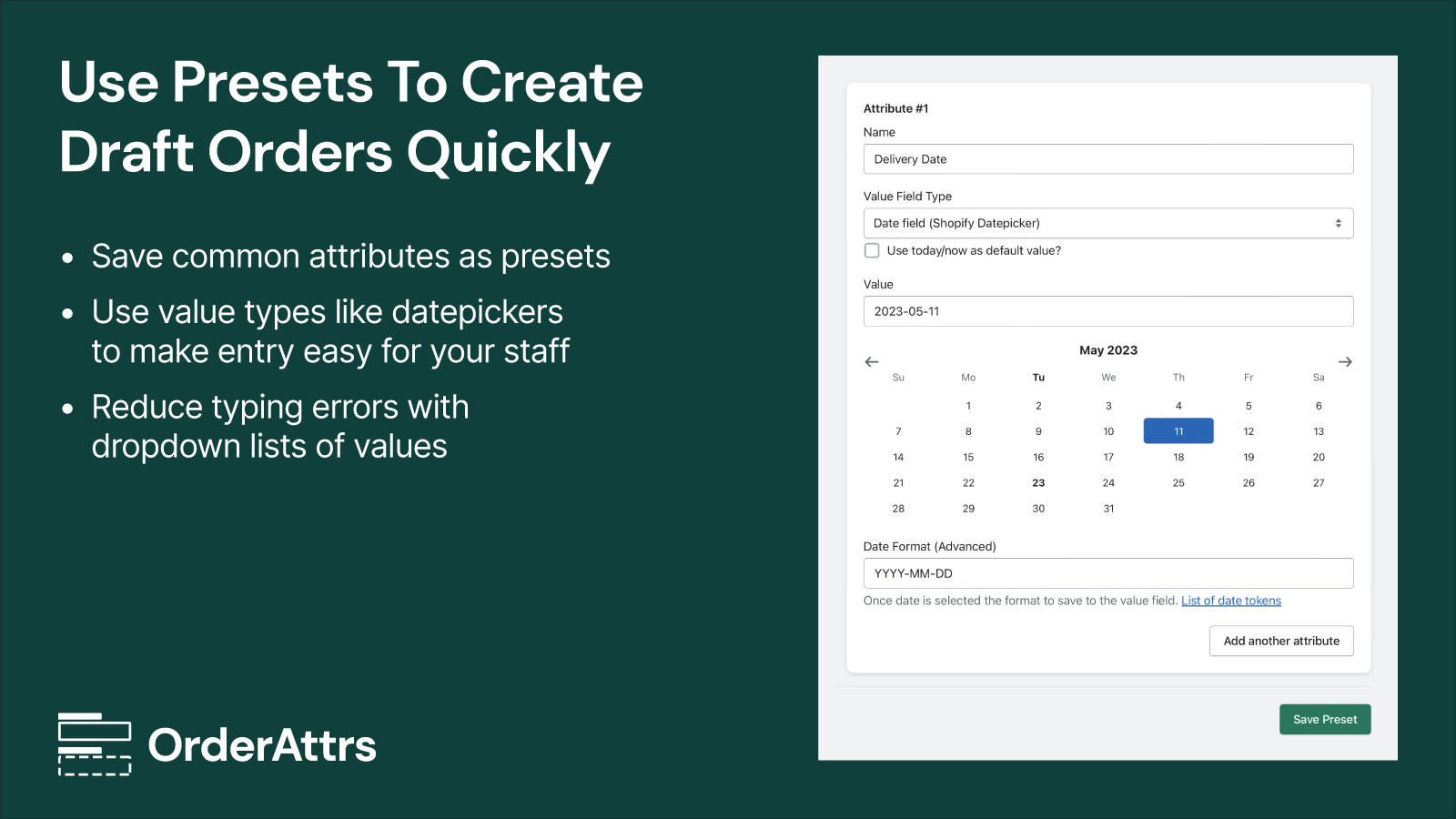
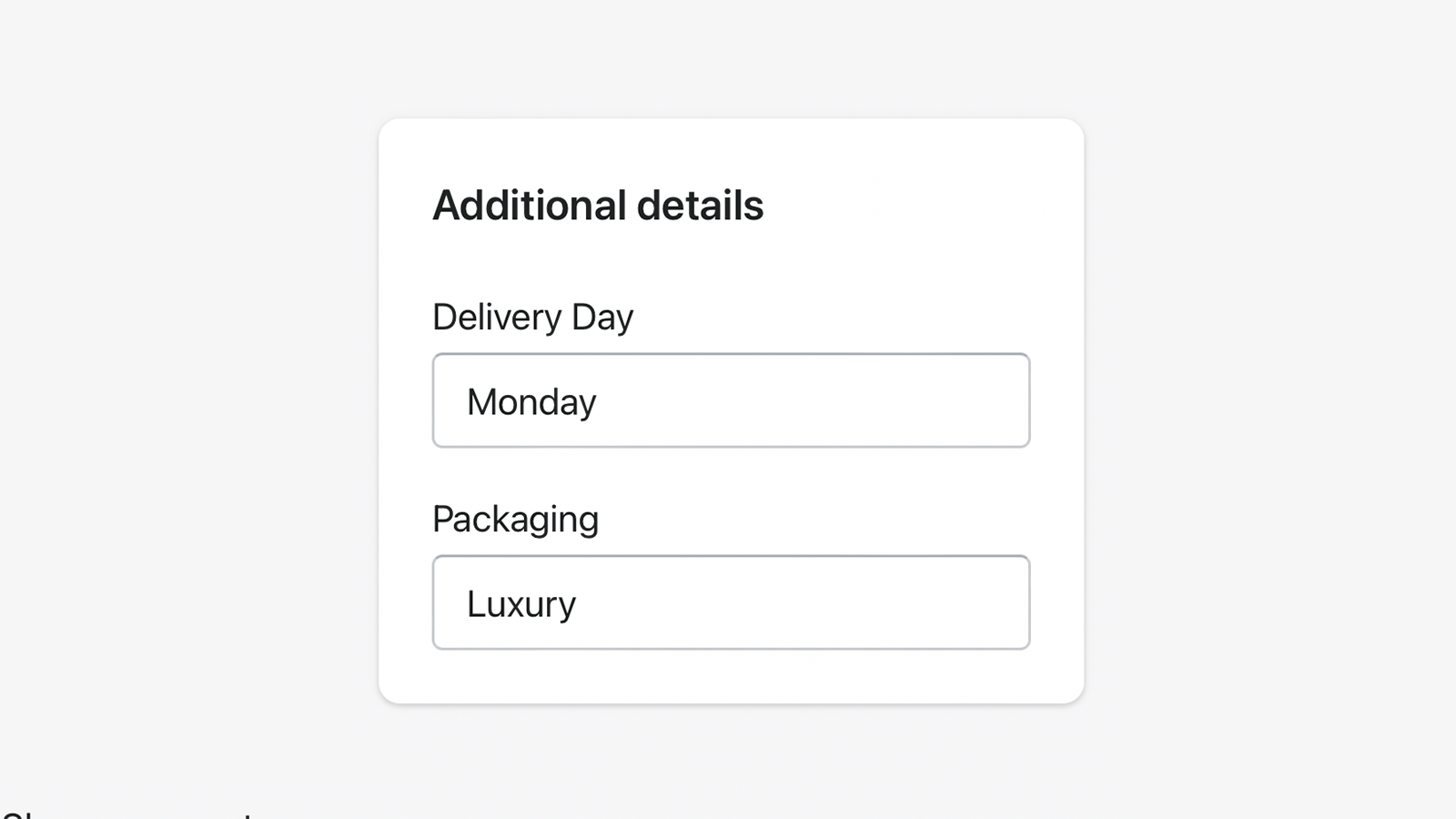
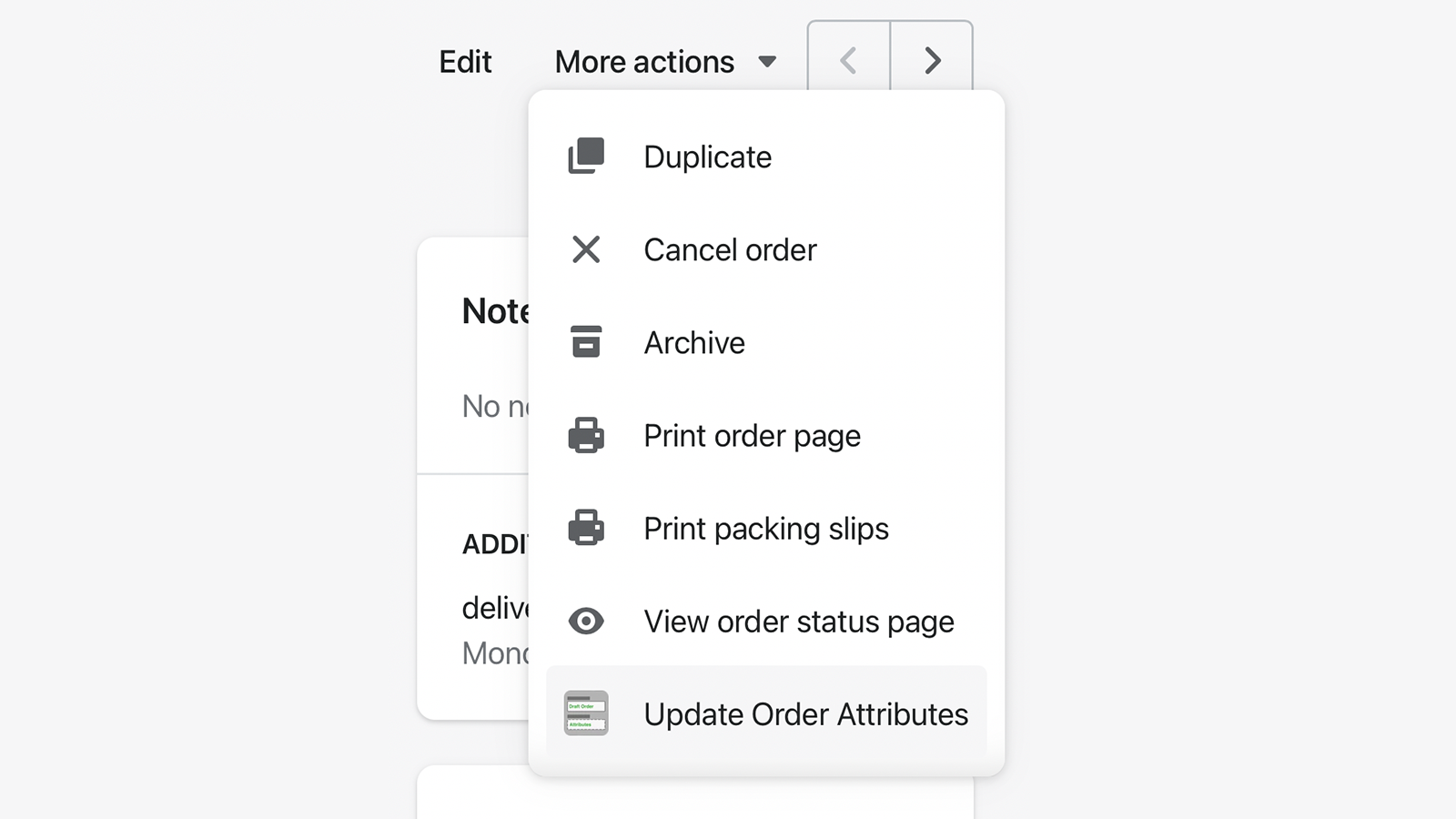
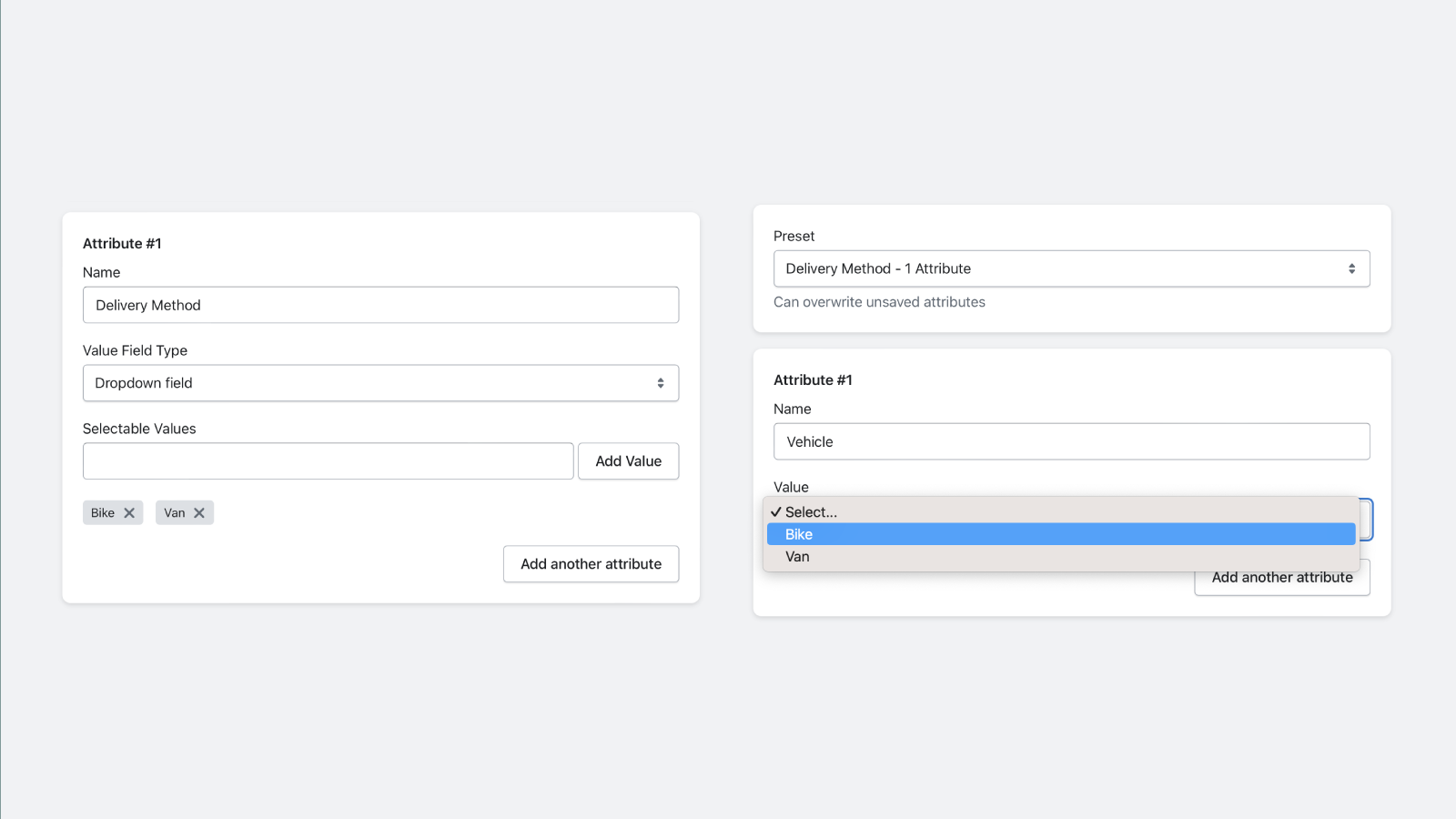
Website Support Portal Privacy policy Tutorial FAQ DocumentMake sure your draft orders match orders made through other channels, by including Order Attributes on your orders. Edit existing orders and draft orders to change the names of attributes, add more attributes and remove existing ones. Use presets of your commonly used order attributes to speed up draft order creation. Create attribute presets with value types such as text, number, date and dropdown lists. To make it easier for staff to input information.
Avoid sales errors due to rounding when selling by weight
Let Customer edit their orders : cancel, upsell, refund,...
Give your customers the ability to easily edit their orders....
All-in-one for email automation, fulfillment and auto tagging...


 Wix Apps
 Ecwid Apps
 BigCommerce Apps
 AI Agents