Where Knowledge Meets Innovation
Compare, Backup, Search, and Track Changes in Your Themes
Launched Aug 06, 2020
Categories
151 O’Connor St, Ottawa, ON, ON, CA
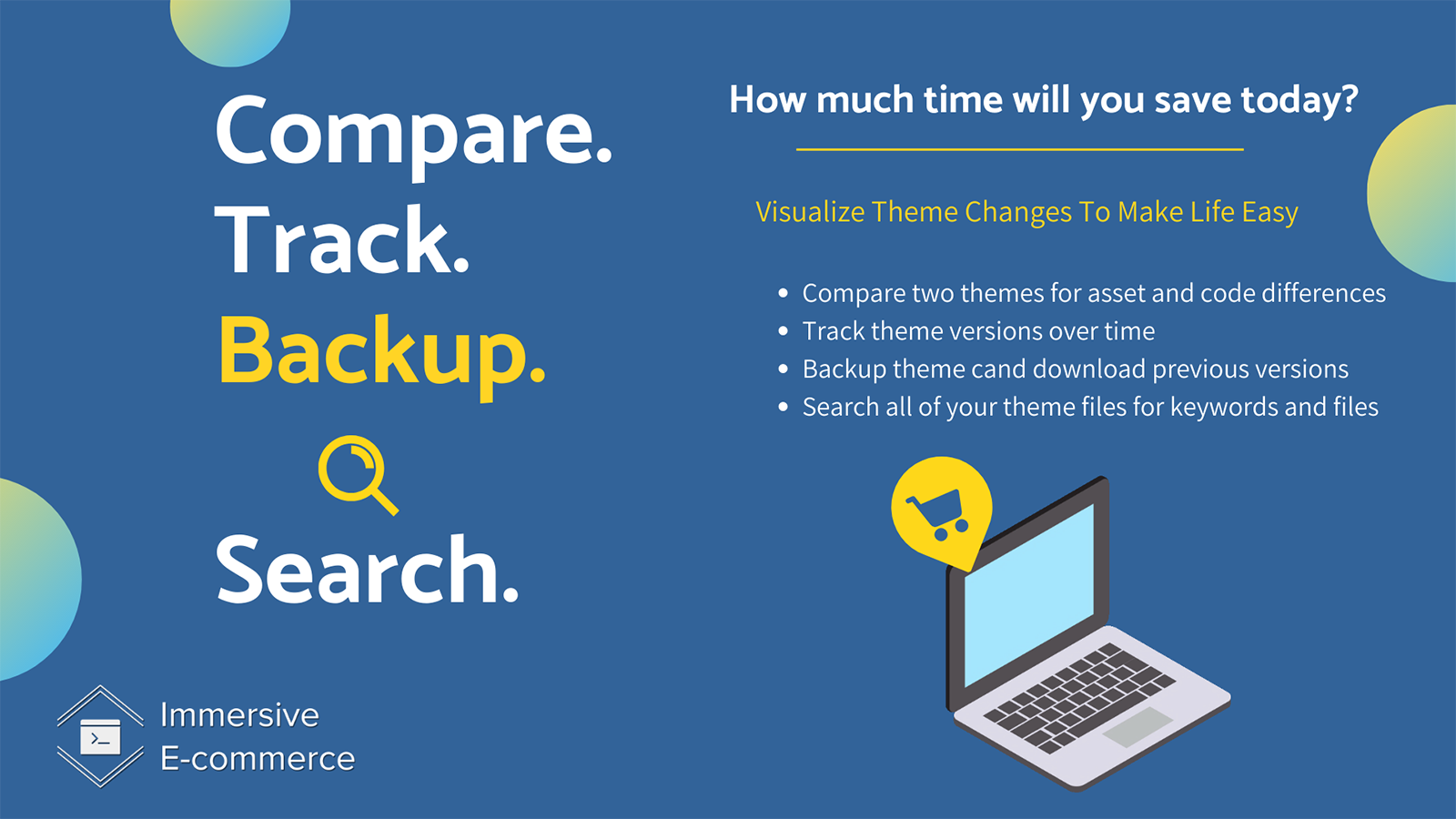
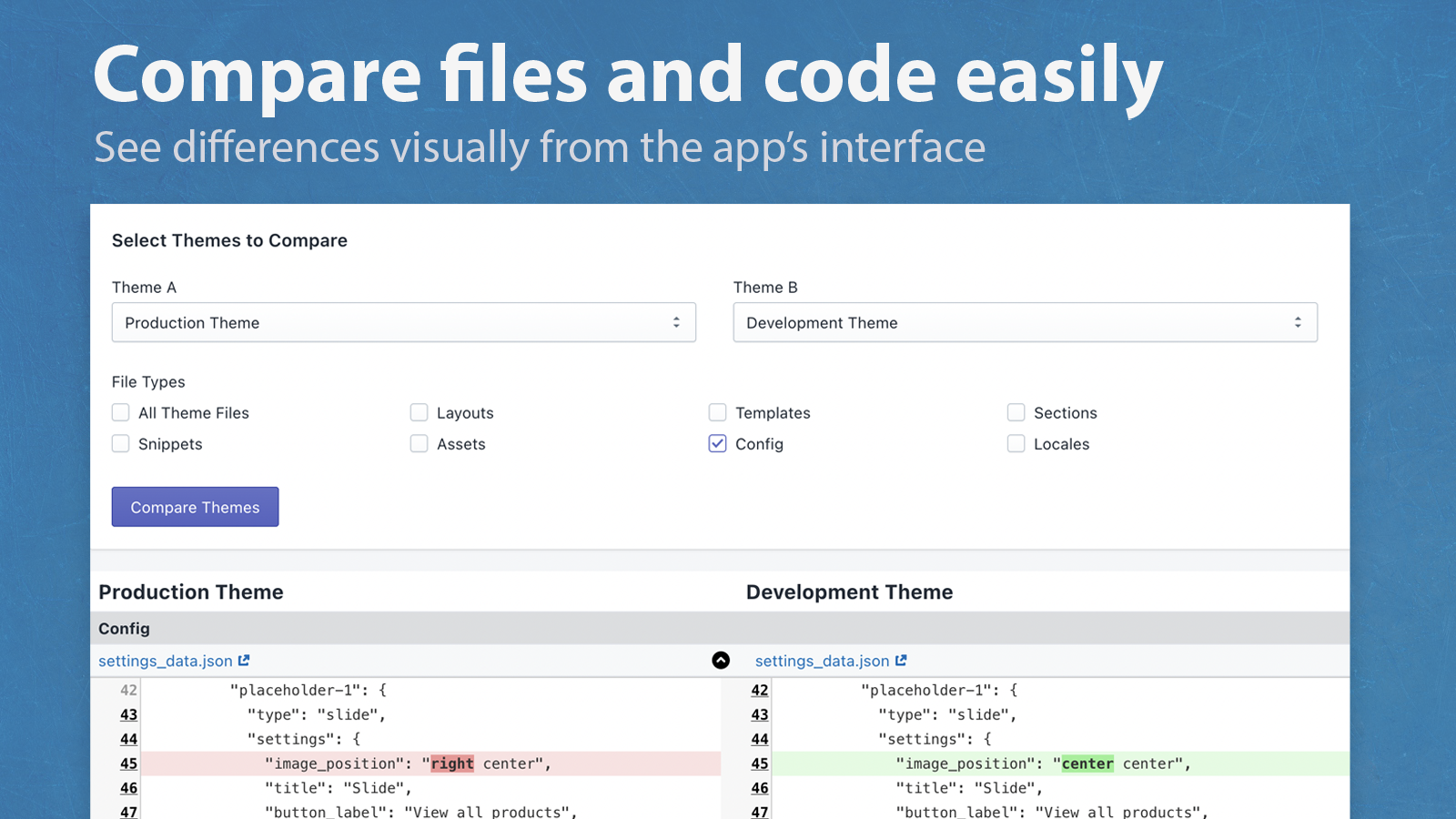
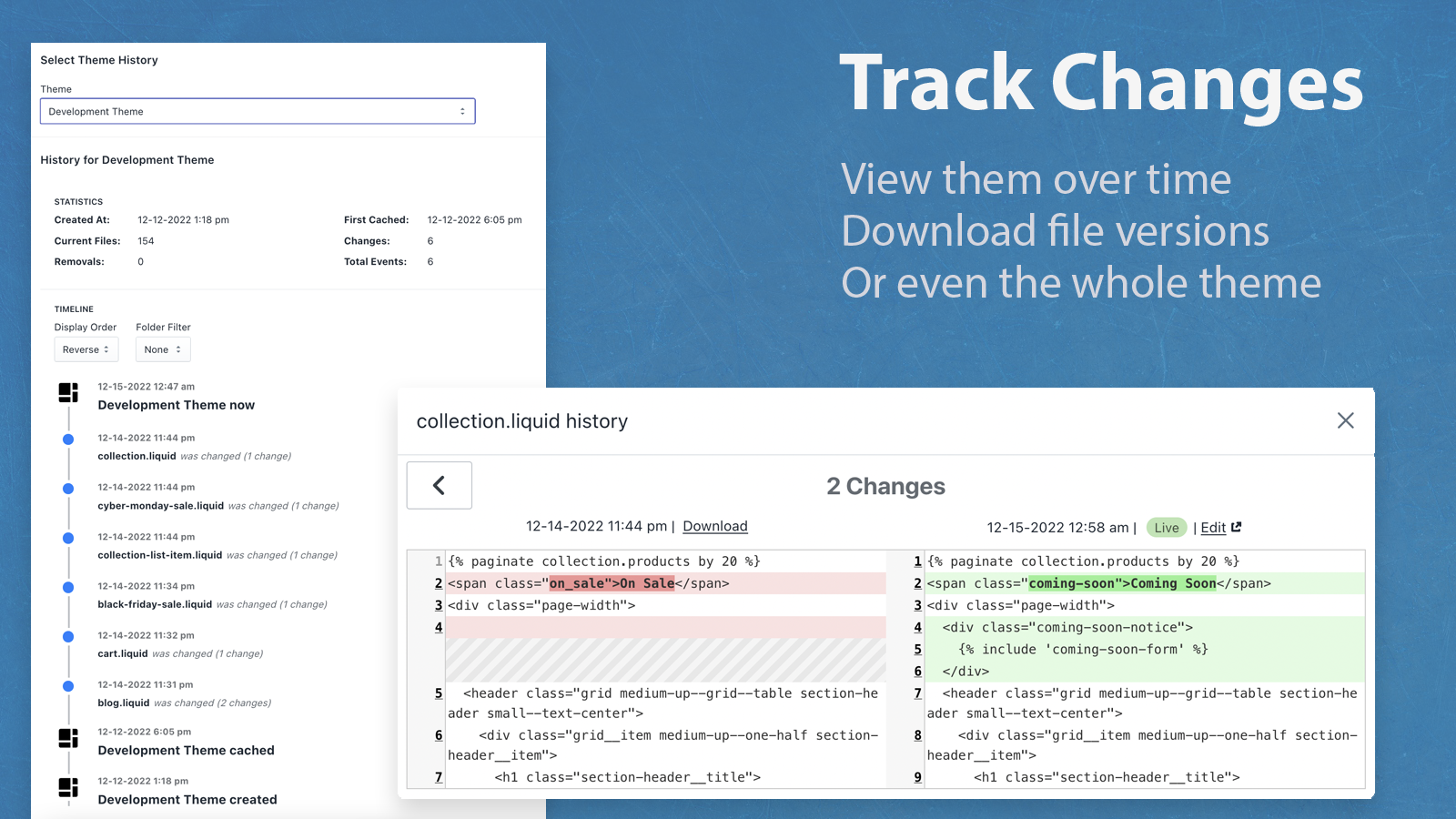
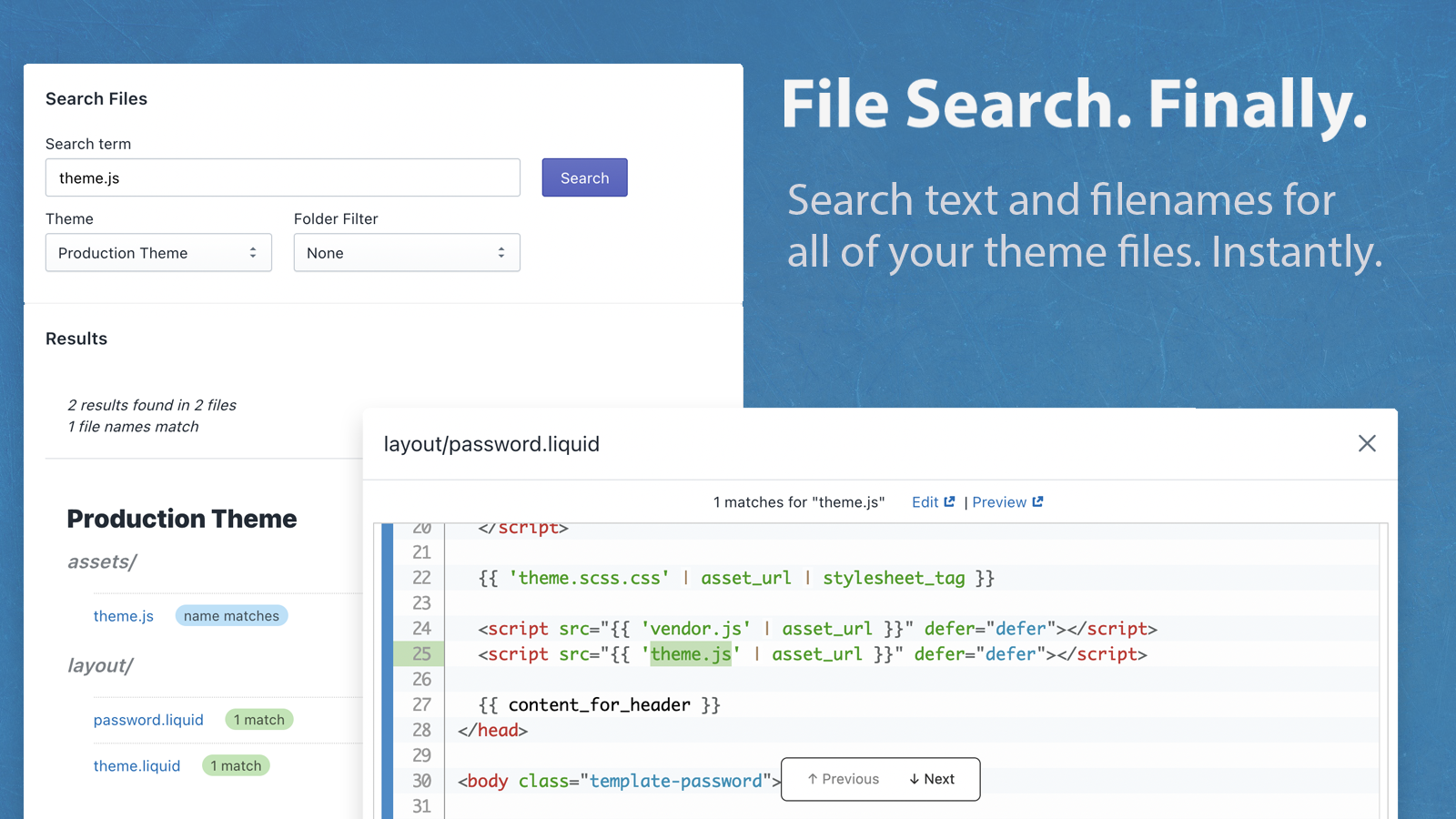
Website Support Portal Privacy policy Tutorial FAQ DocumentSearch themes and search files for keywords in any of your themes with ease. Backup themes automatically. Track theme file changes over time. Compare themes for file differences (diff checks). Download a file or complete theme from any point in time. Click to go right to the Theme Editor. View file changes from one version to the next. View when a theme was published. No coding, repositories, or command line - just simplicity to save you time. Easy for merchants and experts alike.
Automate schema markup for enhanced product indexing and...
Supercharge your store's SEO performance and fix issues...


 Wix Apps
 Ecwid Apps
 BigCommerce Apps
 AI Agents