Where Knowledge Meets Innovation

Effortlessly collect POS fees with Chargly for seamless transactions.
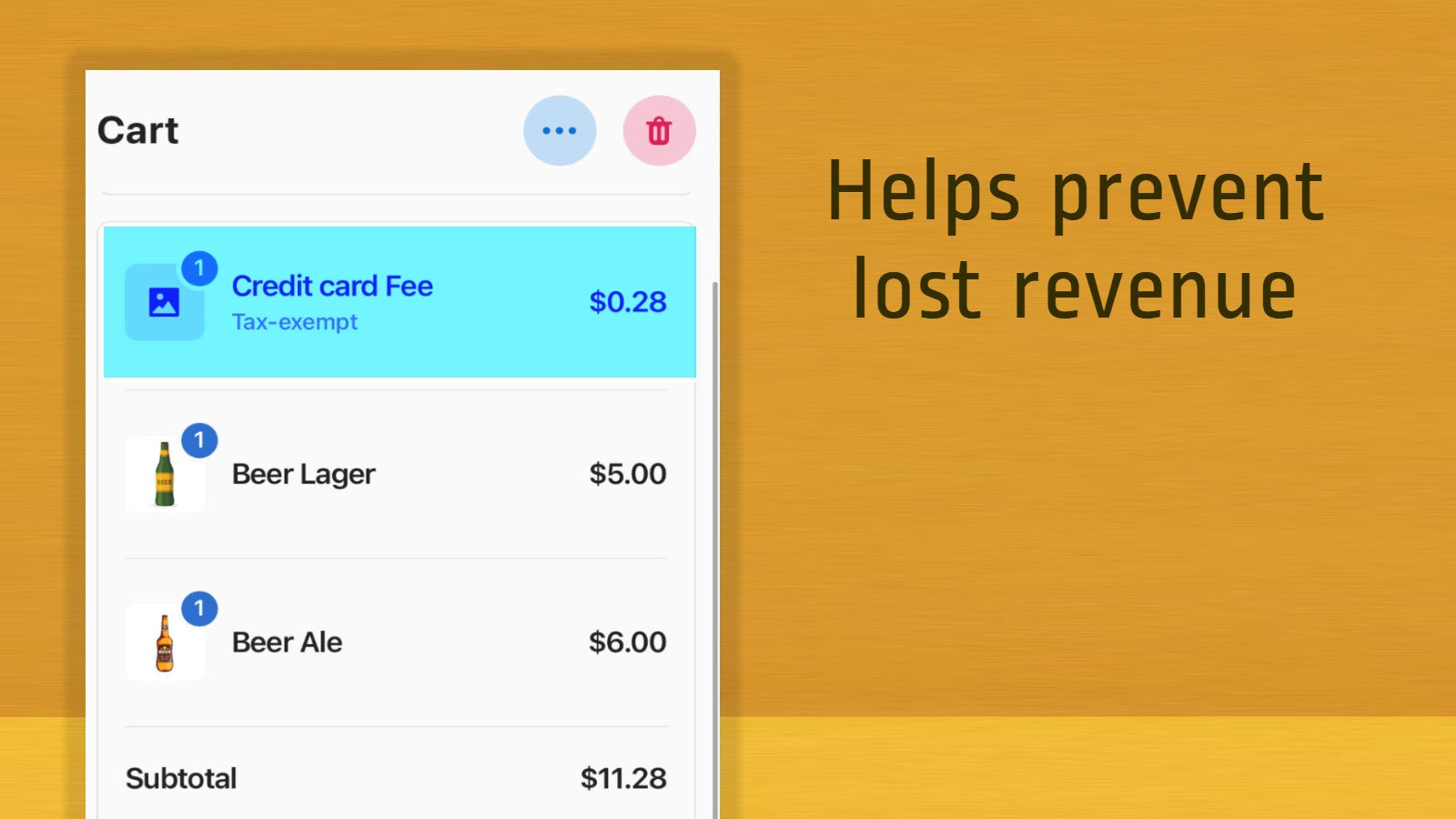
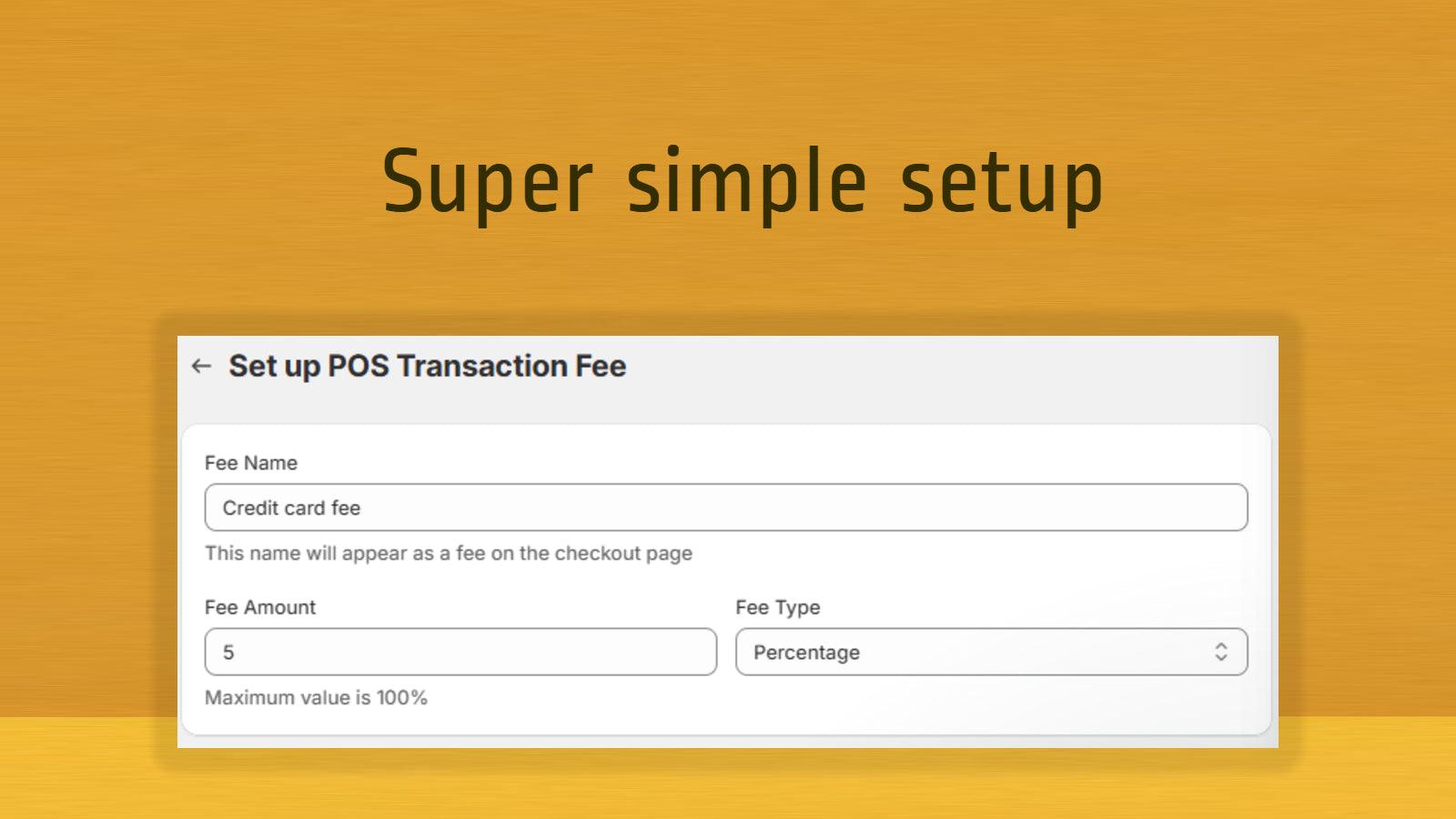
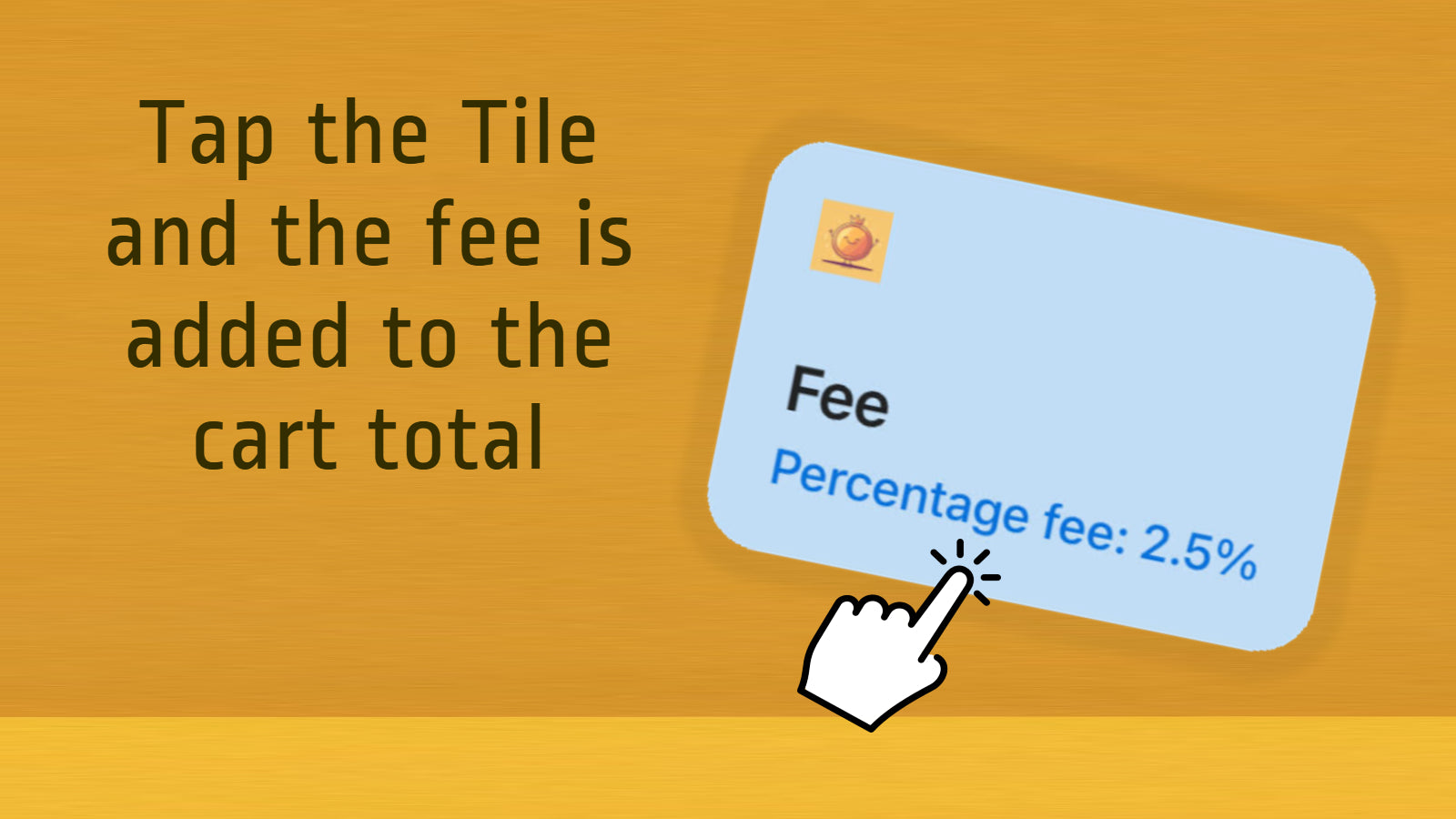
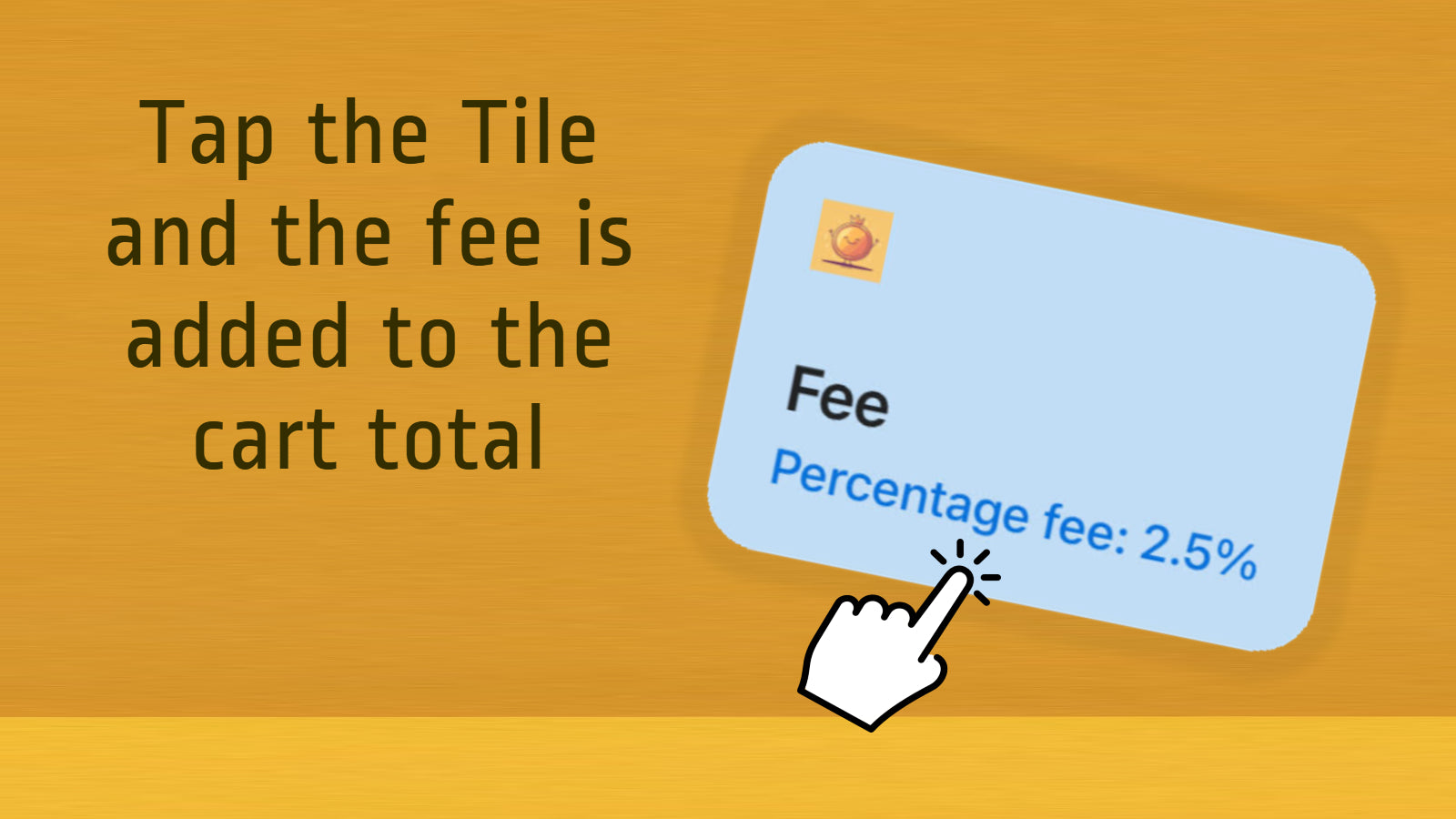
Stop losing revenue to rising payment costs! Chargly lets Shopify POS staff easily add credit card surcharges, credit card processing fees, Amex fees, Afterpay fees, PayPal fees, BNPL surcharges, service fees, setup fees, and other transaction fees. Staff simply tap the Chargly tile, choose the fee, and it’s automatically added at checkout. Fast, accurate, and the easiest way to recover processing costs, protect margins, and stay flexible with every payment method your store accepts.
Capture custom data using point of sale custom fields.
Interactive lookbooks, automated sales tasks, data insights...
Create customer-exclusive barcodes/QR codes for easy in-store...
QR code generator, unlimited QR codes (Create Bulk QR Code)...


 Wix Apps
 Ecwid Apps
 BigCommerce Apps
 AI Agents