Where Knowledge Meets Innovation

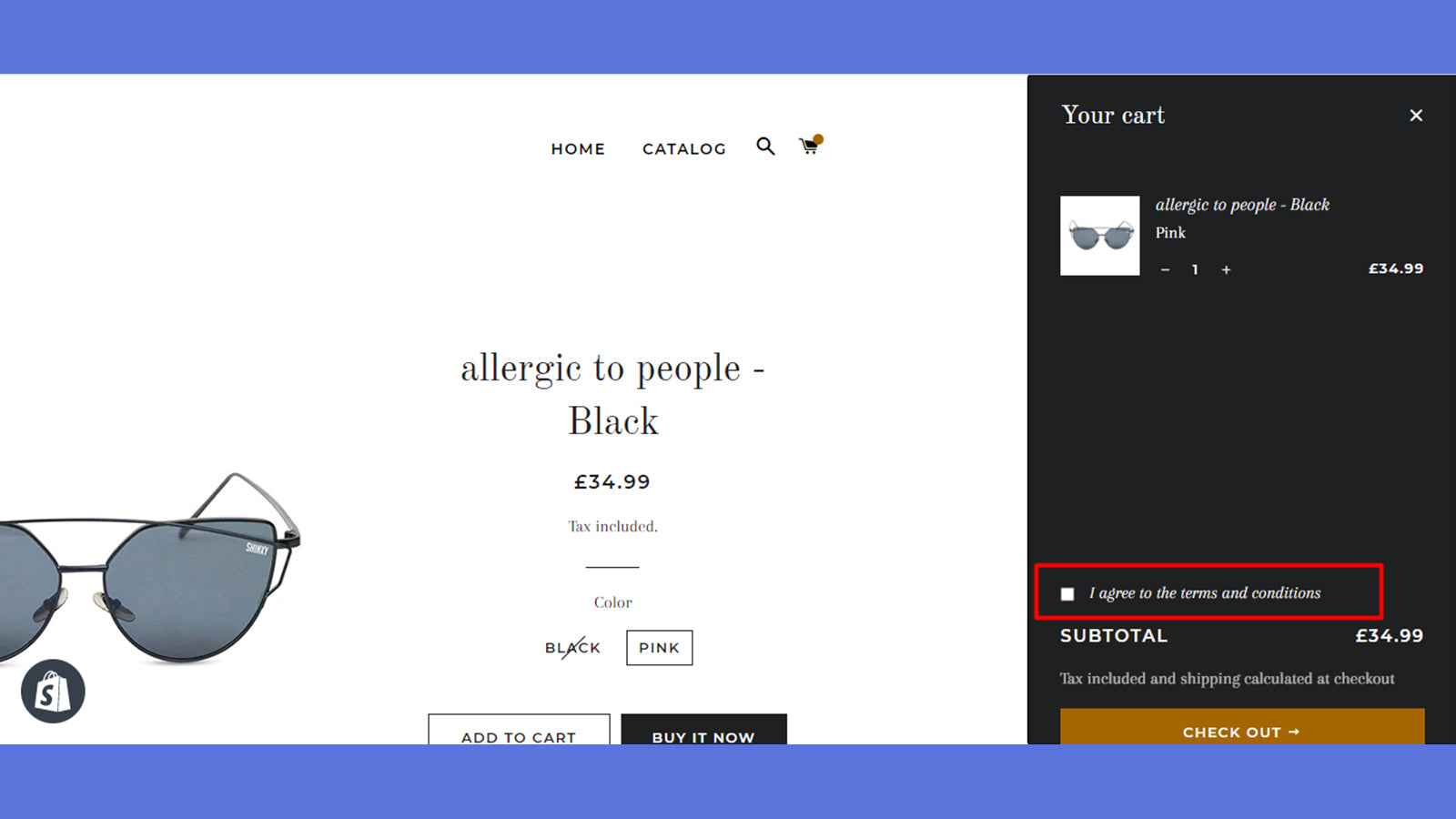
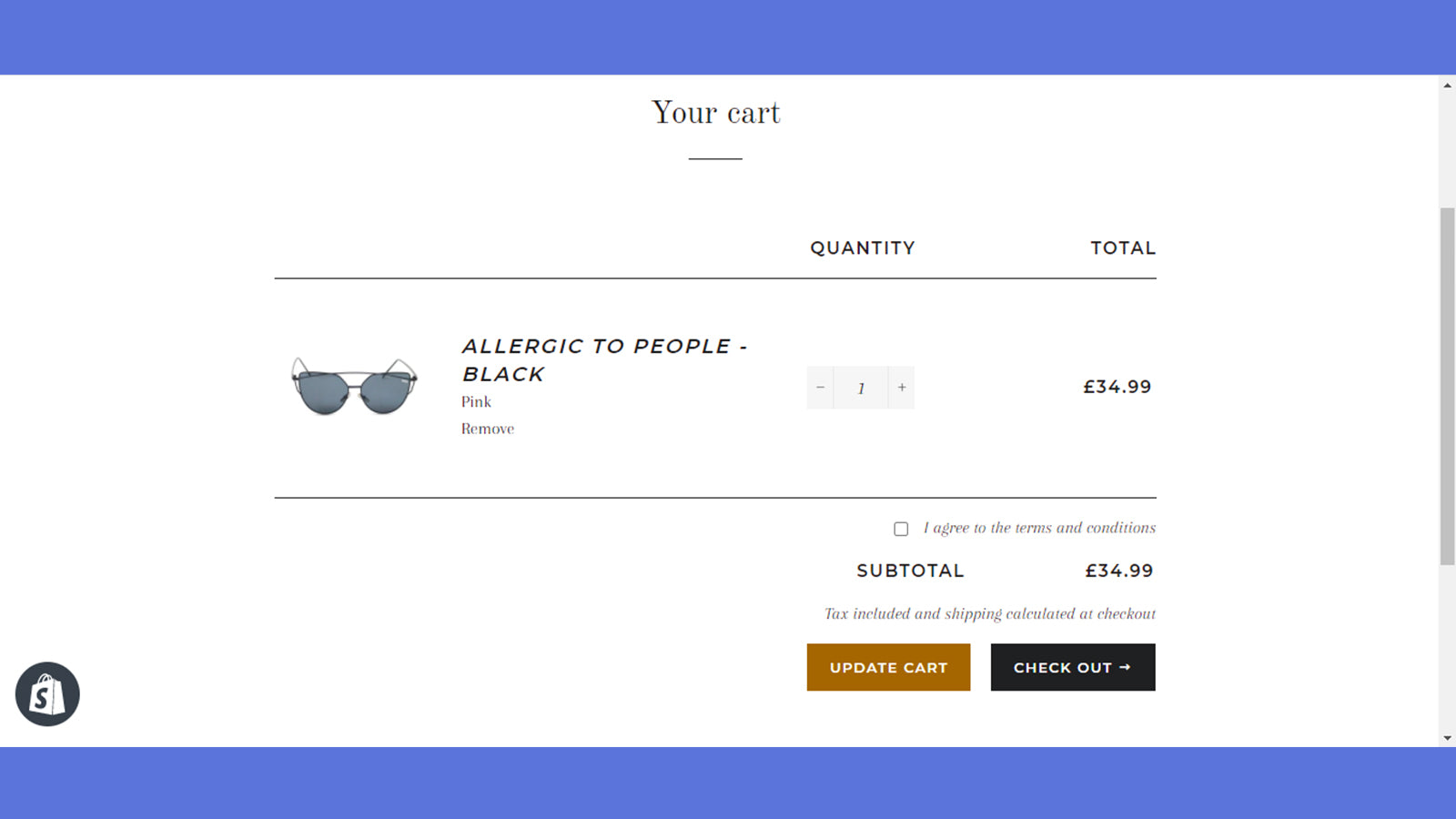
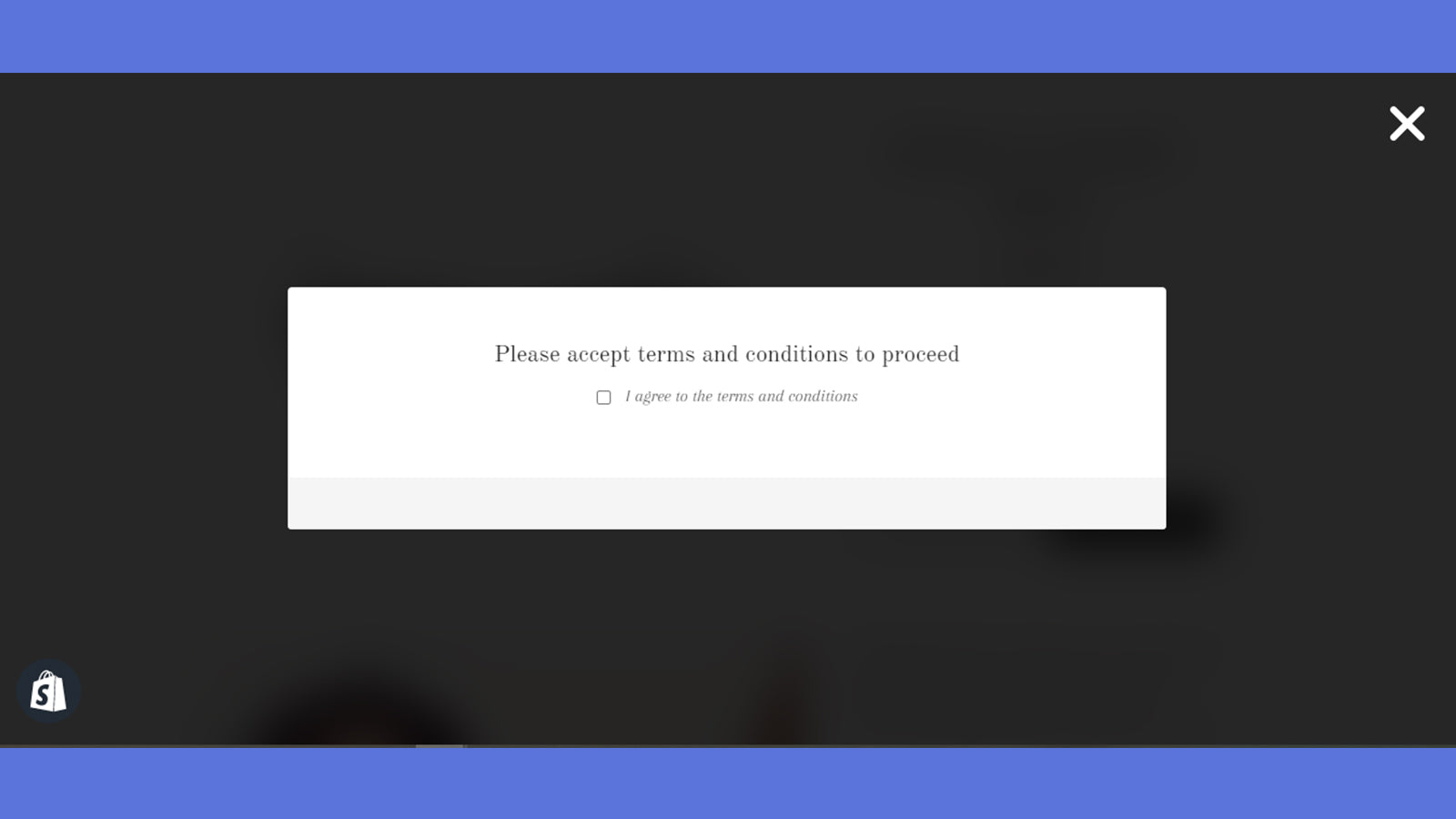
Easily add a "terms and conditions" checkbox in your cart page
151 O’Connor St, Ottawa, ON, ON, CA
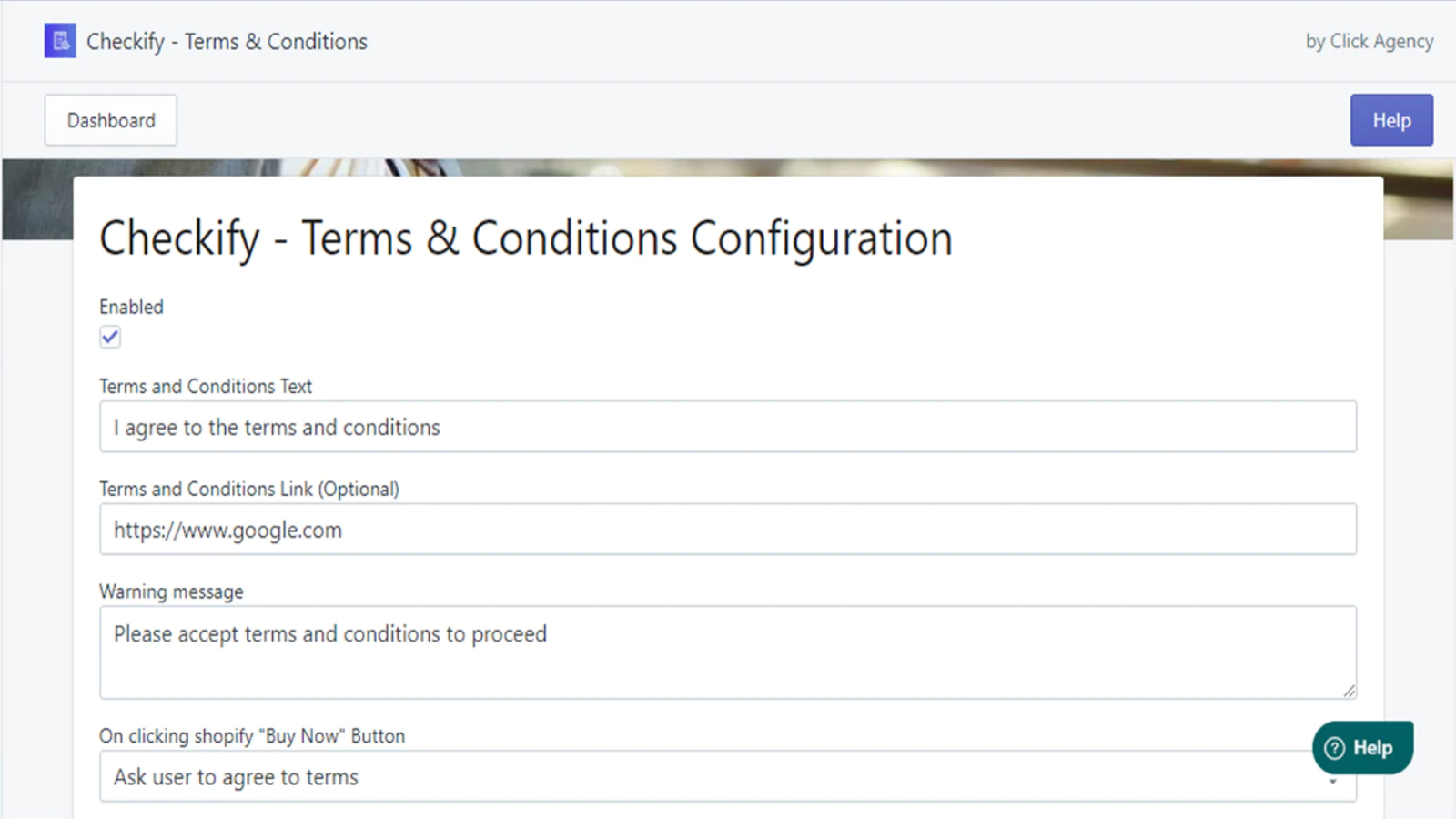
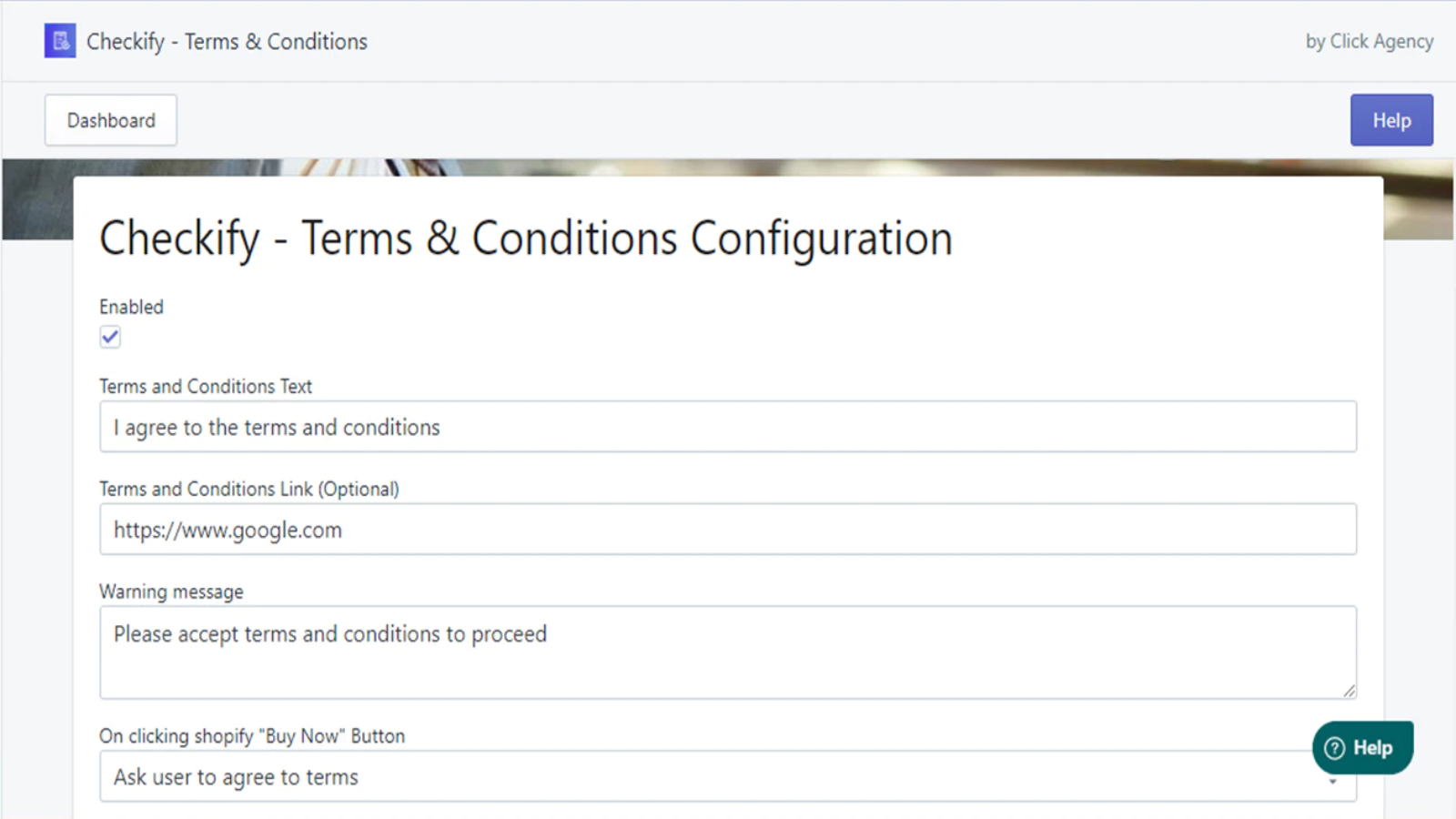
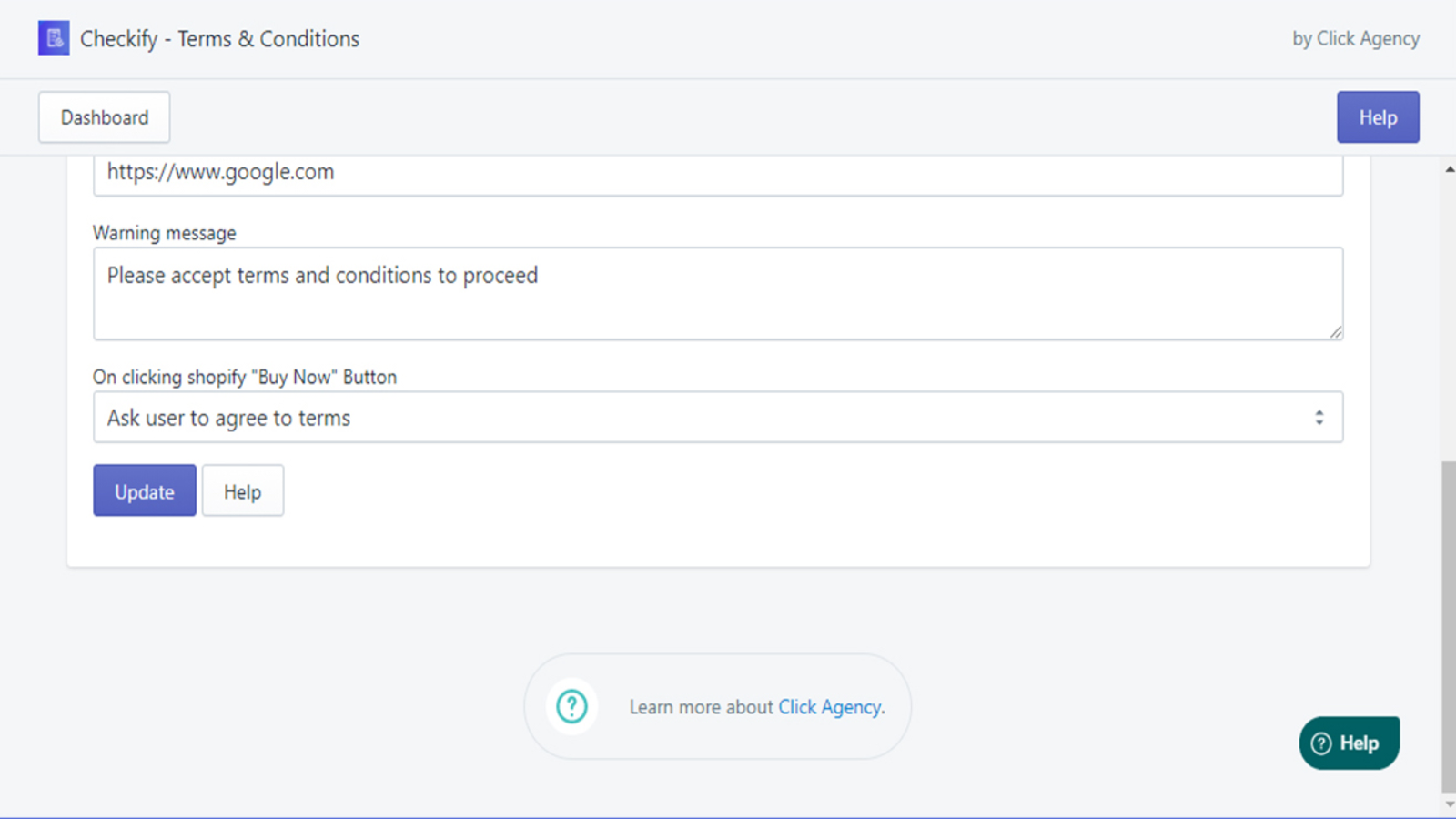
Website Support Portal Privacy policy Tutorial FAQ DocumentIf you have any policy that your customers need to be aware of before purchasing your products, then Checkify is exactly what you need. Once installed on your store, checkify requires your customers to agree to your terms and conditions by checking the "I Agree to the Terms & Conditions" box in the cart page before proceeding to checkout.
Boost Sales, Purchases, Recent Sales & Recent Orders...
Streamline Your Social Media Marketing with Facebook Feed....
Sales Popup, Sales Counter, Timer Countdown & Urgency...
"Enhance sales with slide-out cart, cross-sells, and reorder...


 Wix Apps
 Ecwid Apps
 BigCommerce Apps
 AI Agents