Where Knowledge Meets Innovation

Repeat order easily with one click in my account pages.
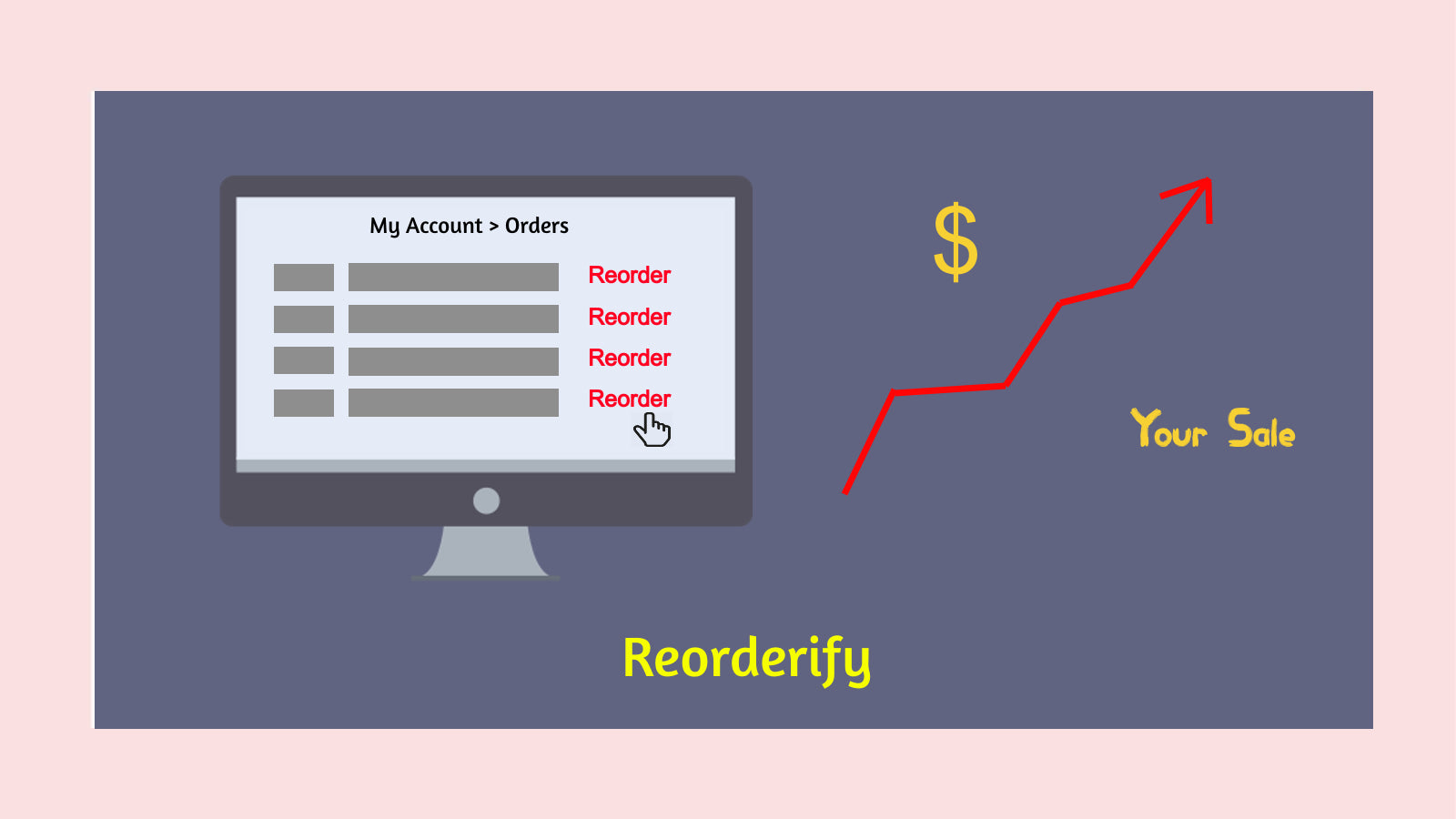
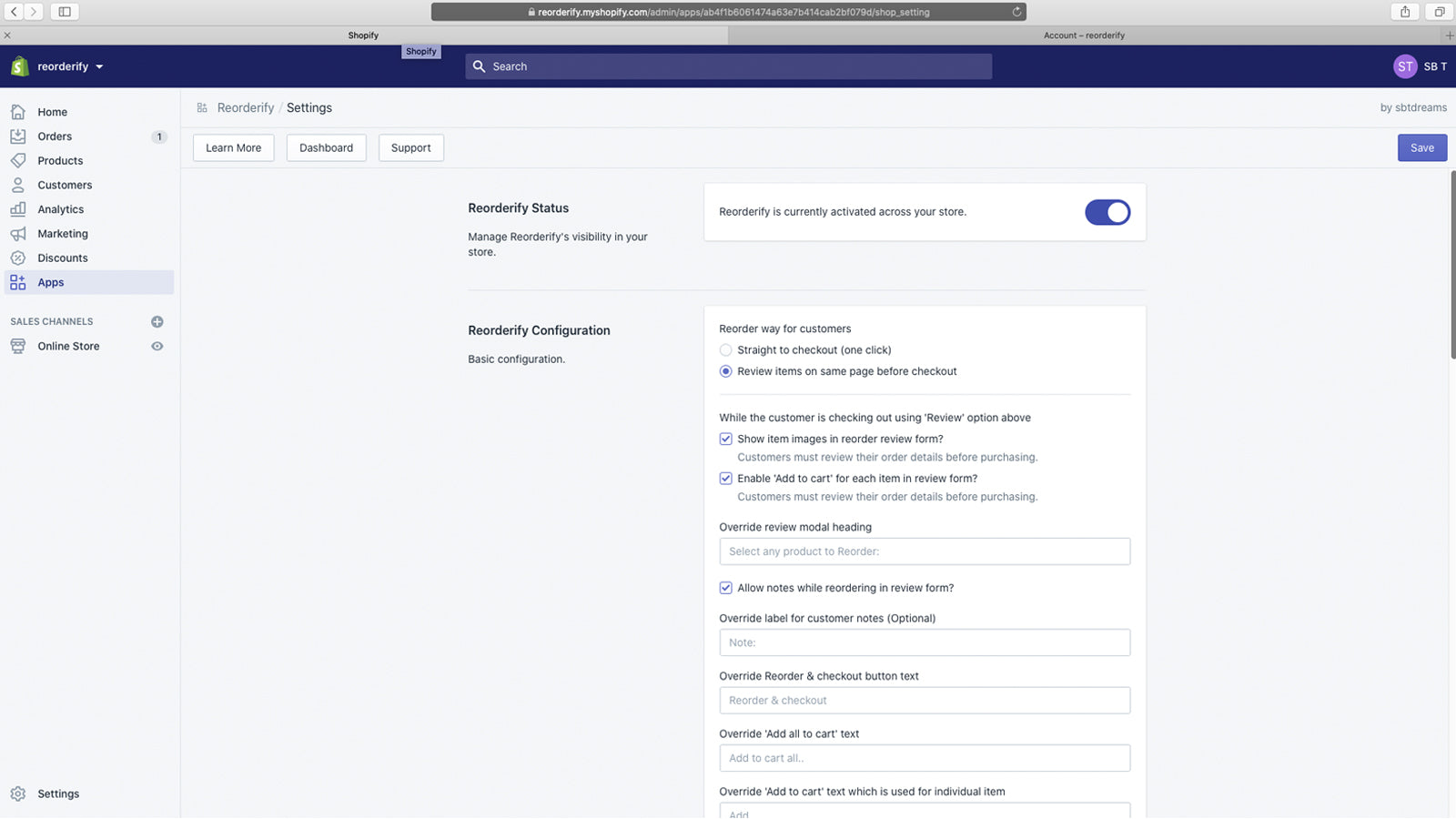
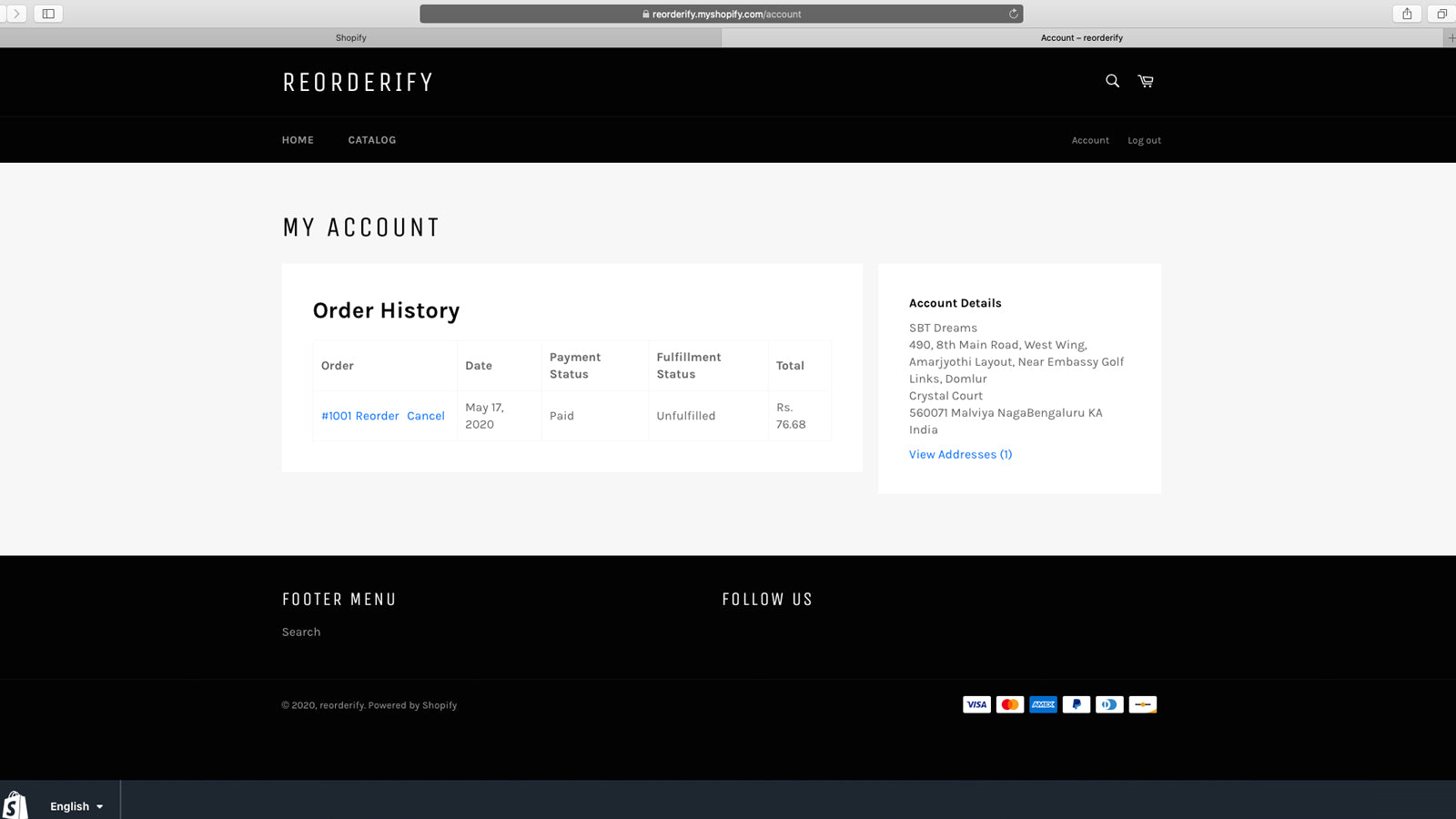
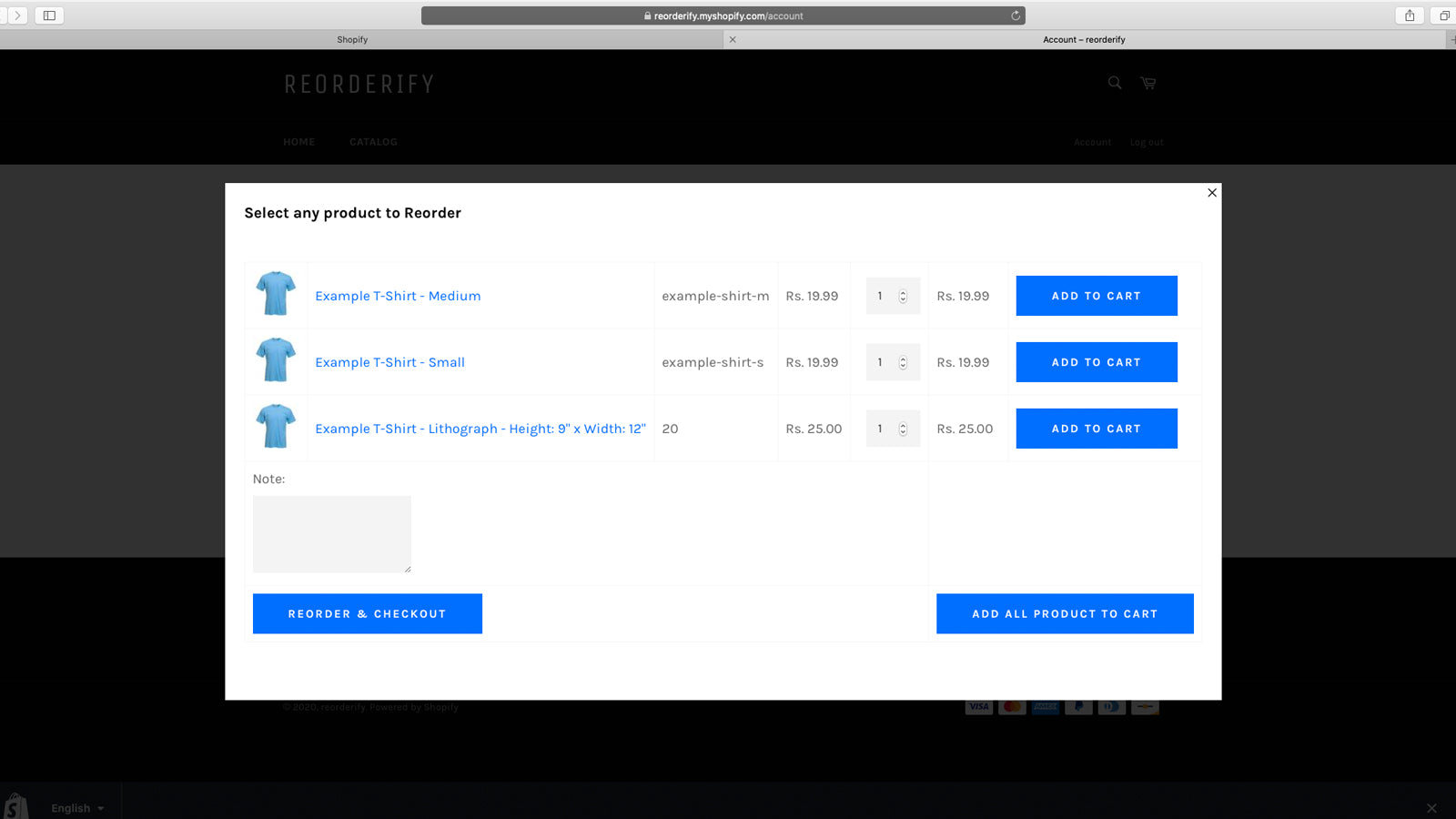
Reorderify provides a way to add any previous order products to the cart or take to the checkout page. After installing this application, a button having text 'Reorder' will be added in each order row in the 'Order Listing' section of 'Account Page'. The 'Reorder' button can be added on the 'Order Detail Page' or 'Thank-You Page'.
Effortlessly collect POS fees with Chargly for seamless...
Track inventory, manage rentals, handle risks, and enable...
Try Before You Buy Program to Convert Skeptical Customers
"TryBee: Experience first, pay later. Easy returns and seamless...


 Wix Apps
 Ecwid Apps
 BigCommerce Apps
 AI Agents