Taranker.Com Logo
Export Flow Automation: Mipler logo

Export Flow Automation: Mipler

Develop by Shopify

$29.99-$99.99

/ Month
Free plan available 7 Days Free Trial

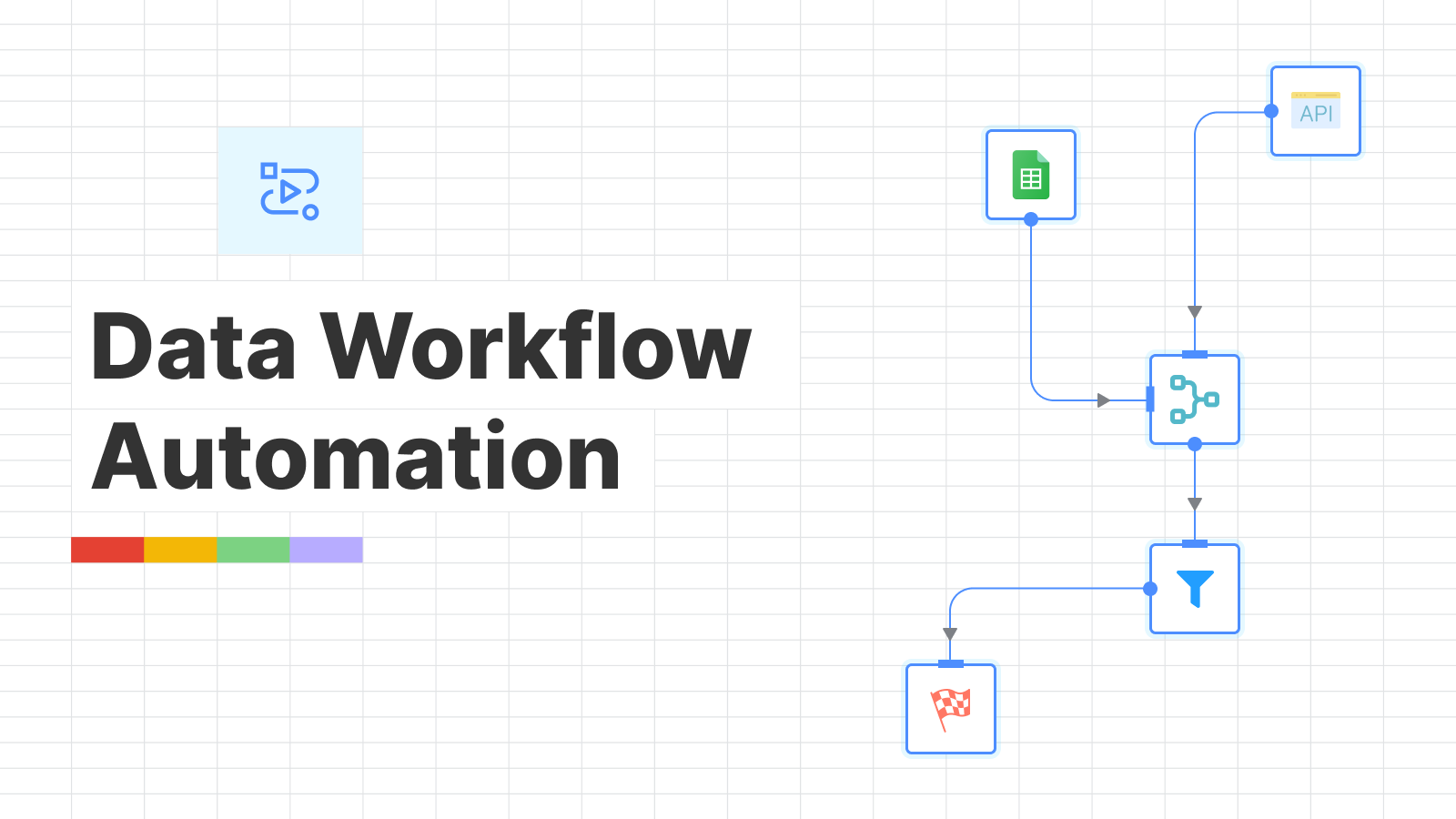
Optimize your store's operations with data workflow automation

Drag-and-drop interface
Data management
Data transformation
Filter data
Export results
Scheduled processes
Merge tables
Load data
Extract api data

About Export Flow Automation: Mipler

Launched Apr 25, 2024

Categories

Built by Shopify

Address

8345 NW 66th Street, #A1374, MIAMI, FL, 33166, US

Website Support Portal Privacy policy Tutorial FAQ Document
Zotasell: AI Upsell & Bundles logo
(39 Reviews)
  • Sponsored

Add popups with coupons, timers, video and email capture...

Description

Build a comprehensive data workflow from spreadsheets to API - no coding required.

Mipler Flow is an automation tool designed for all kinds of data-related tasks: - Exporting, blending, cleaning, transforming, and analyzing data from Shopify; - Building operational reports for delivery, inventory, finance, and payout activities; - Syncing data between different stores or services; - Analyzing products, customers, inventory, and sales. With a functional drag-and-drop interface and no-code/low-code steps, the automation saves a significant amount of time in daily activities.

Mipler Flow is an automation tool designed for all kinds of data-related tasks: - Exporting, blending, cleaning, transforming, and analyzing data from Shopify; - Building operational reports for delivery, inventory, finance, and payout activities; - Syncing data between different stores or services; - Analyzing products, customers, inventory, and sales. With a functional drag-and-drop interface and no-code/low-code steps, the automation saves a significant amount of time in daily activities. more
  • Automate complex data workflow tasks using a friendly drag-and-drop interface.
  • Transform data in hundreds of ways - everything necessary to get the job done.
  • Pull data from different sources, from CSV files to Google Sheets.
  • Export data whenever you need: CSV, Excel, Google Sheets, email, etc.
  • Create complex operational or analytics reports step-by-step.

Pros

  • Automates complex data workflow tasks using a drag-and-drop interface
  • Enables data transformation in hundreds of ways, facilitating comprehensive data manipulation
  • Supports pulling data from multiple sources, including CSV files and Google Sheets
  • Allows the use of an external API to gather the required data
  • Organizes the export process for handling large tabular or structured data efficiently
  • Facilitates quick changes to data, including filtering and structural transformation
  • Merges tables from different sources, enhancing data integration capabilities
  • Processes can be scheduled, unlike other event-based systems, providing flexibility

Cons

  • Potentially complex setup process for users unfamiliar with data workflows
  • May have a learning curve for users who are not experienced with advanced data management tools
  • Limited support for real-time event-based triggers could be a drawback for some use cases
  • Dependency on external data sources might pose challenges in reliability and consistency

More App like this

Better Gift Card Auto Fulfill logo
(3 Reviews)
$9.99-$14.99 / Month
  • 5 Days Free Trial

Easily fulfill your digital gift cards automatically

Bookkeep QuickBooks +Sales Tax logo
(45 Reviews)
$19-$199 / Month
  • 14 Days Free Trial

Sync sales & payouts to QuickBooks Online, Xero and...

Atomic Returns logo
(15 Reviews)
$10-$70 / Month
  • 30 Days Free Trial

Tailor your returns program around your products and customers...

Daf Agency logo
$6-$100 / Month

Streamline COD verification with instant WhatsApp confirmations...

Scroll to Top