Taranker.Com Logo
7.3
Canva Connect logo

Canva Connect

Develop by Shopify
  • Built for Shopify
  • Free plan available

    Access your product images and files directly inside Canva

    Drag and drop
    Direct access images
    Seamless design transfer
    Instant product access
    Catalog search

    About Canva Connect

    Launched Sep 05, 2024

    Categories

    Built by Shopify

    Address

    2093 Philadelphia Pike #7659, Claymont, DE, 19703, US

    Website Support Portal Privacy policy Tutorial FAQ Document
    BON Loyalty Program & Rewards logo
    (1,615 Reviews)
    • Sponsored

    Loyalty rewards program with points, POS, referrals &...

    Introduction Video

    Description

    Access your product images in Canva and seamlessly send designs between platforms.

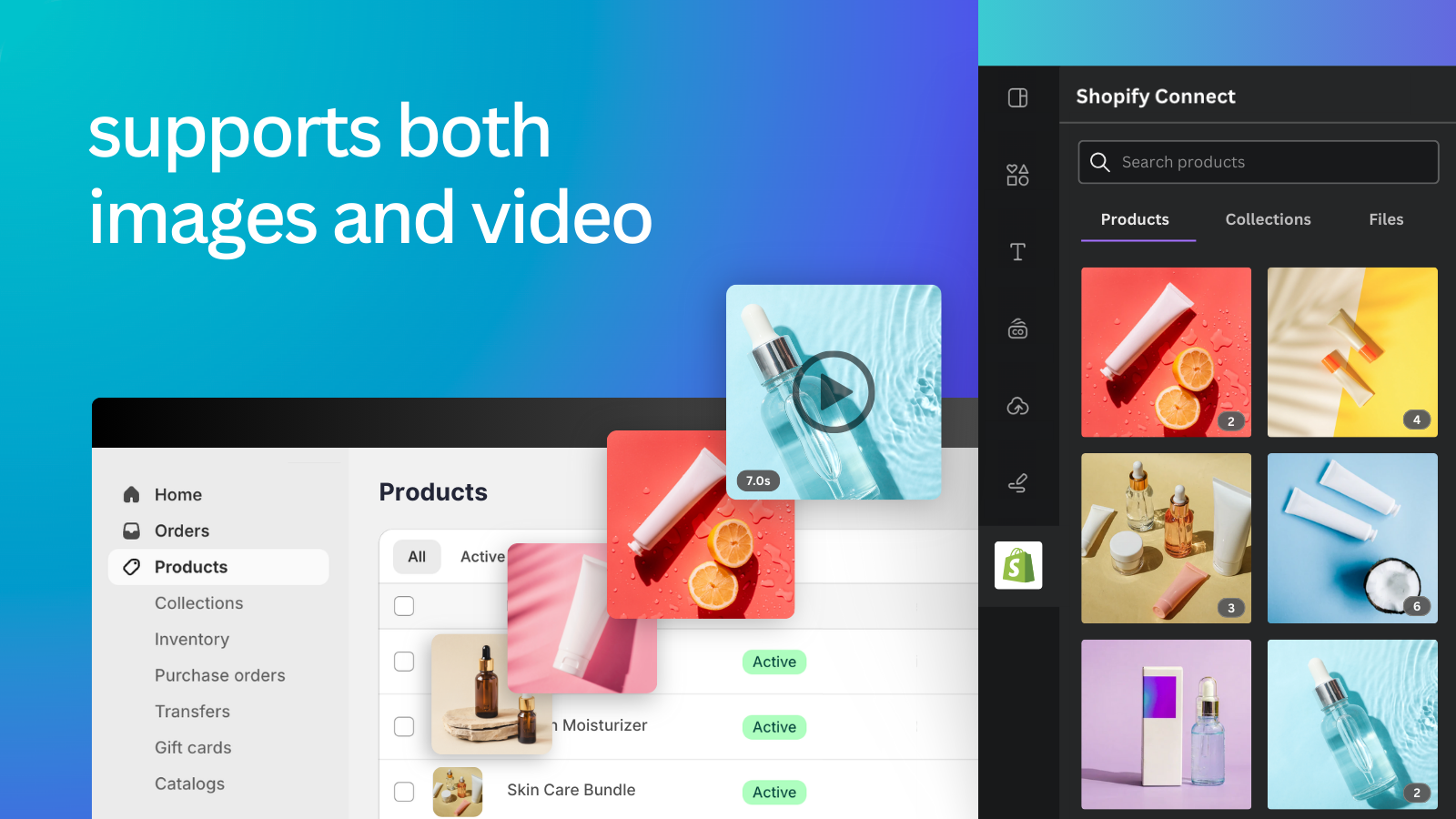
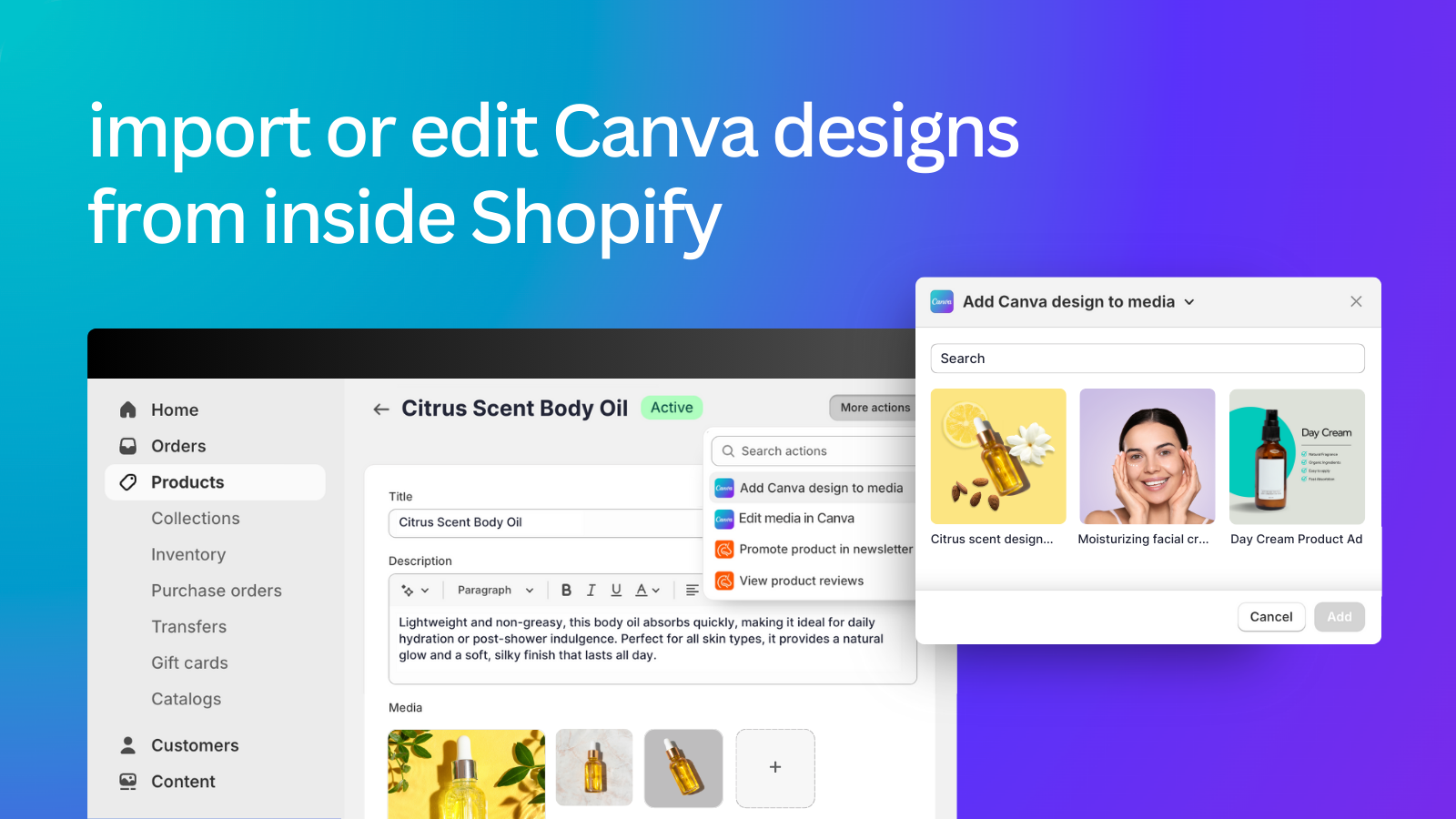
    The Canva app for Shopify makes it easy to add your product and collection images to the designs you create in Canva. No need to download images from Shopify and upload them separately! Install the app to connect to your Canva account and instantly access your product photography and videos. Drag and drop your product images into your email marketing, social media, website banners, presentations, posters, sales collateral, and more. You can even export or import your Canva designs to Shopify!

    The Canva app for Shopify makes it easy to add your product and collection images to the designs you create in Canva. No need to download images from Shopify and upload them separately! Install the app to connect to your Canva account and instantly access your product photography and videos. Drag and drop your product images into your email marketing, social media, website banners, presentations, posters, sales collateral, and more. You can even export or import your Canva designs to Shopify! more
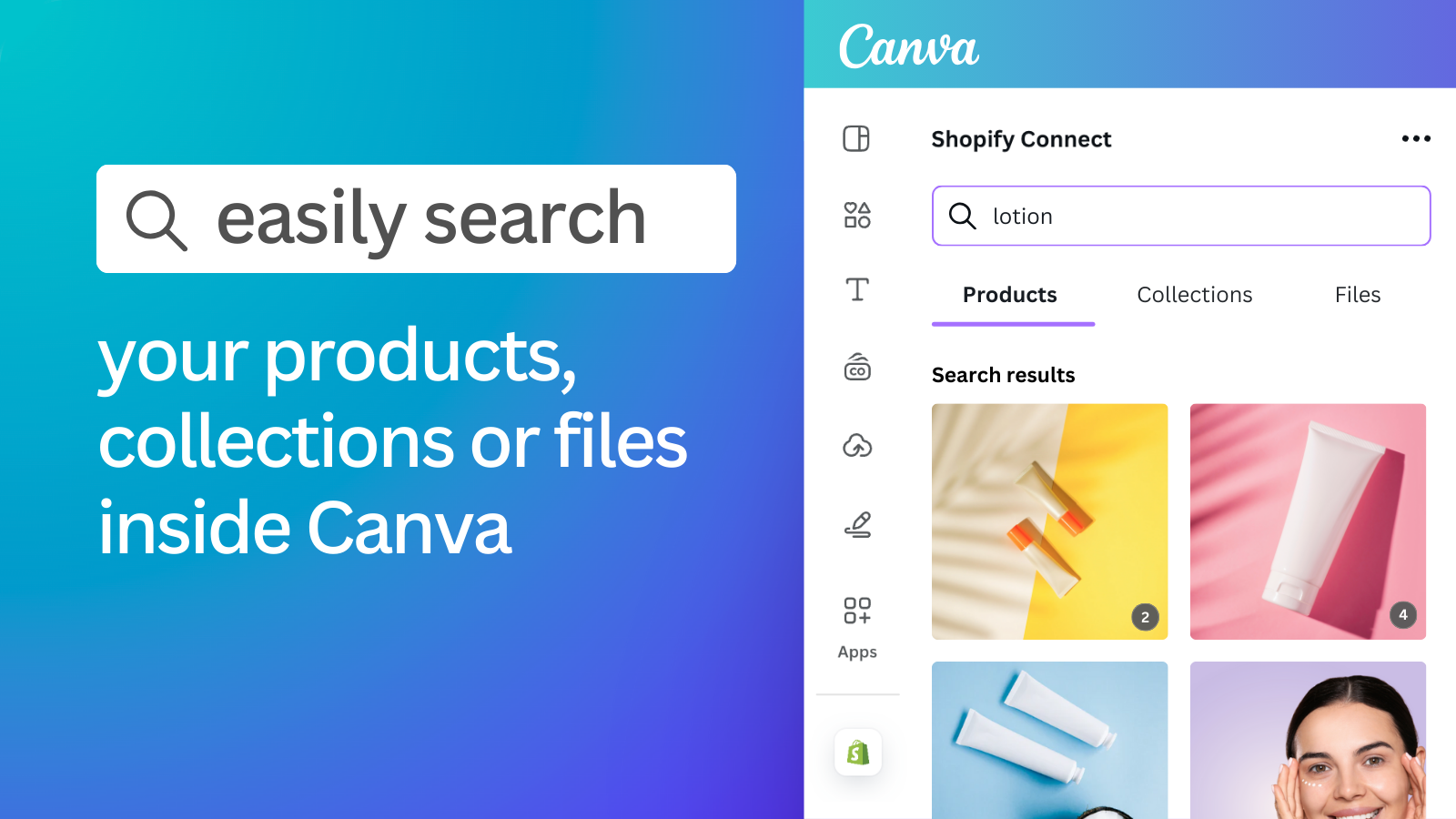
    • Easily search your catalog to find the product, collection, or file you want.
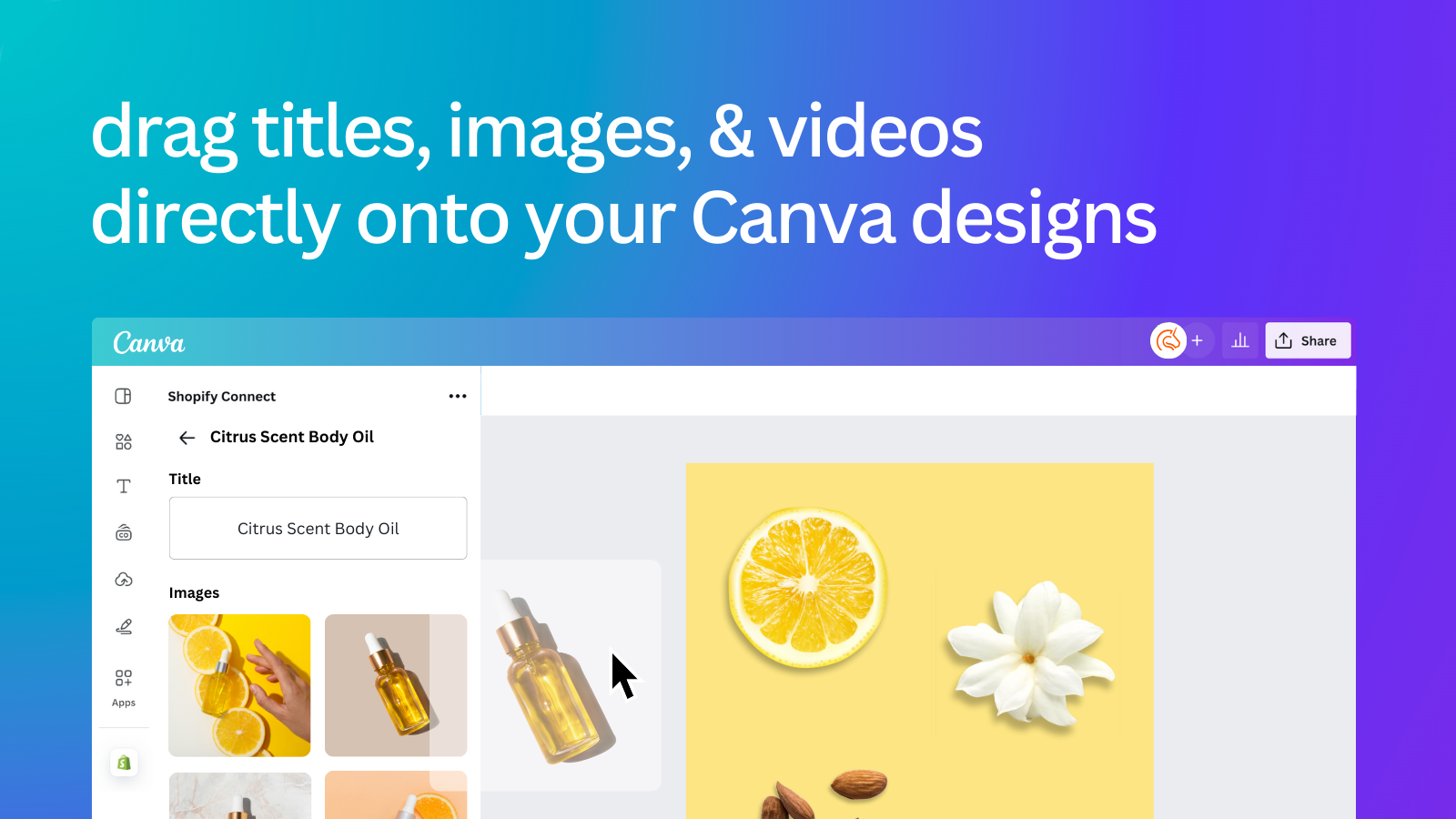
    • Drag product titles, images, and videos directly into your Canva designs.
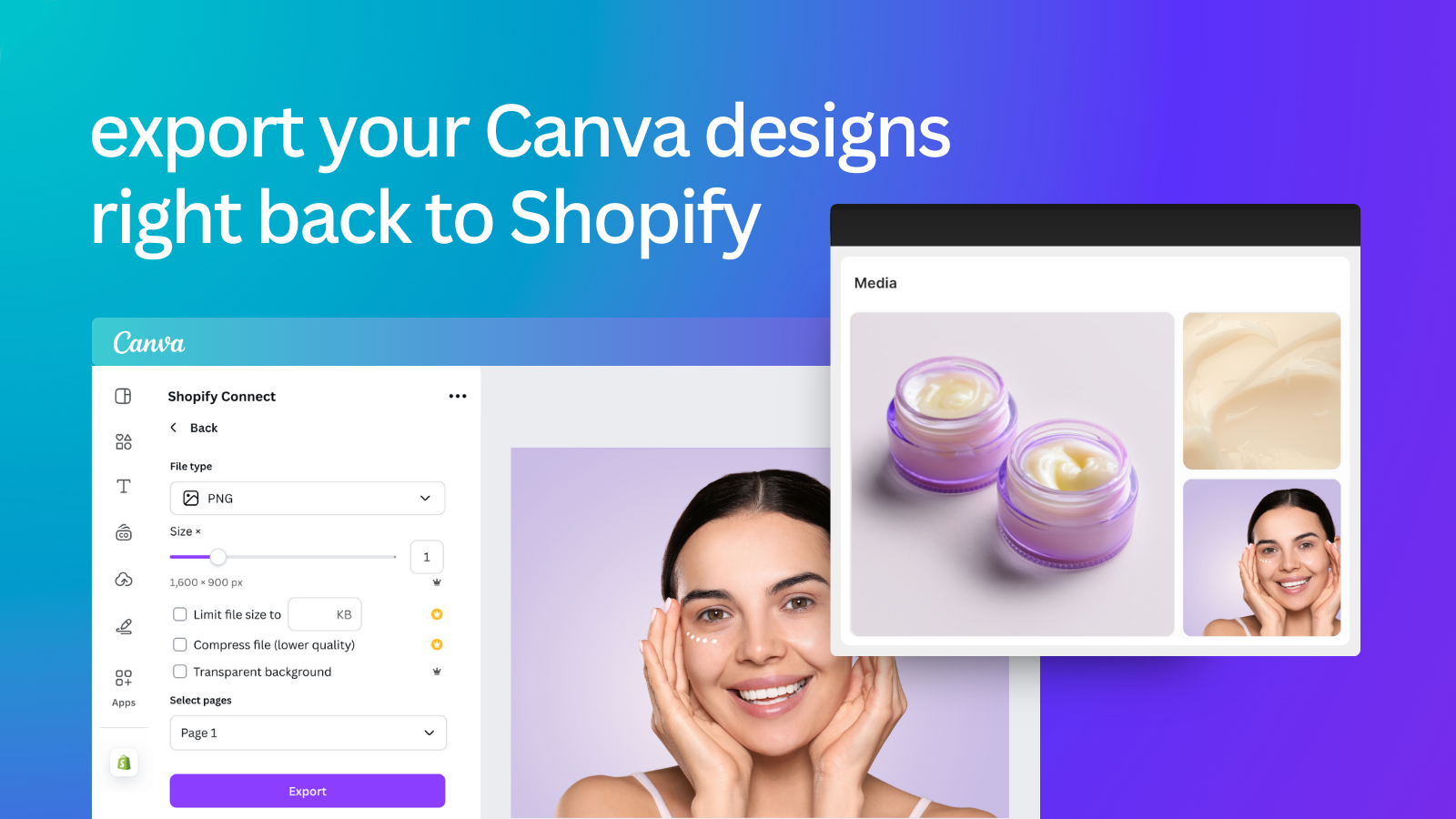
    • Export or import designs from Canva to a Product or Collection page in Shopify.
    • Open Canva from inside Shopify to edit product images.
    • Access and add your Canva designs to emails when using Seguno Email Marketing.

    Pros

    • Seamless integration allows direct access to product images from Shopify to Canva
    • Streamlines media management by eliminating the need to download and upload images separately
    • Saves time and storage space by simplifying the design and upload process
    • Facilitates easy import and export of designs between Canva and Shopify
    • Enhances workflow efficiency for designing marketing materials and updates
    • Supports direct uploads to Shopify product listings and use within Seguno Email Marketing
    • Enables quick searching and importing of product images and collections

    Top Helpful Reviews

    MeanYou

    Oct 25, 2025  on Shopify

    canva uygulama kısmında kesinlikle çalışmıyor. bağlnatı yapmayada izin vermiyor. hayal kırıklığı

    BaroquePlusPlus

    Oct 08, 2025  on Shopify

    I was so frustrated downloading a photo, editing it in a professional editor, hunting down the listing, reuploading, keeping track of the files. This app helps me grab from Shopify, edit, and reupload to Shopify quickly. It also has a link to the listing so you can jump in and reorder the product photos. This is a great app. I have already recommended it to my coaches at The Ultimate Etsy Course.

    Eurital

    Sep 02, 2025  on Shopify

    Perfekt genau das sollte jedes Shop System haben sollte. - Bild wird in Canva verschoben und dort bearbeitet. - Bild wird zurück verschoben. SEO Tipp: Sei vorsichtig bei der automatischen Bearbeitung direkt im Artikel. Die Datei kann sehr groß werden. Das kann die Leistung beeinträchtigen.

    PictureThisPasadena

    Aug 29, 2025  on Shopify

    This makes social media, marketing, templates and listings so much easier. This is probably the most useful Shopify application for my business. If you use Canva, this will make things even easier. The search functionality is great.

    The Gem Couture

    Aug 24, 2025  on Shopify

    The Canva Connect app has been very user friendly to me. It has made creating designs for my social media posts easier to use by just choosing my item that I want to create for directly my Shopify store. I would definitely recommend to others.

    Today’s Hobbies

    Aug 07, 2025  on Shopify

    One of the easiest app to connect super simple, going to make life so much easier. The only change I would make is to be able to delete the old photos from Canva when you upload the new ones.

    Grief Wrapped

    Jul 01, 2025  on Shopify

    It is very confusing to set up and I cannot talk to anyone on the phone to help me figure it out. Very frustrating!!! Update: I changed my review from one star to five stars because Brian, from Canva Connect, contacted me and even set up a Zoom meeting to try to help me figure out how to get it to work for me. The customer service went above and beyond to try to help me! Unfortunately, what I was hoping to accomplish cannot be done due to the the limits of Canva and not Canva Connect.

    NoorESandook

    Jun 05, 2025  on Shopify

    It is such a good app, I can just add my products in Shopify then go to Canva edit the photos there per product and simply export it back to Shopify. It really saves my time of editing the photos in any other app and then downloading, saving and finally uploading it back to Shopify within the right product... I would recommend this to everyone!

    PrettyLittlePistols

    May 27, 2025  on Shopify

    Love this app, anything my mind comes up with I can bring it to life! Their AI is far beyond a lot of the other apps I’ve seen/used, this one nails it to the T. It is very much worth buying the subscription, even though they still let you use the free version for however long you want, which IDK any other app that does that! I’m very pleased with CANVA

    STUDIO13

    May 25, 2025  on Shopify

    Experience Connecting Canva to Shopify: Connecting Canva to Shopify is straightforward in theory but can have a few hiccups depending on your store setup and what you expect from the integration. The main advantage is that you can easily design graphics, banners, or product images in Canva and push them directly to your Shopify store—huge time saver for store owners who want fresh, professional visuals without leaving Canva. However, there are a few things users should know: Easy for Basic Tasks: If your needs are simple (like sending a design straight to a product page or your homepage banner), it’s pretty plug-and-play. Permissions Matter: Make sure you’re logged into the correct Shopify account and that you have admin rights. If you’re on a special Shopify plan or trial, some features may be limited or require extra permissions. App Permissions/Access: Sometimes, you’ll need to approve permissions or go through a couple of logins and confirmations between Canva and Shopify. It’s normal—just follow the prompts. No Direct Product Management: You can push designs and some media, but you can’t create or manage your products directly from Canva. Product listing details (price, inventory, descriptions) are still handled in Shopify. Occasional Sync/Upload Issues: If the connection times out, or if Shopify’s API or Canva’s backend is having an issue, you may get errors or have to reauthorize the app. Not for Advanced Automation: If you want automated product design syncing or dynamic updates for hundreds of SKUs, you’ll still need a more robust Shopify app or custom solution. Bottom line: Great for streamlining your visual workflow and keeping your branding consistent, but not a full replacement for managing your Shopify products. Start with a few test uploads and make sure everything looks good in your store before rolling out changes sitewide.

    More App like this

    SquareifyBulk logo
    (6 Reviews)
    • Free Plan Available

    Square Product Images in Bulk for Neat & Professional...

    SEO Speed Image Optimizer logo
    (236 Reviews)
    • Free Plan Available

    SEO image optimizer: Compress image & Optimize Alt text...

    Piks: AI Product Image & Video logo
    (10 Reviews)
    $39.99-$79.99 / Month
    • Free Plan Available

    "AI-generated product visuals enhance ads with style and...

    CreatorKit ‑ AI Image & Video logo
    (4 Reviews)
    $39-$99 / Month
    • Free Plan Available

    Create high converting product images and videos with AI.

    Scroll to Top