Where Knowledge Meets Innovation
Wix Design Elements Apps are essential tools for anyone looking to enhance their website design with interactive and visually appealing components. Whether you're a small business owner, blogger, or designer, these apps offer versatile features to customize your website according to your needs. With options ranging from galleries and forms to advanced design elements, you can transform your site into a dynamic online presence. Reputable for their user-friendly interfaces and seamless integration with Wix, these apps make website customization accessible to everyone. Explore our curated list of the top 20 Wix Design Elements Apps to elevate your site effortlessly. Each app brings unique capabilities that enhance functionality and aesthetics, allowing you to craft a distinctive web experience. Start your design journey with these powerful tools!
| No | App | Price | Link |
|---|---|---|---|
| 1 |
|
Try for free | |
| 2 |
|
Try for free | |
| 3 |
|
Try for free | |
| 4 |
|
Try for free | |
| 5 |
|
Try for free | |
| 6 |
|
Try for free | |
| 7 |
|
Try for free | |
| 8 |
|
Try for free | |
| 9 |
|
Try for free | |
| 10 |
|
Try for free | |
| 11 |
|
Try for free | |
| 12 |
|
Try for free | |
| 13 |
|
Try for free | |
| 14 |
|
Try for free | |
| 15 |
|
Try for free | |
| 16 |
|
Try for free | |
| 17 |
|
Try for free | |
| 18 |
|
Try for free | |
| 19 |
|
Try for free | |
| 20 |
|
Try for free |

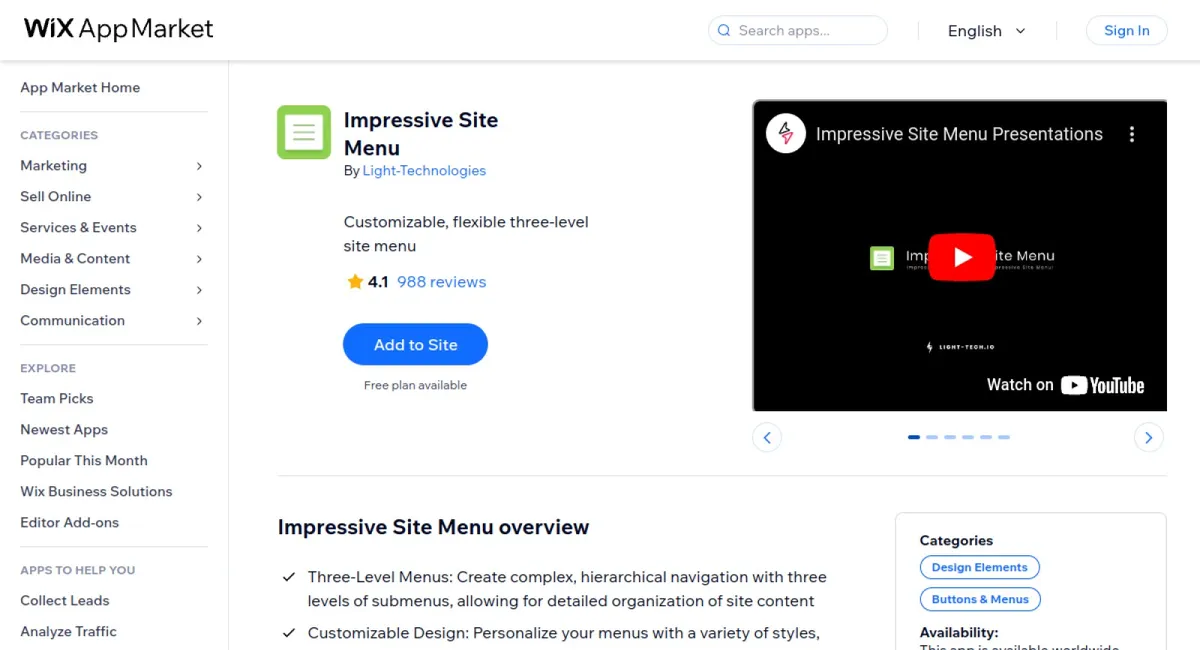
Impressive Site Menu is a versatile application that elevates website navigation with customizable three-level menus, advanced dropdown options, and extensive design flexibility. It enhances both user experience and SEO while providing seamless integration with social media and multi-language support.
The app's outstanding advantages, highlighted in user reviews, include its intuitive and engaging navigation that significantly improves user experience on various sites like blogs and e-commerce platforms. Users appreciate its seamless integration of social media and multi-language support and its ability to enhance both the design and functionality of their websites. Positive ratings often mention the efficient customer support and the ease of use, emphasizing that it’s an ideal tool for elevating website navigation.
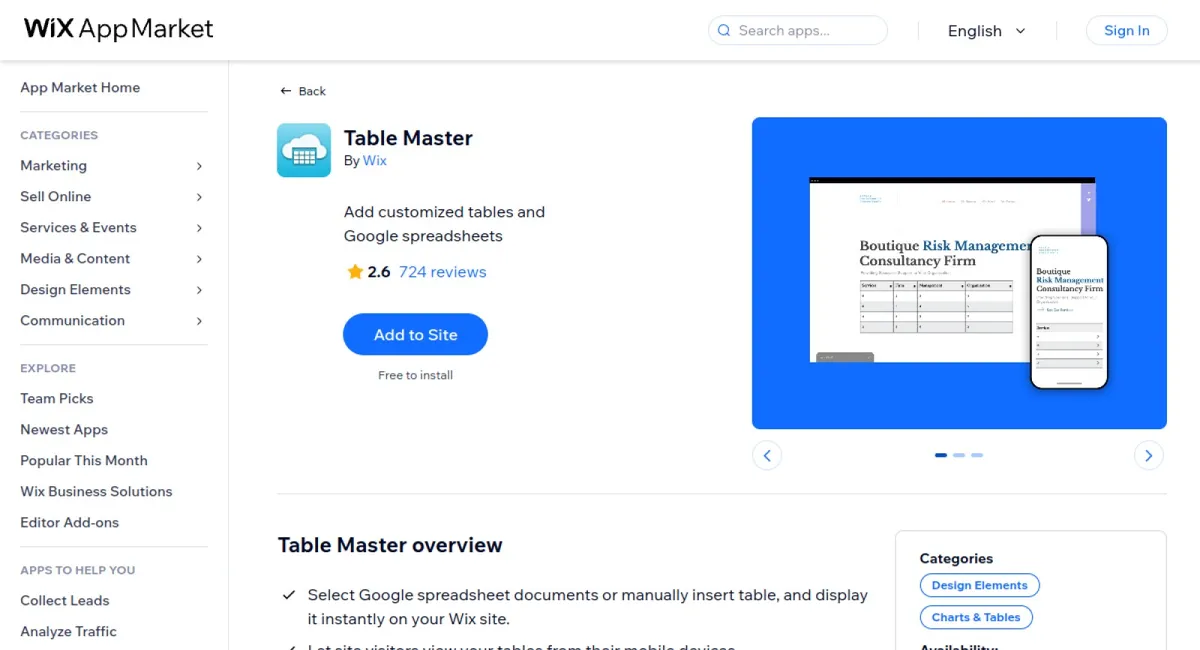
Table Master is a versatile app designed for seamlessly integrating tables into your Wix site. Effortlessly select Google spreadsheet documents or manually insert tables and display them instantly. This tool allows you to design and customize tables, ensuring they match your site's aesthetic, while automatically updating content with any changes.
Table Master has been praised for its user-friendly interface and seamless integration with Wix. Users appreciate the effortless synchronization with Google spreadsheets, its adaptability across different devices, and the customization options available. The app is highly rated for efficiently updating site content, providing flexibility, and enhancing the overall visitor experience with organized and visually appealing tables.

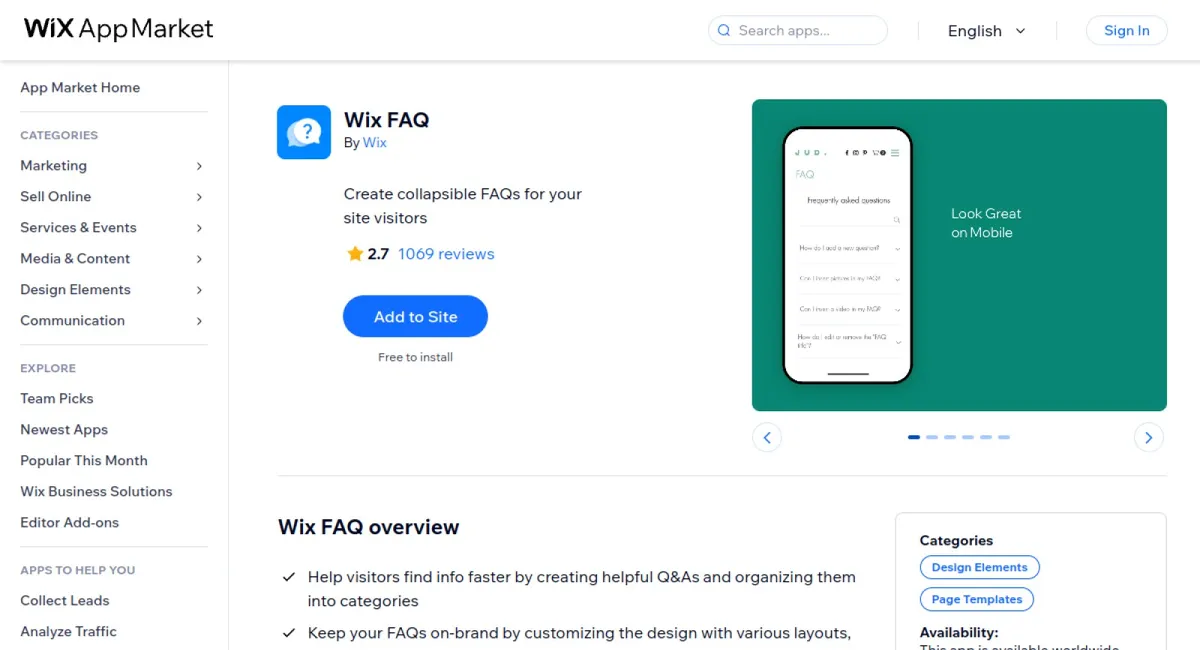
Wix FAQ is an app designed to enhance your website by helping visitors find information quickly through well-organized Q&As. It allows full customization to keep your FAQs on-brand and employs AI to generate questions and answers. This boosts customer engagement by incorporating multimedia elements.
Wix FAQ has received excellent reviews for its ease of use and effective organization, making it a favorite among users looking to streamline their website's customer support. Users praise its customization ability and the seamless integration of media, which significantly enhances user engagement and satisfaction.
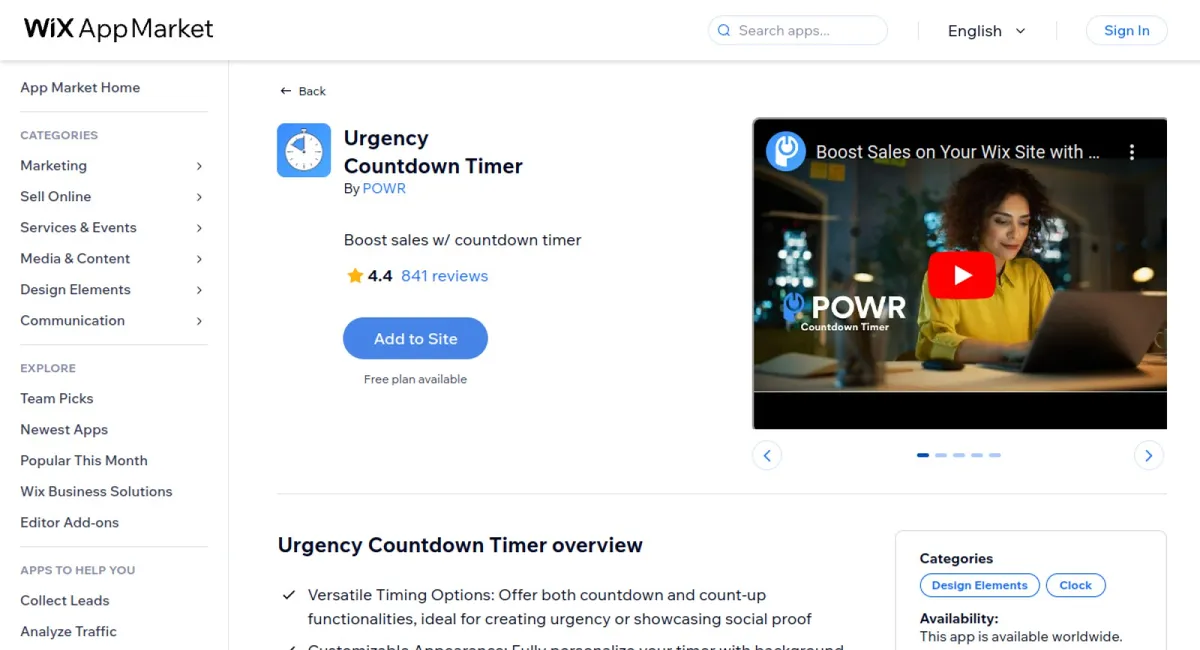
The Urgency Countdown Timer app is a dynamic tool designed to create excitement and drive conversions on your site. It offers versatile timing options with countdown and count-up functionalities, customizable appearance, automatic reset and repeat features, and visitor-specific display settings to enhance personalized engagement and maximize the impact of your promotions and events.
The app has received outstanding reviews for its utility and the reliable support provided by its team. Users have been particularly impressed with its ease of use and effectiveness, making it a valuable asset for online marketing strategies.







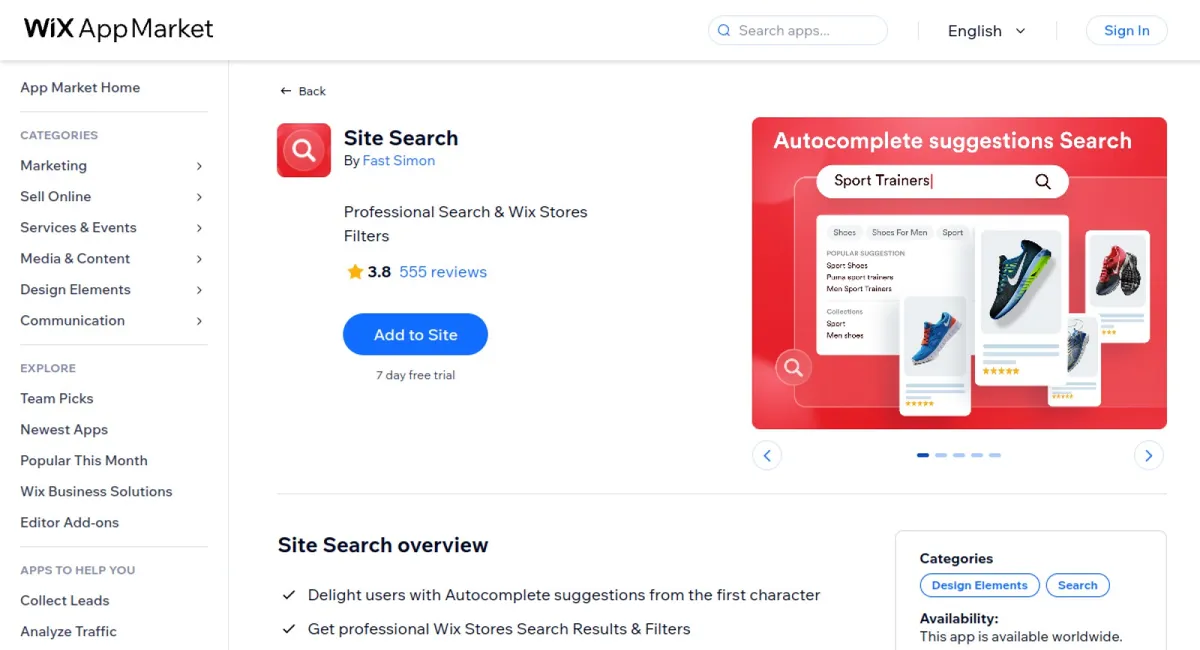
Site Search is an intuitive and efficient app designed to enhance the user experience on your website by providing immediate search suggestions and professional search results with filters. It allows users to quickly find eCommerce products, blog posts, or any other content with ease.
According to user reviews, Site Search stands out for its user-friendly interface and the immediate precision of its search features. Users appreciate its effectiveness in pinpointing desired content quickly, transforming site navigation into a seamless experience. The app has been praised for elevating website interaction and satisfaction.
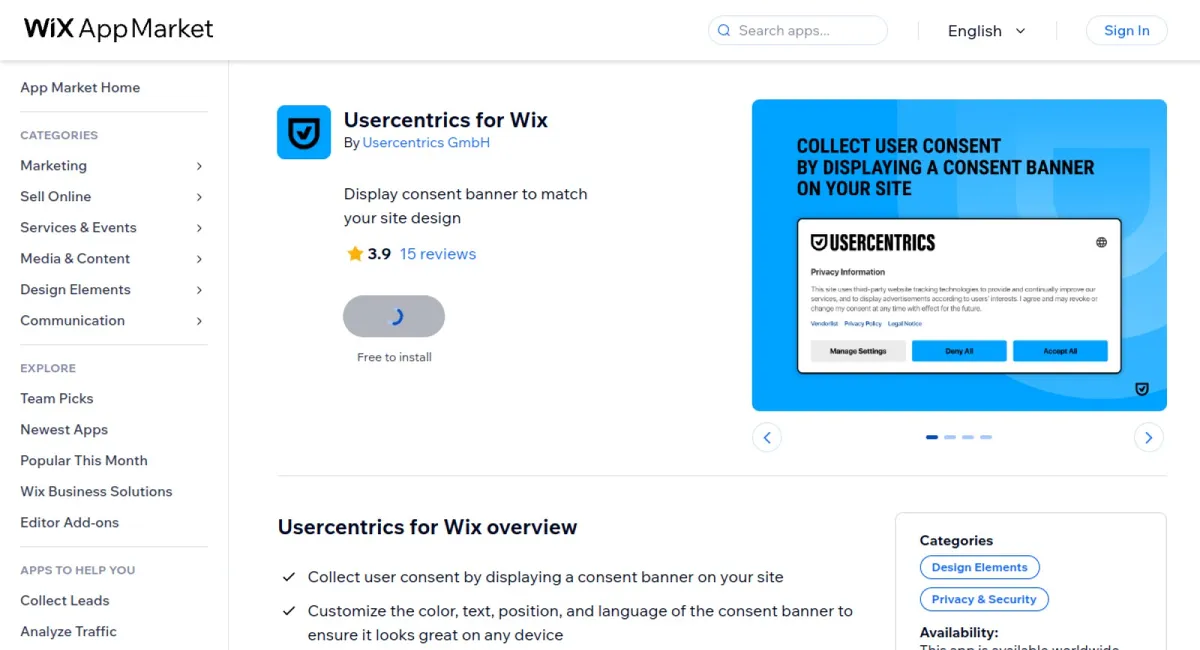


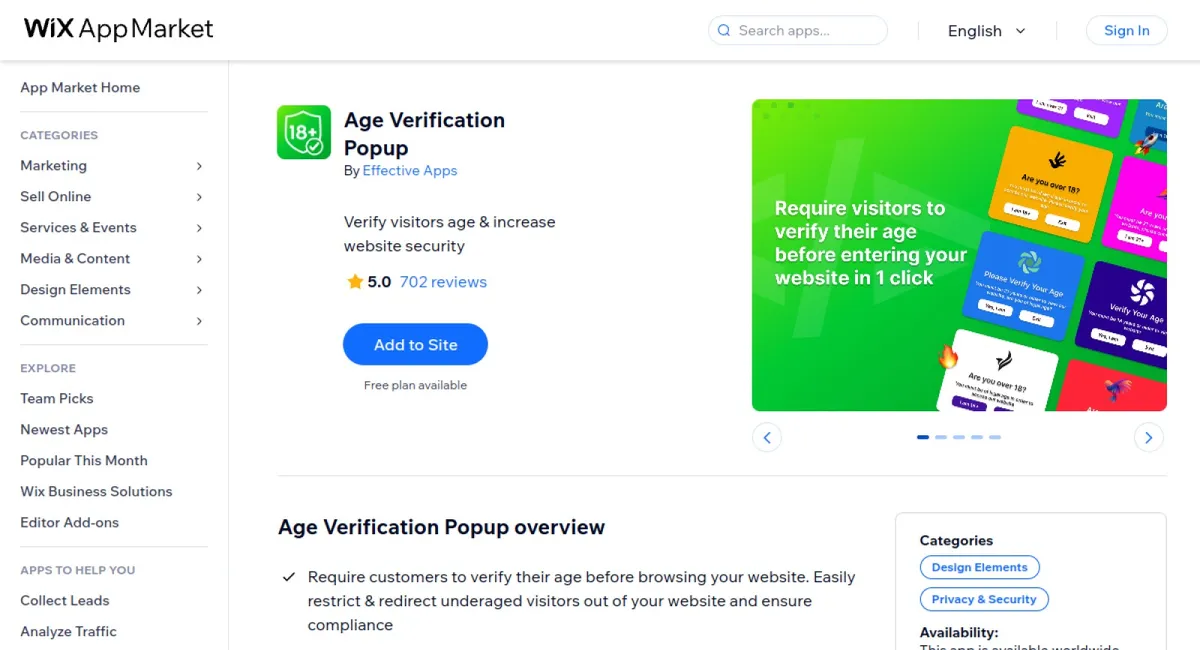
Require customers to verify their age before browsing your website with Age Verification Popup. This app ensures compliance and increased security by restricting and redirecting underaged visitors, providing a fully customizable popup that appears on specific pages.
The Age Verification Popup app is highly rated for its effectiveness and ease of use. Users appreciate its capability to enhance website safety and support different platforms, providing confidence in content regulation and visitor management.
In conclusion, leveraging the best Wix Design Elements Apps allows you to create a website that stands out. These apps offer diverse functionalities to ensure your site is not only attractive but also user-friendly. Staying competitive in the digital space requires constant evolution, and with these top apps, you can always be ahead. Customize your user interface, improve engagement, and optimize performance without the need for complex coding. By integrating these design elements apps, you enhance your website's overall look and functionality. Embrace the power of these tools today and see how they can transform your web design strategy.


 Shopify Apps
 Ecwid Apps
 BigCommerce Apps
 AI Agents