Taranker.Com Logo

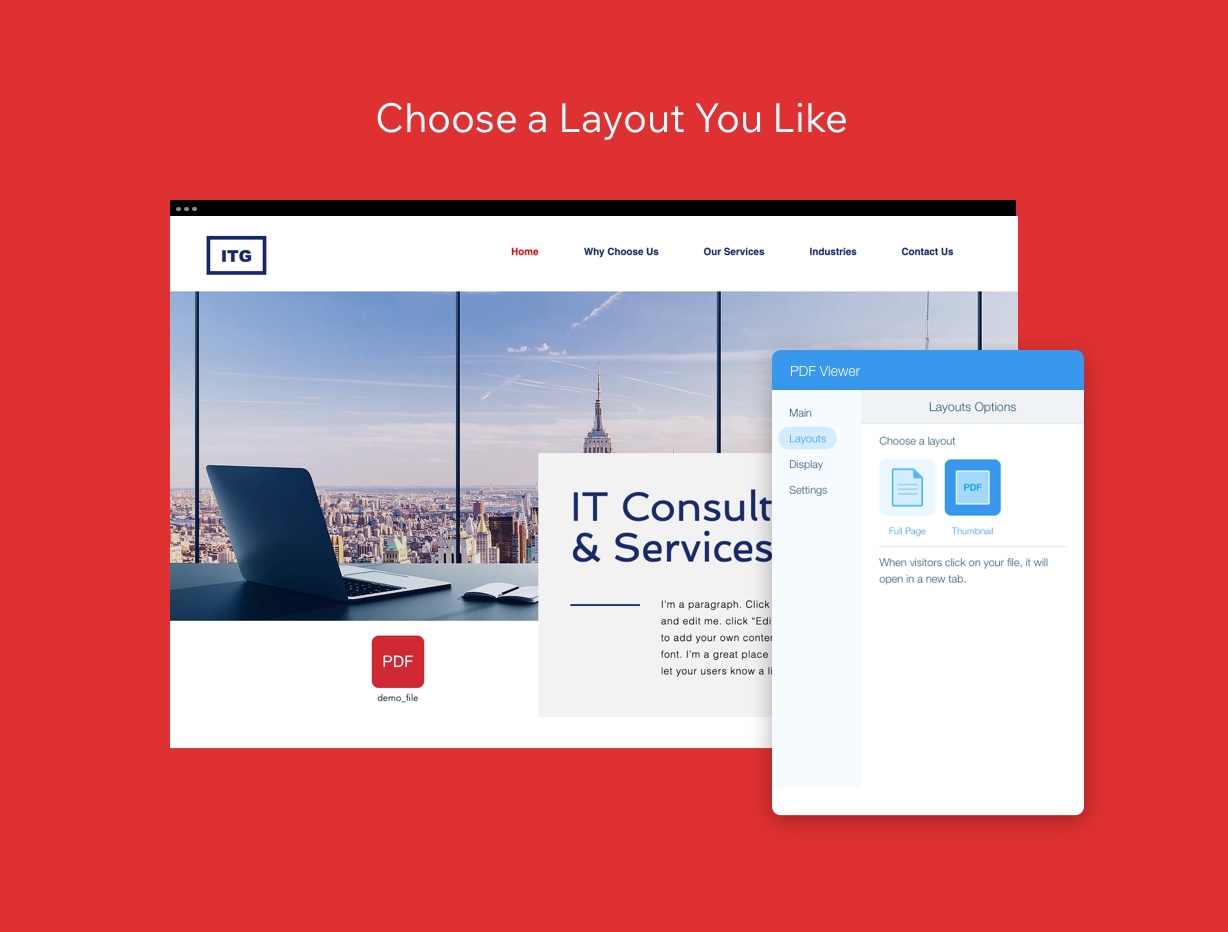
PDF File Viewer

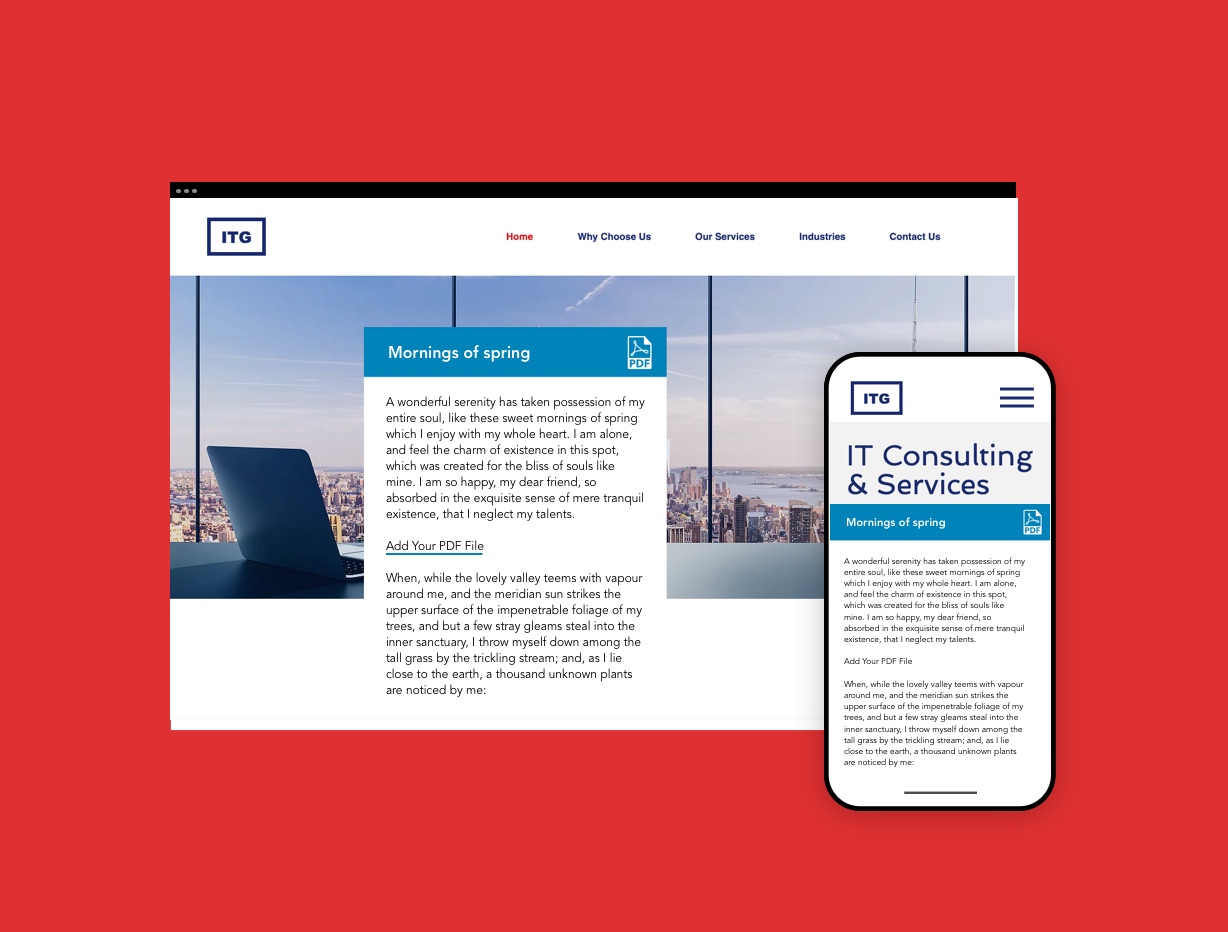
"Embed and customize PDF displays seamlessly on your website for all devices."

Doc Viewer

Seamlessly display and customize various documents across all devices.

PDF File Viewer

"Embed and customize PDF displays seamlessly on your website for all devices."

Doc Viewer

Seamlessly display and customize various documents across all devices.

Rating

Rating

305 Reviews
4
20 Reviews
7.9

Features

Features

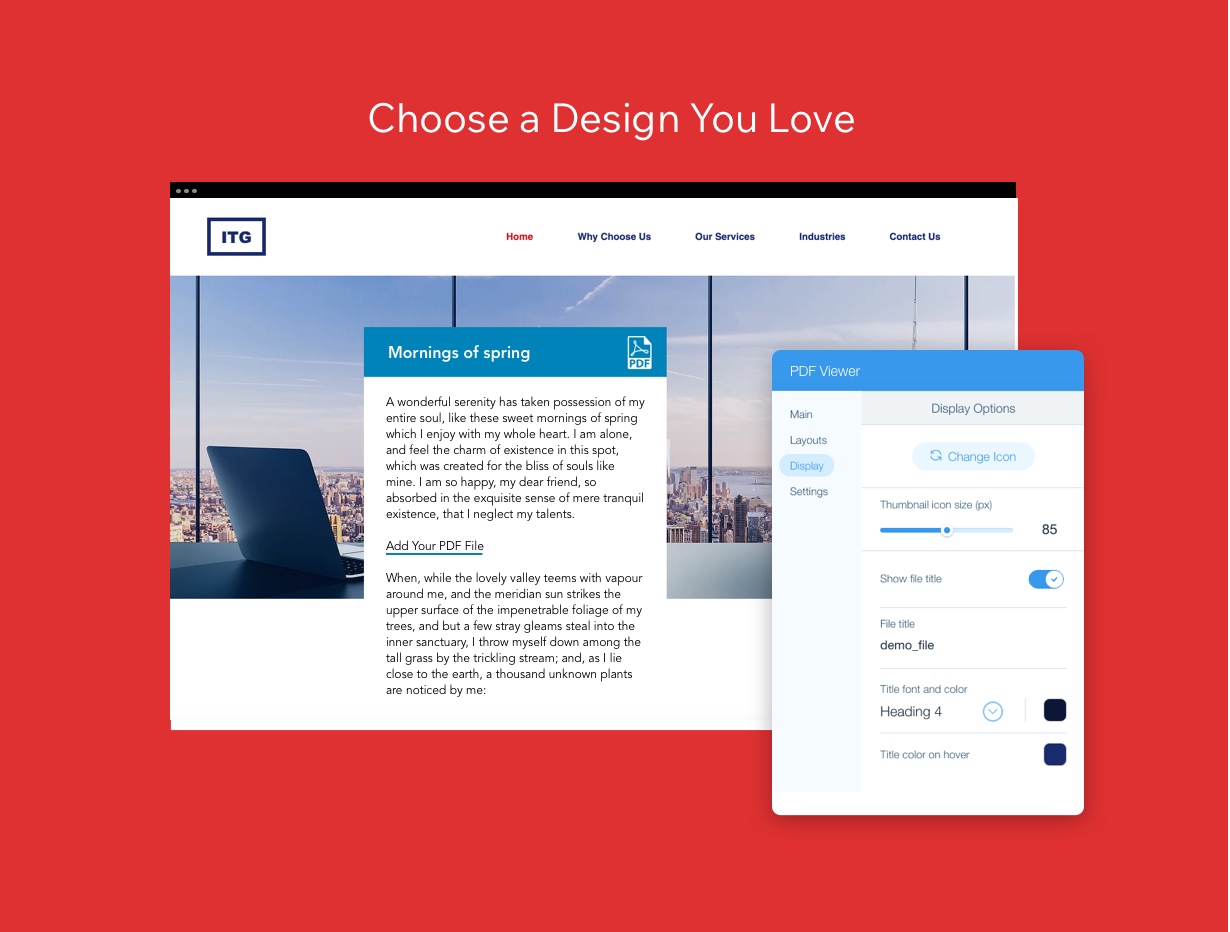
  • Customize design
  • Clickable links
  • Embed pdf files
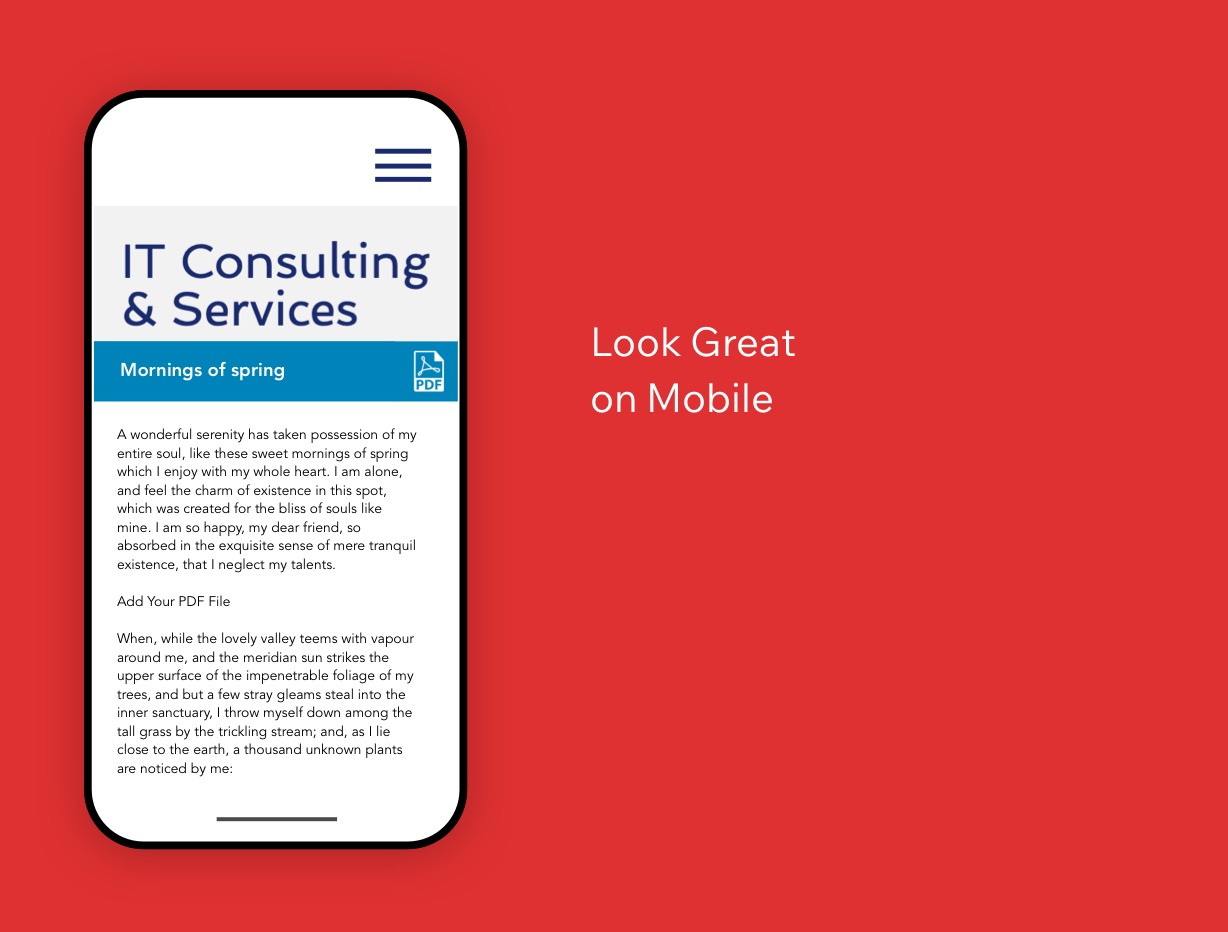
  • Responsive display
  • Print and download
  • Customizable design
  • Responsive layout
  • Multi-format display
  • Document pagination
  • Dynamic file detection
  • Intuitive settings panel

Screenshots

Screenshots

Send this compare to my inbox

By proceeding, you agree to our Terms Of Conditions and Privacy Policy.
Your request is being processed and will be delivered shortly. If you do not receive an email from Taranker within the next 5 minutes, please check your spam folder and mark it as "Not Spam" to ensure future emails reach your inbox.

Pros

Pros

  • Seamless integration of PDF documents on websites
  • Customization options to match the website's design
  • Responsive layout suitable for both desktop and mobile devices
  • Multiple display options catering to different needs
  • Allows visitors to view PDFs directly on the site without download
  • Clickable links in PDFs enhance interactivity
  • Features for easy printing and downloading of PDF documents
  • Supports a wide range of file types including PDFs, Word documents, Excel spreadsheets, PowerPoint presentations, images, and text files.
  • Customizable colors, titles, navigation buttons, and layout to match the website's design.
  • Responsive layout that ensures documents look professional on desktop, tablet, and mobile devices.
  • Facilitates seamless navigation with pagination and intuitive controls.
  • Dynamic file detection and intuitive settings panel for easy document management.
  • Supports up to 10 documents in a single viewer, allowing efficient multi-document presentation.
  • Enhances user interaction with sleek next and previous controls with tooltips.

Cons

Cons

  • Potential complexity in customization for beginners
  • Might impact page load time if not optimized
  • Requires consistent updates to maintain compatibility with different site builders
  • Limited offline functionality since it's web-based
  • May require initial setup to customize design elements according to the website's style.
  • Limited to displaying up to 10 documents in a single viewer, which might be a constraint for some users.
  • Advanced customization options might be overwhelming for users seeking a simpler solution.

Categories

Categories

Launched

Launched

Jan 29, 2026
Jan 29, 2026

Developer

Developer

Apps:

65

Average Rating:

2.8

Reviews:

27,204

Apps:

29

Average Rating:

3.3

Reviews:

180

Scroll to Top