Taranker.Com Logo

Flip Books

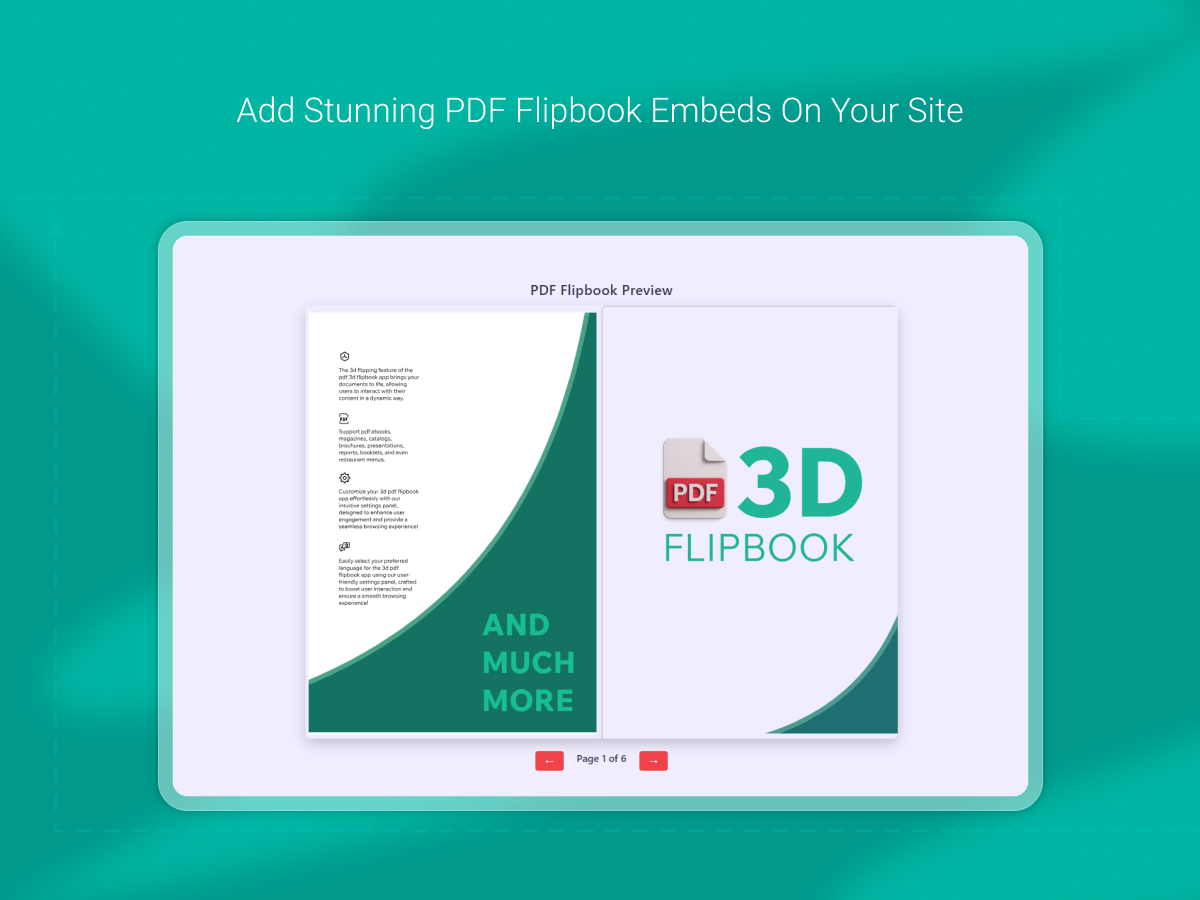
"Transform PDFs into interactive flipbooks with multimedia and branding features."

PDF 3D Flipbook

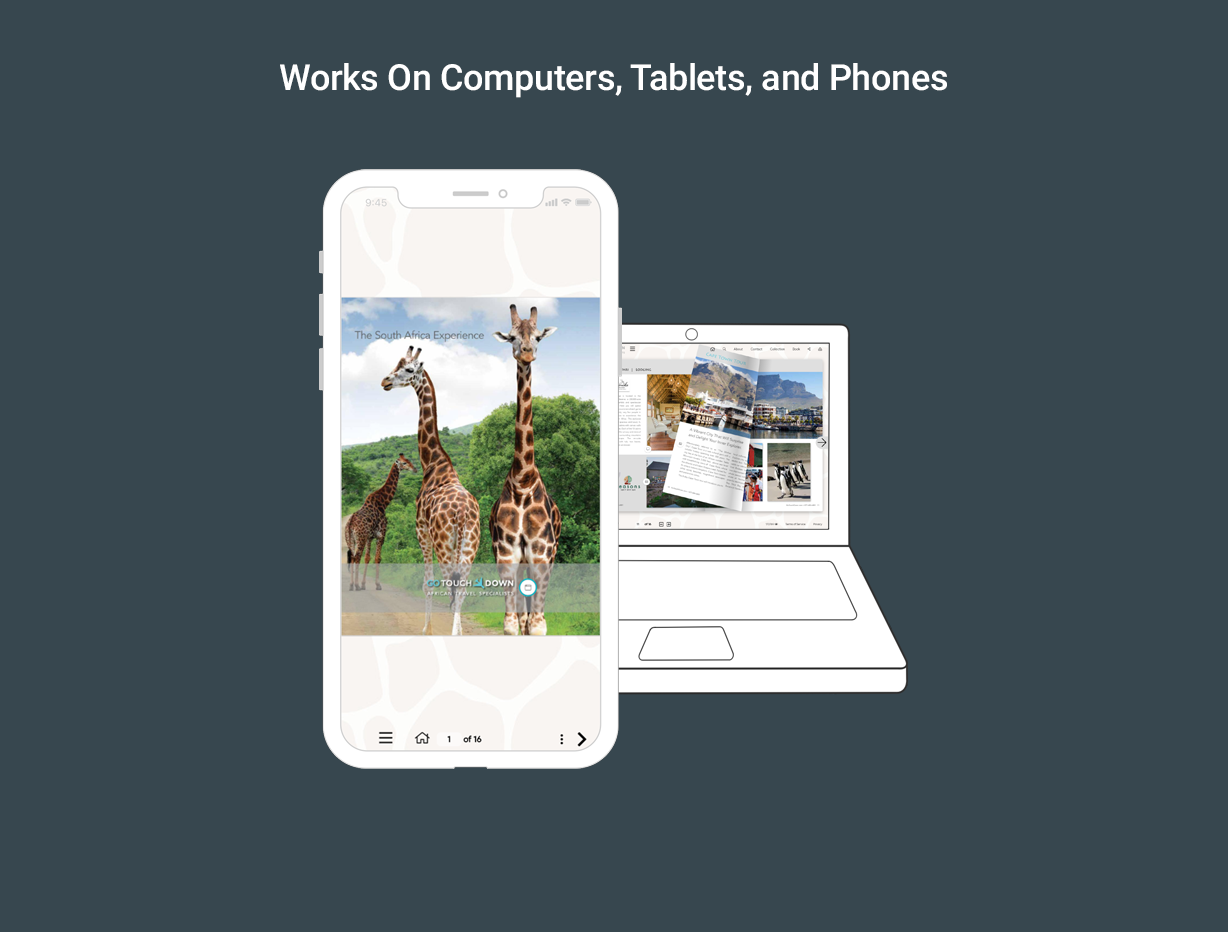
Create interactive 3D flipbooks with realistic animations on any device.

Flip Books

"Transform PDFs into interactive flipbooks with multimedia and branding features."

PDF 3D Flipbook

Create interactive 3D flipbooks with realistic animations on any device.

Rating

Rating

94 Reviews
0.1
26 Reviews
7.4

Pricing

Pricing

  • $2.5 / Month
  • Free Plan Available

Features

Features

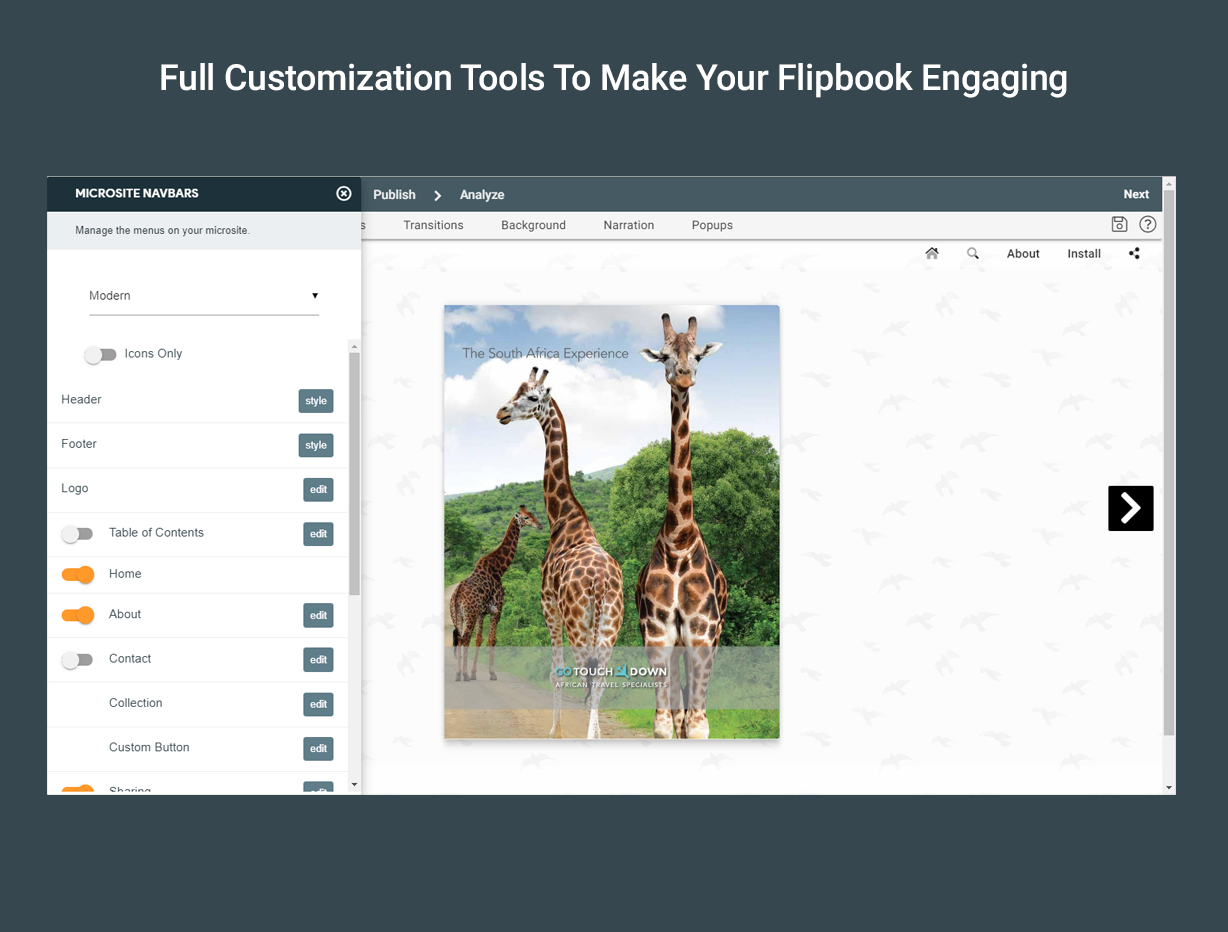
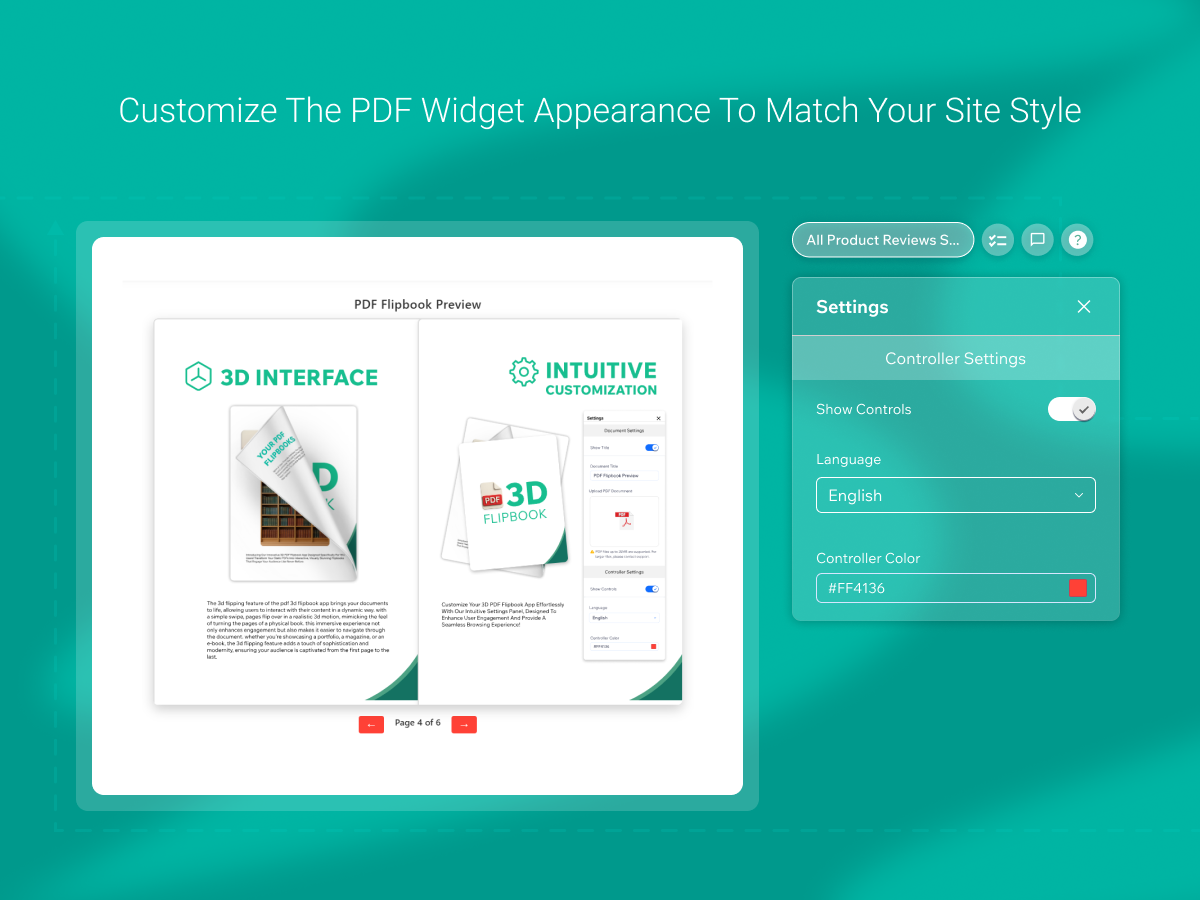
  • Brand customization
  • Multimedia integration
  • Interactive flipbooks
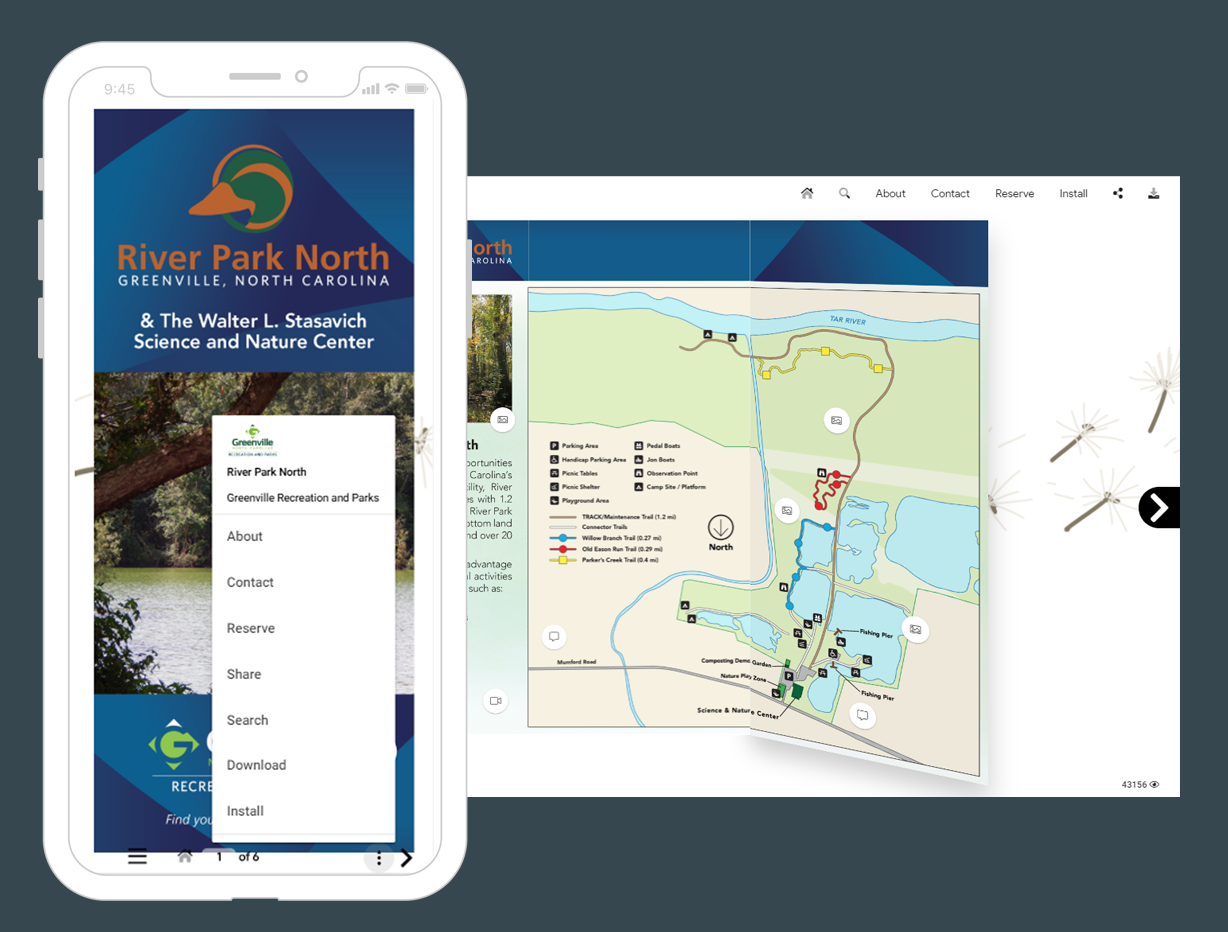
  • Progressive web app
  • Easy customization
  • Responsive design
  • Touch support
  • Smooth navigation
  • 3d page flip

Screenshots

Screenshots

Send this compare to my inbox

By proceeding, you agree to our Terms Of Conditions and Privacy Policy.
Your request is being processed and will be delivered shortly. If you do not receive an email from Taranker within the next 5 minutes, please check your spam folder and mark it as "Not Spam" to ensure future emails reach your inbox.

Pros

Pros

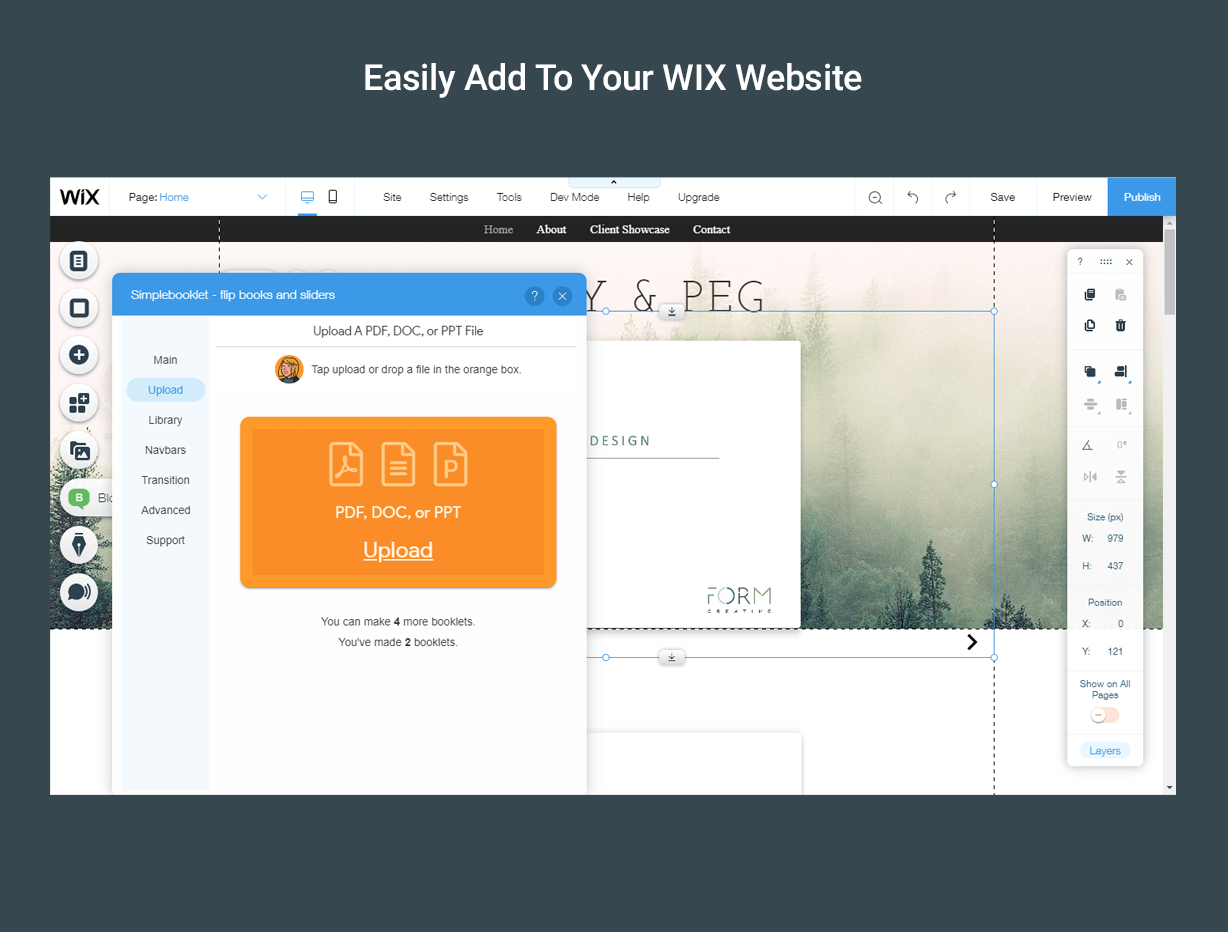
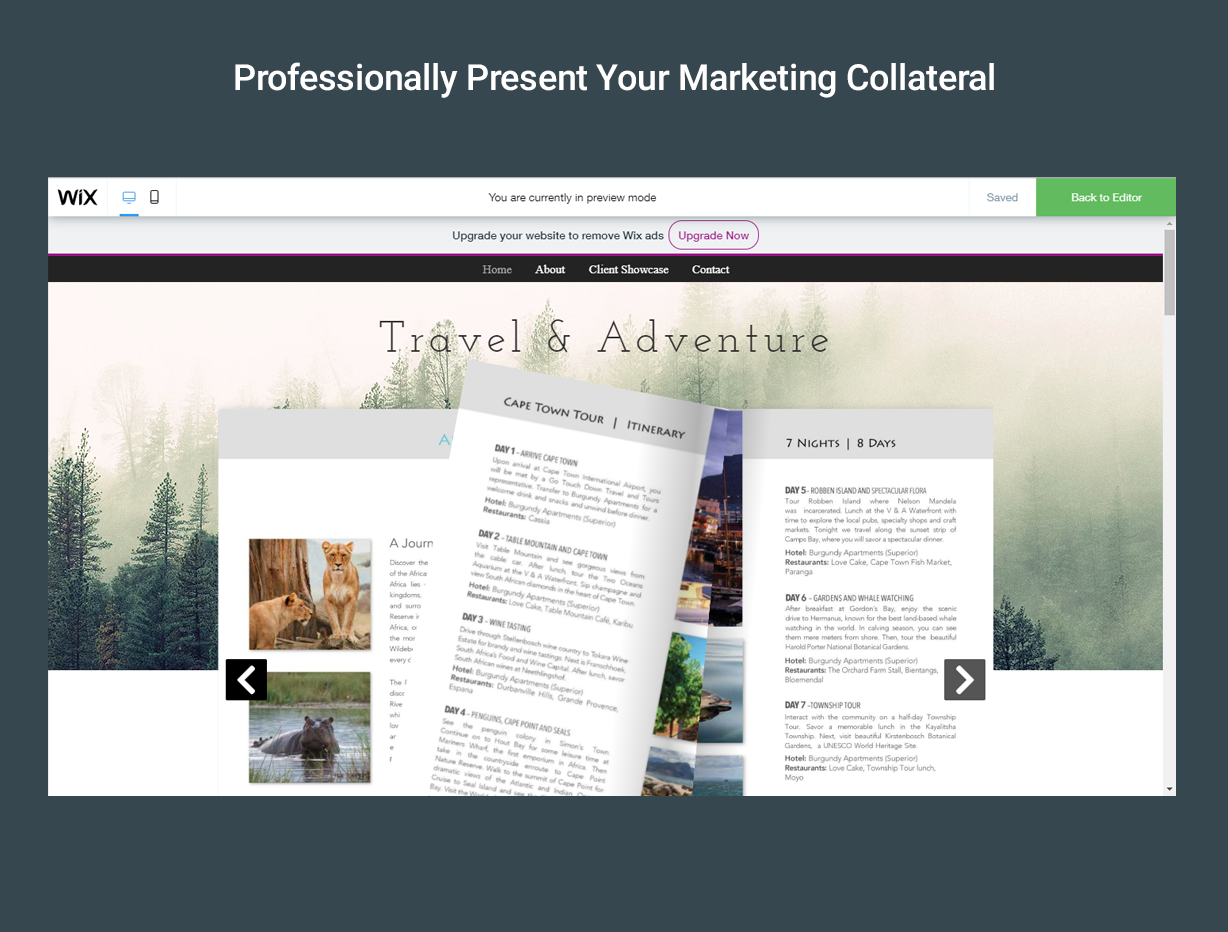
  • Transforms PDFs, DOCs, and PPTs into interactive flipbooks
  • Allows for multimedia integration with videos, narration, and buttons
  • Enables branding with customization options
  • Progressive web app ready, allowing installation as a native app
  • Automates the creation of interactive digital content from various types of marketing collateral
  • Optimizes search discovery with meta and structured data
  • Provides deep-dive analytics for customer engagement insights
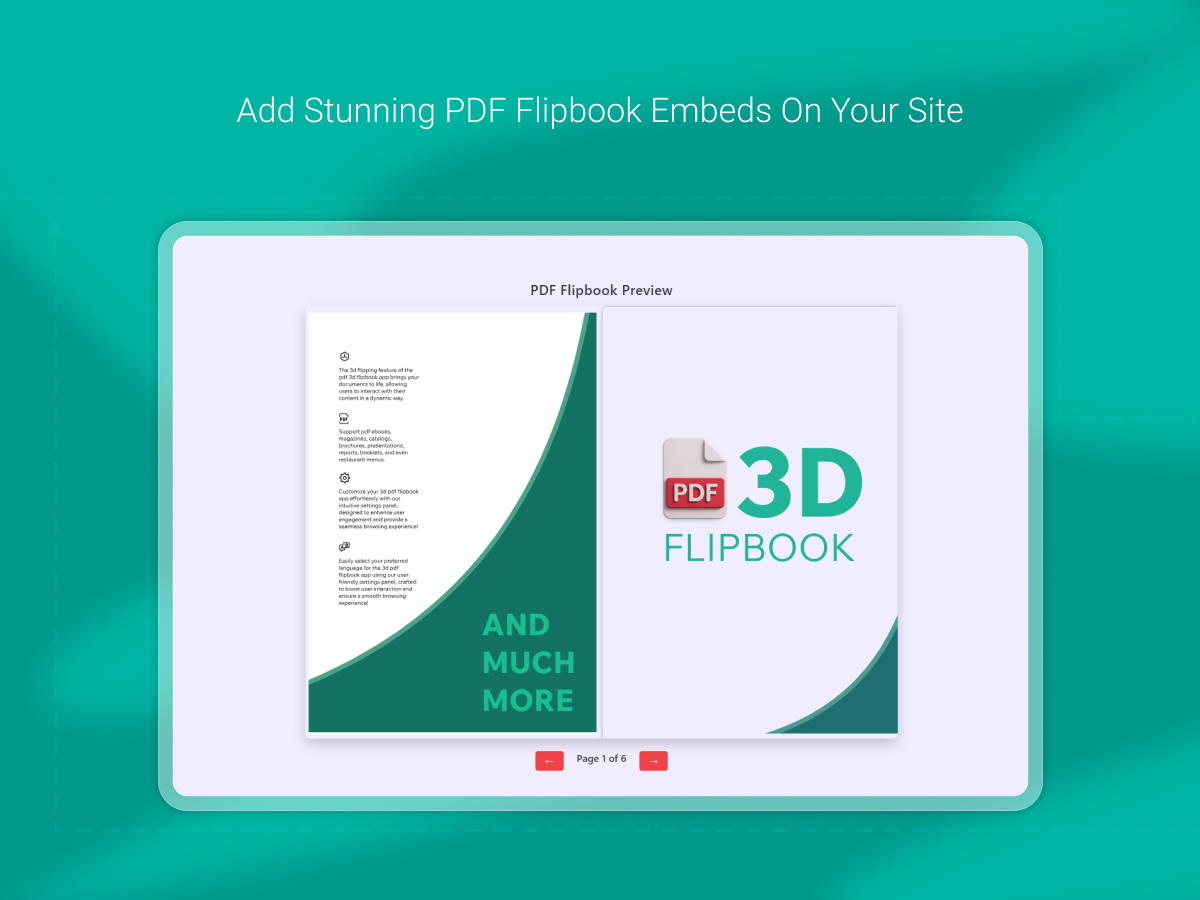
  • Realistic 3D page flip animation enhances the reading experience.
  • Fully responsive design suitable for all devices and screen sizes.
  • Easy to connect and customize with simple attributes.
  • High quality PDF rendering with smooth navigation and touch support.
  • Transforms PDFs into interactive digital books.
  • Seamless animations and crisp rendering.
  • Intuitive navigation works across desktops, tablets, and mobile devices.
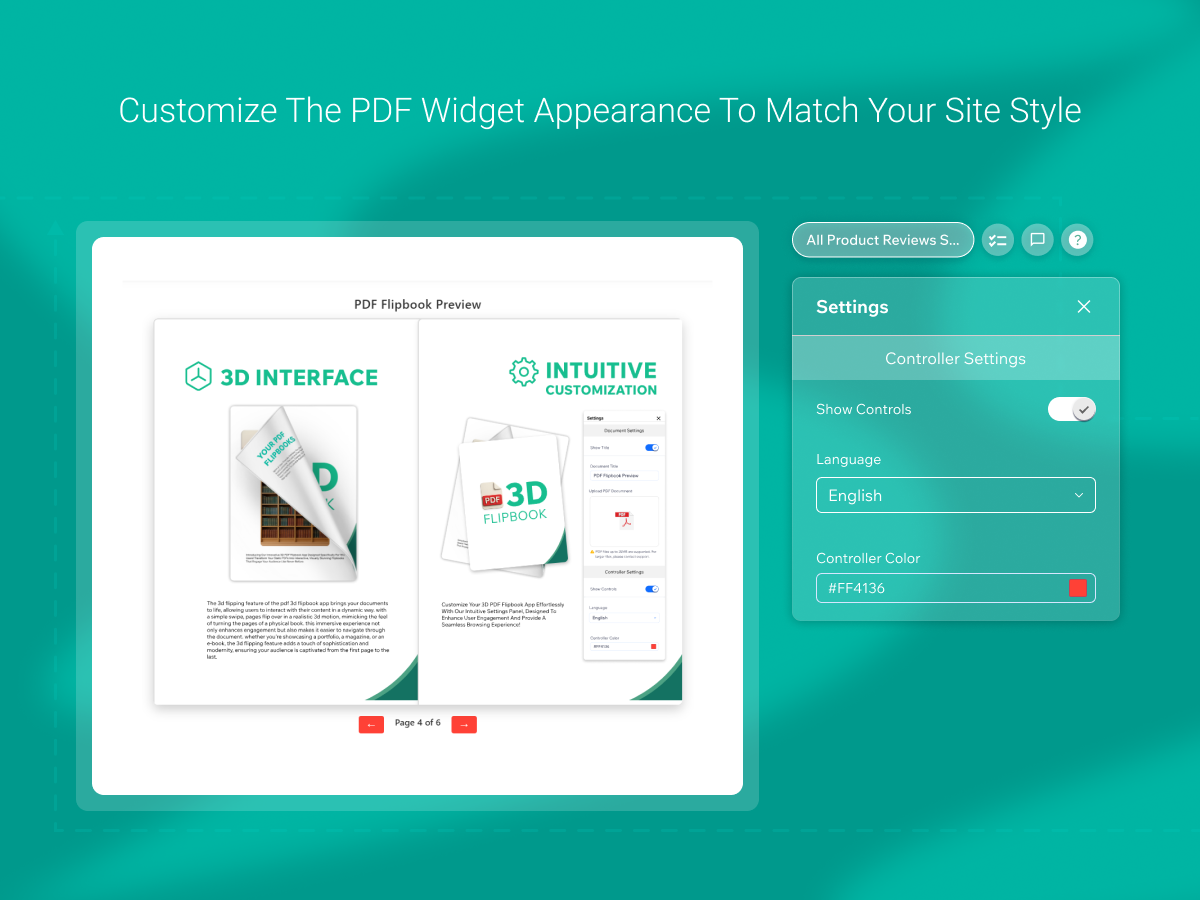
  • Customizable viewer size and option to show or hide titles and controls.
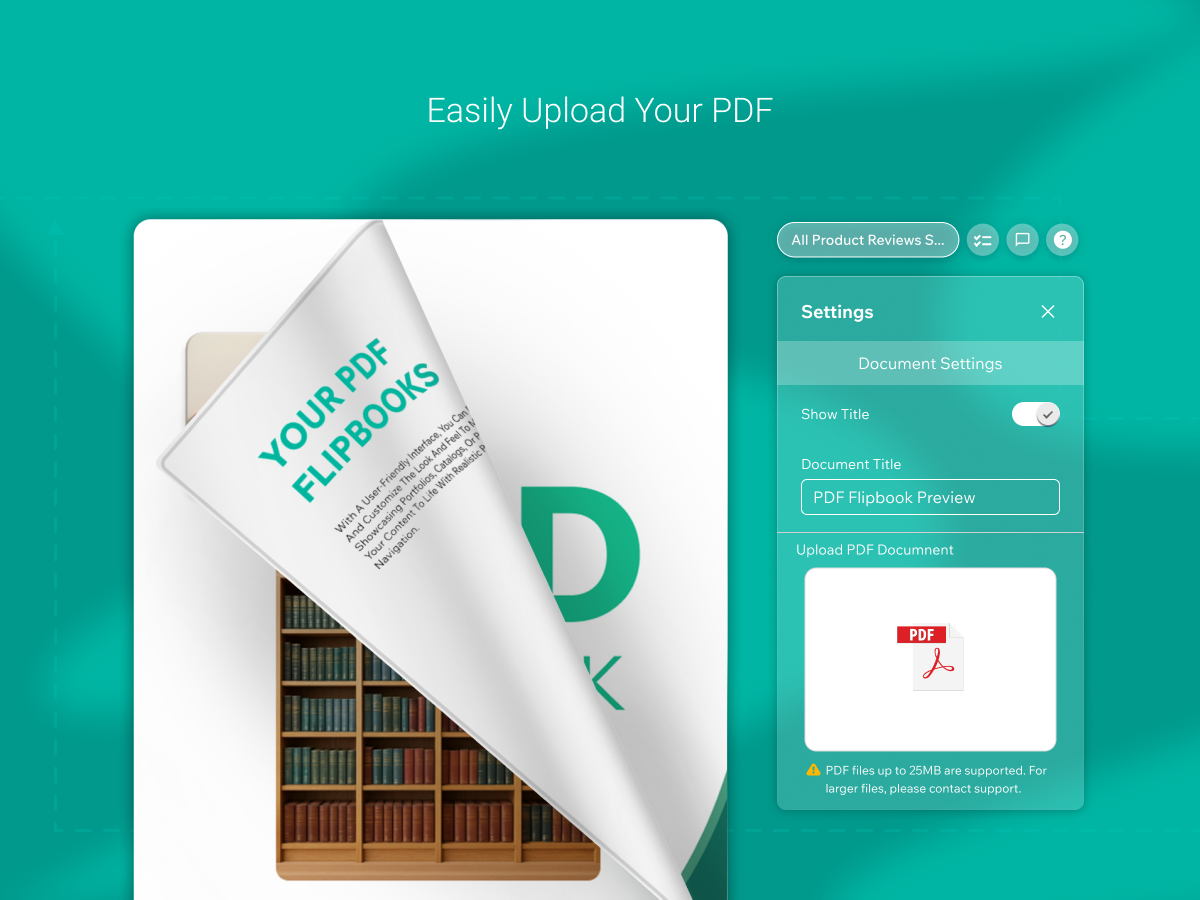
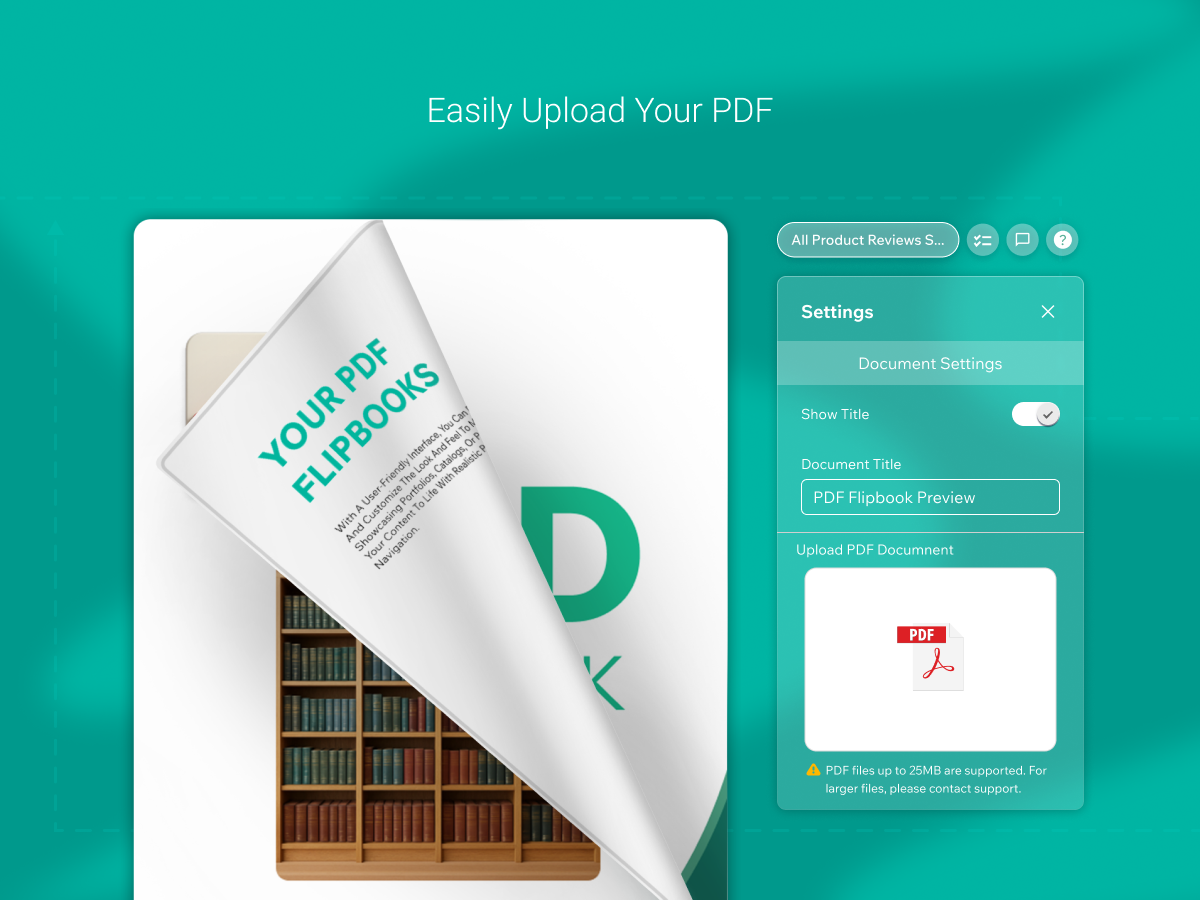
  • No technical skills required to use — just upload and start flipping.
  • Ideal for businesses, educators, designers, and content creators.

Cons

Cons

  • Some users report the app is buggy, especially the cell phone viewing experience
  • Issues with login functionality, particularly with Google accounts
  • Limited customization may not meet all branding needs.
  • Potential performance issues on older devices due to complex animations.
  • May require significant loading time for large PDF files.
  • Dependency on internet connectivity for full functionality.

Categories

Categories

Launched

Launched

Jan 09, 2026
Jan 09, 2026

Developer

Developer

Apps:

1

Average Rating:

3.3

Reviews:

94

Apps:

1

Average Rating:

4.5

Reviews:

26

Scroll to Top