Taranker.Com Logo

Send this list to my inbox

By proceeding, you agree to our Terms Of Conditions and Privacy Policy.
Your request is being processed and will be delivered shortly. If you do not receive an email from Taranker within the next 5 minutes, please check your spam folder and mark it as "Not Spam" to ensure future emails reach your inbox.
(3.6/5)
273 Reviews
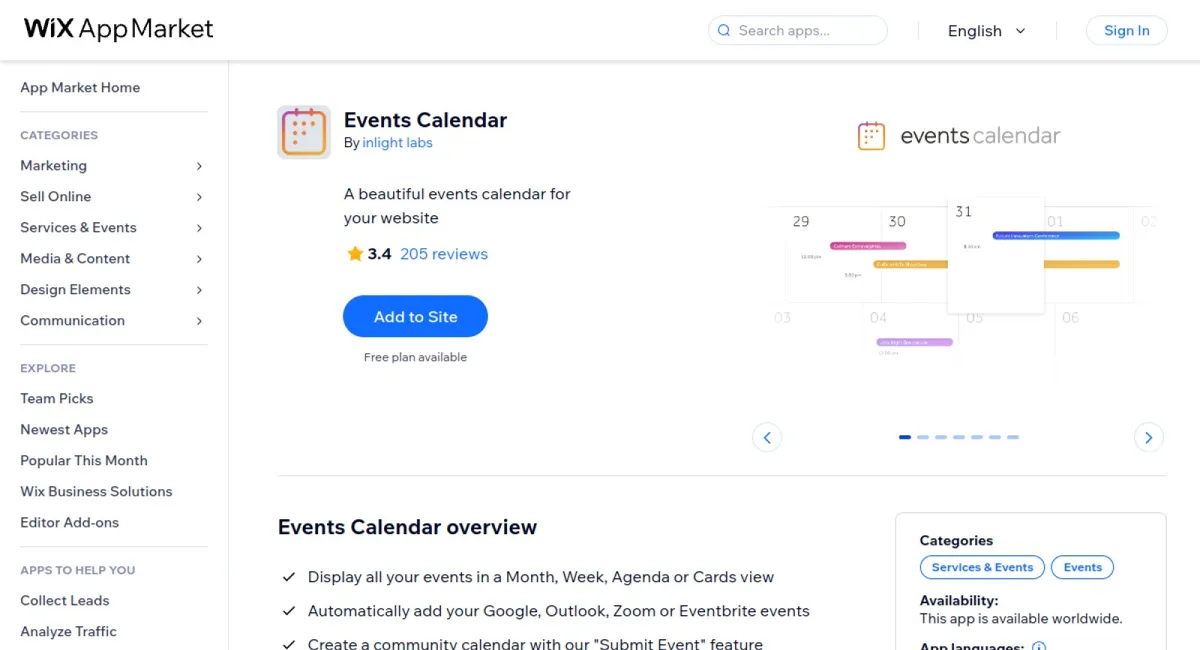
Events Calendar cover

Events Calendar is a versatile app that allows you to display your events in various views, automatically sync with popular platforms like Google, Outlook, Zoom, or Eventbrite, and even create community calendars with ease. It offers a range of customization options and supports over 30 languages to keep your audience informed and engaged.

  • Automatic Syncing: Seamlessly syncs events from Google, Outlook, Zoom, or Eventbrite for centralized management.
  • Customization Options: Offers extensive customization including colors, fonts, language, and time format to match your branding.
  • Multiple Views: Display events in Month, Week, Agenda, or Cards views according to your preference.
  • Community Calendar Feature: Allows event submissions from visitors, with an easy review and approval process.
  • Multi-language Support: Supports over 30 languages, catering to a diverse audience.

The app has outstanding advantages in terms of customer service, with reviews highlighting a responsive support team that resolves issues promptly, ensuring a smooth user experience.
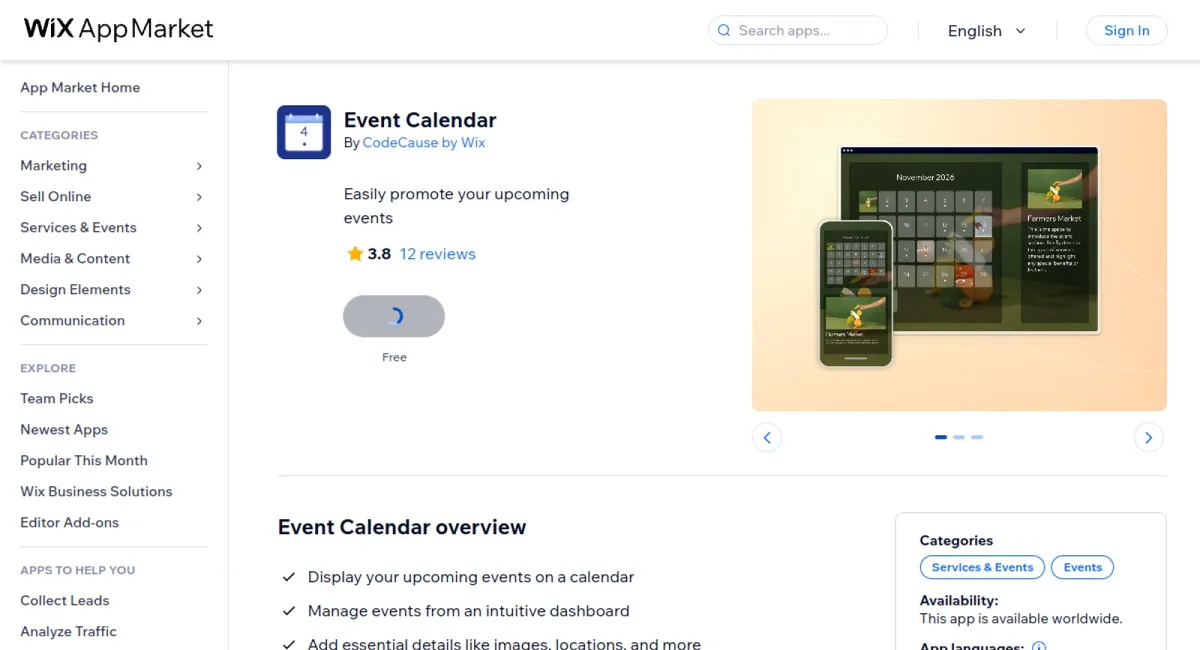
Event Calendar cover

Event Calendar is an intuitive app that enables you to display upcoming events on a calendar, manage them through a user-friendly dashboard, and add essential details like images and locations. It's designed to help you easily promote and organize events for your site visitors.

  • Intuitive Dashboard: Manage events effortlessly with a user-friendly interface, making it easy to add, edit, and update event details.
  • Customizable Calendar: Tailor the calendar to meet your specific needs with a variety of customization options, ensuring it fits seamlessly with your website's design.
  • Detail-Rich Display: Enhance event listings with important details such as images and locations to provide comprehensive information to site visitors.
  • Seamless Promotion: Display events prominently on your website, enhancing their visibility and reach among potential attendees.
  • Versatile Management: Easily add and modify event details, ensuring your calendar remains up-to-date with minimal effort.

According to user reviews, Event Calendar stands out for its simplicity and ease of use, with many praising its seamless integration and potent customization features. Users appreciate its straightforward dashboard and the ability to manage their events efficiently, leading to enhanced organization and promotion of their activities.
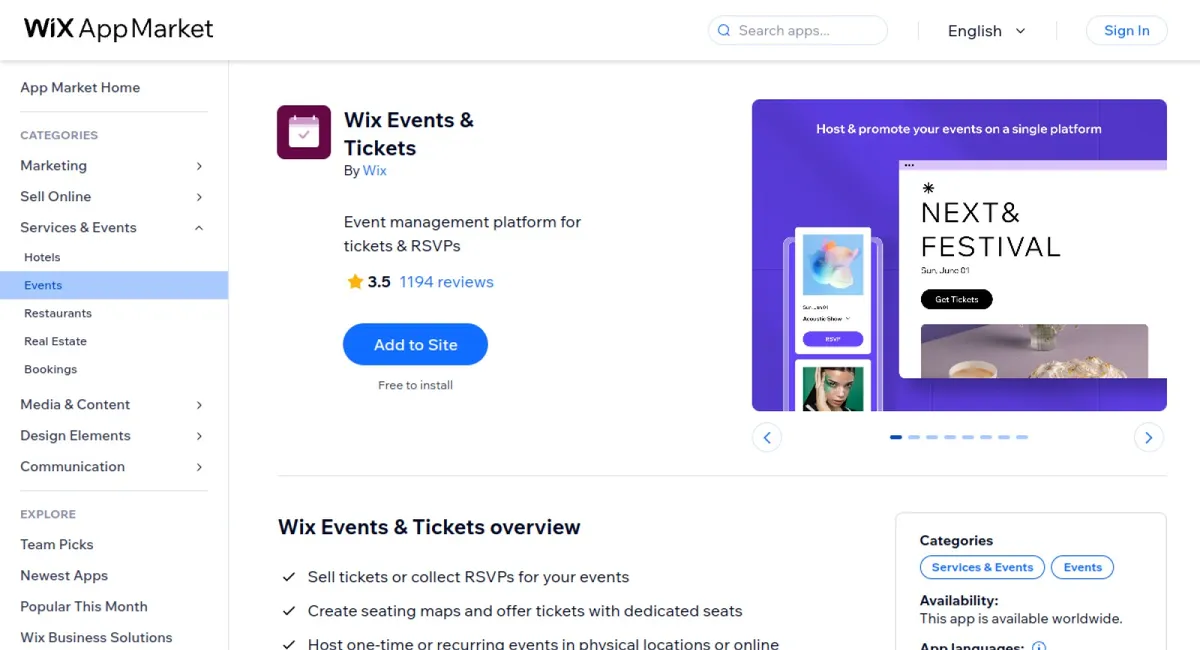
(3.5/5)
1,230 Reviews
Wix Events & Tickets cover

Wix Events & Tickets is an intuitive app for organizing, promoting, and managing events. Whether it's a one-time event or a recurring series, users can sell tickets, manage RSVPs, design seating maps, and customize ticket branding. The app supports secure payments and offers seamless integration with social media and email marketing tools.

  • Seating Map Builder: Design detailed venue maps with sections, tables, and dedicated seats for personalized ticket assignments.
  • Customizable Branding: Personalize PDF tickets with images, logos, and customized layout to match your brand's identity.
  • Flexible Pricing Options: Offer a variety of ticket pricing structures including fixed prices, conditional pricing, or "Pay what you want".
  • Advanced Marketing Tools: Promote events efficiently using coupons, social media integration, and customizable email invitations.
  • Secure Payments & Check-In: Accept payments securely via major providers and manage guest check-in through the dedicated app.

The app's outstanding advantages include an easy-to-use interface praised for its comprehensive event management features and seamless integration with payment providers. Users appreciated its flexibility in pricing options and the professional look achieved through customizable branding features. Many reviews highlight how the seating map builder and advanced analytics significantly enhance event organization and attendability.
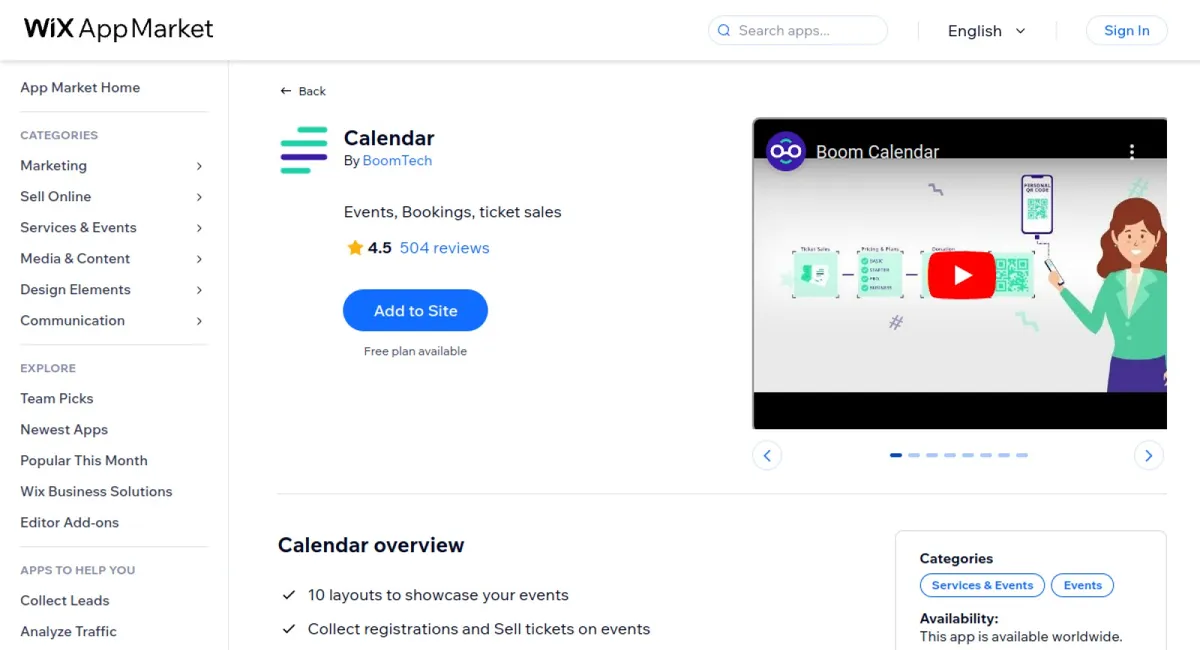
By BoomTech

  • $6.99 / Month
542 Reviews
Calendar cover

The Calendar app, Boom Events Calendar, is a versatile and responsive event management tool perfect for scheduling and promoting events. It supports a variety of display layouts and integrates seamlessly with popular external calendars, making it ideal for collecting RSVPs, selling tickets, and syncing events.

  • Multiple Layouts: Display events in various formats including Monthly, Weekly, Daily, Yearly, Agenda, Card, Timeline, and Map views to suit your needs.
  • Event Synchronization: Sync your events with external calendars like Google, Outlook, Zoom, Eventbrite, Twitch, and Ticket Tailor.
  • Event Management: Collect registrations, categorize events, and manage guest lists easily, with options to sell tickets directly through the calendar.
  • Customization: Modify the calendar design to match your website template and adjust settings such as language and timezone automatically.
  • Mobile Compatibility: Manage your events conveniently using the Boom Calendar mobile app.

The app's outstanding advantages, as highlighted by user reviews, include exceptional customer support that is quick and accommodating, making the app easy to work with. Users are impressed by its efficient service and flexibility, reflected in the consistent 5/5 ratings.
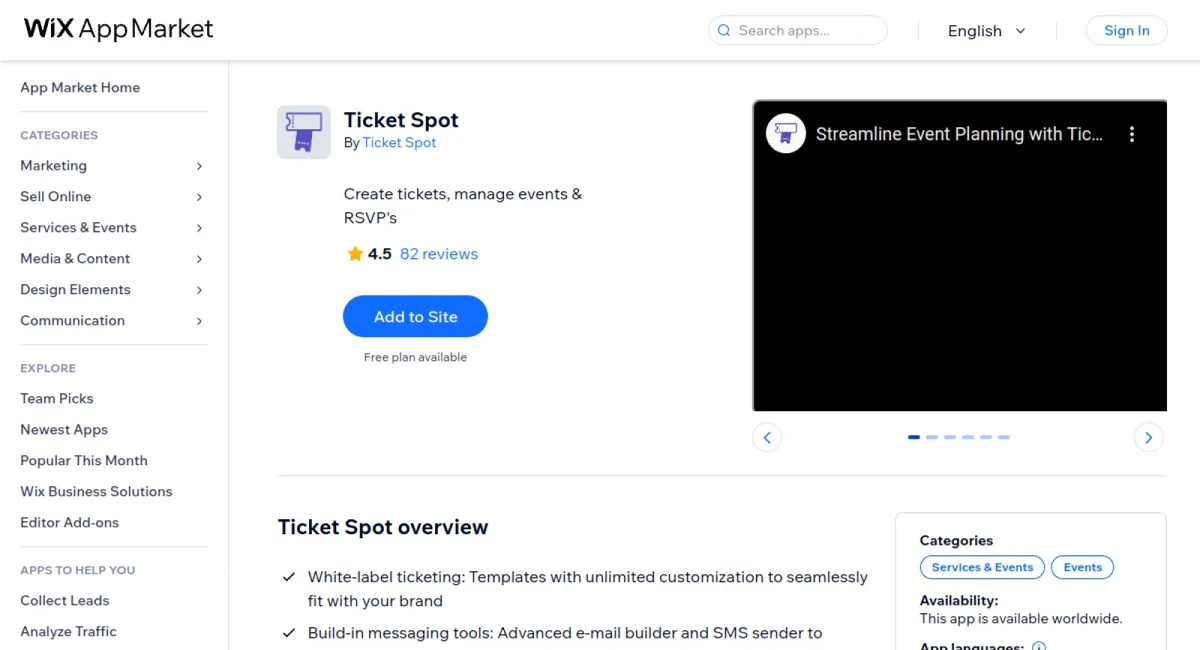
By Ticket Spot

  • $7.99 / Month
90 Reviews
Ticket Spot cover

Ticket Spot is an intuitive, all-in-one platform that simplifies event planning and attendee management by allowing users to create, manage, and sell tickets for various events seamlessly. It offers extensive customization options to integrate with your brand while enhancing user engagement through advanced messaging and promotional tools.

  • White-Label Ticketing: Create and design tickets to fit your brand with customizable layouts, fonts, colors, and images.
  • Customizable Ticketing Options: Offer diverse ticket types, including early bird, VIP, and group discounts to maximize attendance and satisfaction.
  • 3rd Party Integration: Connect with platforms like Zapier, TicketTailor, Eventbrite, HubSpot, Twitch, Google, and Zoom to show events on your webpage's event calendar.
  • Secure Payment Processing: Integrate with top payment gateways for smooth, secure transactions.
  • Real-Time Sales Tracking: Monitor ticket sales and registrations with real-time analytics for data-driven decisions.
  • Automated Email and SMS Notifications: Keep attendees informed with automated updates for ticket confirmations, reminders, and announcements.

Based on user reviews, Ticket Spot stands out for its exceptional ease of use, comprehensive customization capabilities, and effective integration with third-party services. Users frequently praise its streamlined event creation process and the flexibility it offers in adapting to various event types. The platform's secure payment processing and reliable messaging features are also highly appreciated for enhancing both user and attendee experiences.
Bookable cover
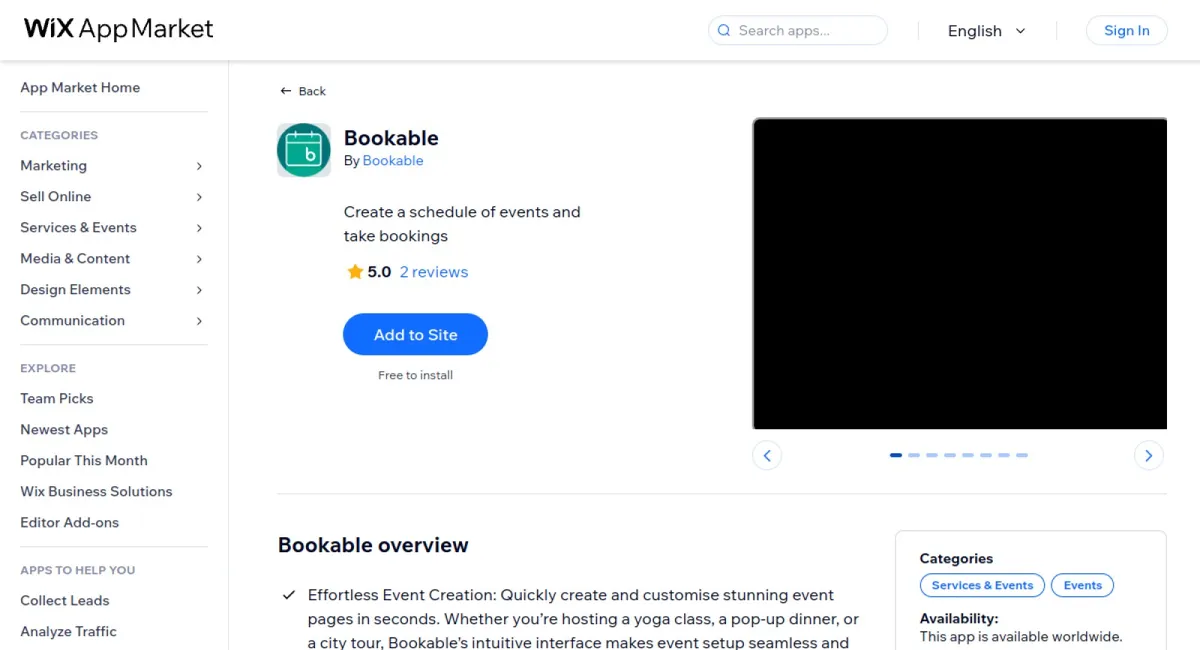
Bookable is a dynamic event management app designed to simplify the creation, management, and promotion of events. Whether you're a seasoned event organiser or exploring event management for the first time, Bookable equips you with a suite of intuitive tools that make the process effortless. With its quick and customisable event page creation, you can seamlessly align each event with your brand by adding logos, brand colours, and social media details. The app's standout feature is its automated schedule creation, which consolidates all your events into a single, easy-to-navigate schedule page for your audience. Offering flexible payment options, Bookable accommodates various payment methods, including online transactions, peer-to-peer transfers, and cash, giving you control over how you receive payments. Its mobile-friendly interface ensures you can manage your events anytime, anywhere, making it a reliable partner for staying organised and responsive on the go. Effortlessly share your events using unique links provided by Bookable, and let your community engage and register with excitement.
(2.6/5)
825 Reviews
Google Event Calendar cover

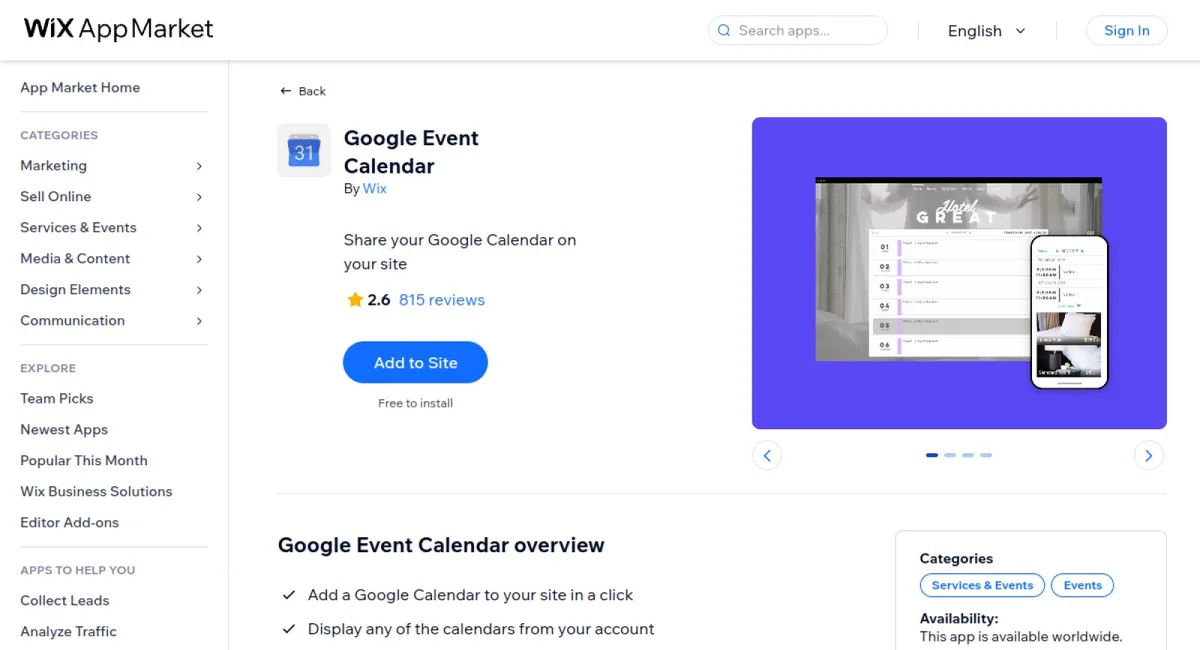
Google Event Calendar is a versatile tool that allows you to effortlessly add a Google Calendar to your site. Customize the appearance to seamlessly integrate with your site’s design and enable visitors to view and save events with ease. Perfect for showcasing bookings, classes, and more.

  • Quick Integration: Easily add a Google Calendar to your website with just a single click.
  • Customizable Design: Adapt colors, fonts, and other design elements to perfectly match your site’s aesthetic.
  • Visitor-Friendly: Allow site visitors to view events and save them directly to their own calendars seamlessly.
  • Comprehensive Display: Showcase all your important events, bookings, and classes in one comprehensive view.

Google Event Calendar receives praise for its user-friendly integration and customization features. Users appreciate how it seamlessly blends with their site design and facilitates effortless event management and sharing, making it an indispensable tool for event organizers and online businesses.
(2.6/5)
60 Reviews
Bandsintown cover

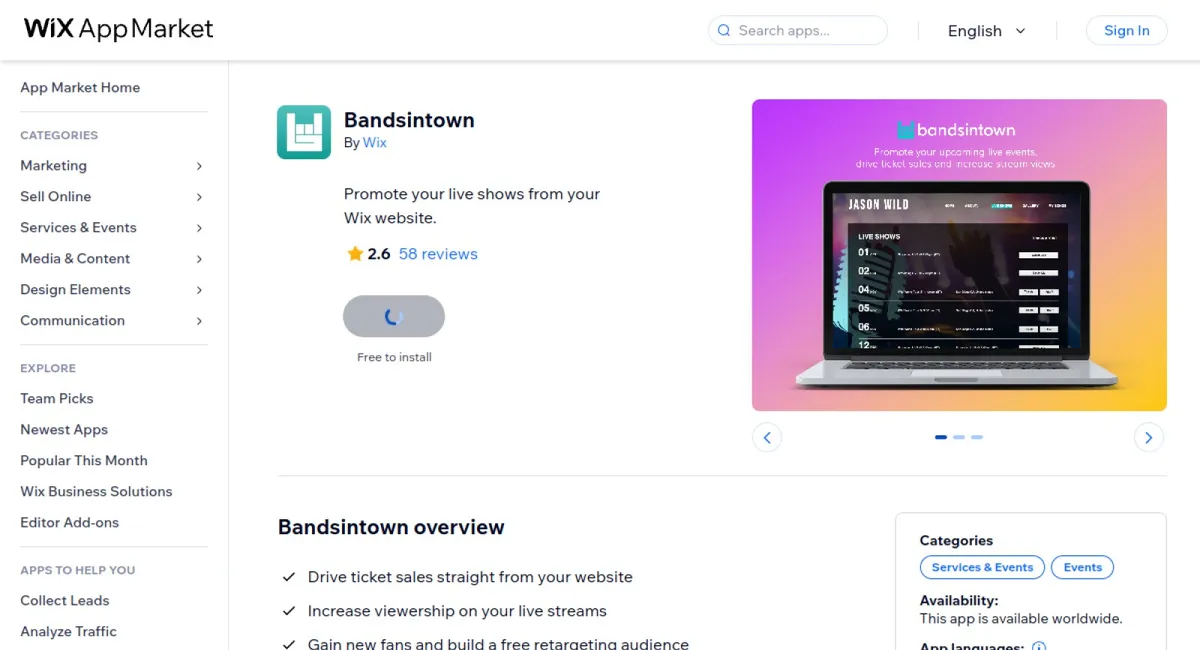
Bandsintown is an app that empowers artists to drive ticket sales, enhance their live stream viewership, and expand their fan base by using seamless website integration and social media sharing capabilities.

  • Ticket Sales Integration: Allows fans to purchase tickets directly from an artist's website, simplifying the buying process and boosting sales.
  • Live Stream Enhancements: Offers fans easy access to join live streams, helping artists grow their viewership and engage with audiences in real time.
  • Fan Engagement Tools: Notifies fans of live performances and allows for easy tracking, fostering a strong fan-artist connection.
  • Social Media Promotion: Enables fans to share concert interests on social platforms, thus expanding the artist’s reach and promotional efforts.
  • Real-Time Syncing: Keeps all information updated and in sync with the artist's Bandsintown account, ensuring consistency across platforms.

Bandsintown has received praise for its seamless integration and engagement boosting features. Users commend its effectiveness in increasing ticket sales and the convenience it offers both artists and fans. The app is noted for its intuitive design and ability to keep fans informed and connected, yielding high customer satisfaction ratings.
(2.4/5)
183 Reviews
Sell tickets cover

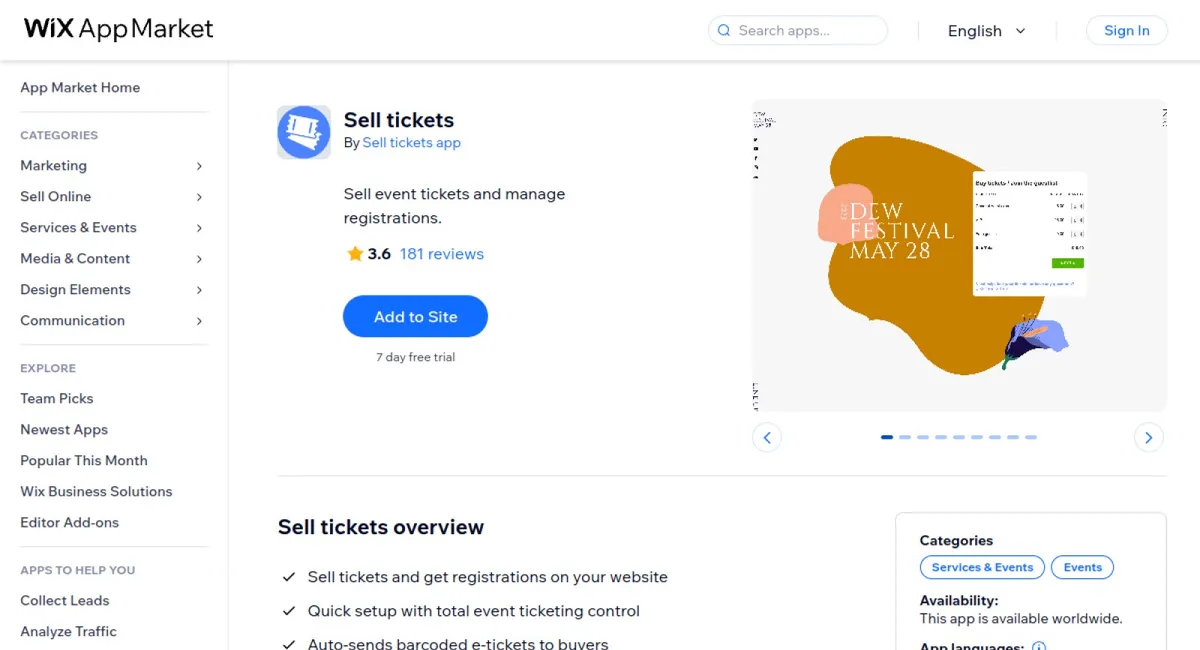
The Sell Tickets app facilitates seamless ticket sales and registration management directly from your website. It offers quick setup and comprehensive control over event ticketing, allowing you to customize booking forms to meet multilingual and currency needs, as well as manage payments securely through integrations with popular services like Stripe and PayPal.

  • Quick Setup: Streamline the ticket selling process with easy setup and full control over your event ticketing.
  • Barcoded E-Tickets: Automatically send barcoded e-tickets to buyers, customizable to fit your event's branding.
  • Payment Integration: Seamlessly integrate with Stripe or PayPal for secure ticket payments and export customer data.
  • Customizable Booking Forms: Tailor booking forms to collect specific data from attendees, supporting multiple languages and currencies.
  • Discount Code Creation: Offer discount codes to enhance ticket sales and manage promotional events effectively.

Based on user reviews, the app's outstanding advantages include its user-friendly interface, efficient integration with payment systems, and the ability to customize e-tickets and forms extensively. Customers highly rate its reliability in managing ticket sales and registrations, highlighting the convenience it offers for seamless integration into existing websites.
By Kobe Lavbs

  • $3.99 / Month
(1.4/5)
36 Reviews
Eventbrief cover

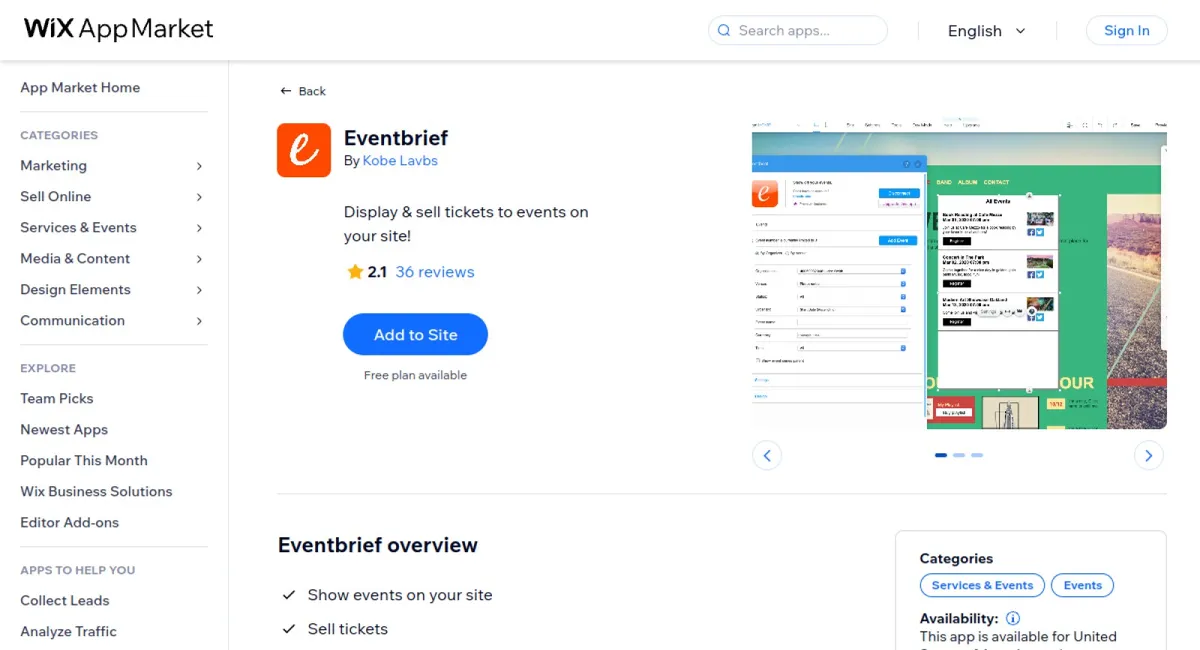
Eventbrief enhances your website by allowing you to display events, sell tickets, and customize the layout for a seamless event management experience. It empowers event organizers to plan, manage ticket sales, and promote events directly from their website, offering a user-friendly platform for sharing events on social media.

  • Free Event Hosting: Add up to three events to your website at no cost.
  • Online Ticket Sales: Enable attendees to register and purchase tickets online easily.
  • Advanced Filtering Options: Filter events by parameters such as name, location, dates, venue, or category.
  • Customizable Design: Adjust settings to match your website's look and feel.
  • Social Media Integration: Promote events on major platforms like Facebook and Twitter.

Eventbrief is praised for its intuitive interface and comprehensive feature set, allowing organizers to seamlessly manage events from start to finish. Users particularly appreciate the easy setup process and the app's flexibility in customizing events to match their brand's style. Its strong social media integration and efficient ticketing system receive high ratings for enhancing user engagement and streamlining event management.
(1.7/5)
7 Reviews
Events with Google Calendar is a versatile app designed to seamlessly integrate a dynamic Google Calendar into your website, perfect for any community group, business, or event-driven platform. With just a few steps, you can display your events in highly customizable views, such as Month, Week, or Schedule, ensuring your calendar suits your audience’s preferences. The app offers an interactive experience where visitors can easily explore event details and add them to their own calendars with a simple click. Additionally, users have the flexibility to print or download the entire calendar directly from your site, enhancing accessibility. The setup process is straightforward, supported by clear, step-by-step instructions to help you connect and personalize your Google Calendar integration. Whether you're new to web development or an experienced pro, this app simplifies the embedding of a fully-featured, interactive calendar on your website, keeping your audience informed and engaged effortlessly.
(1.2/5)
6 Reviews
Event Calendar by Elfsight cover

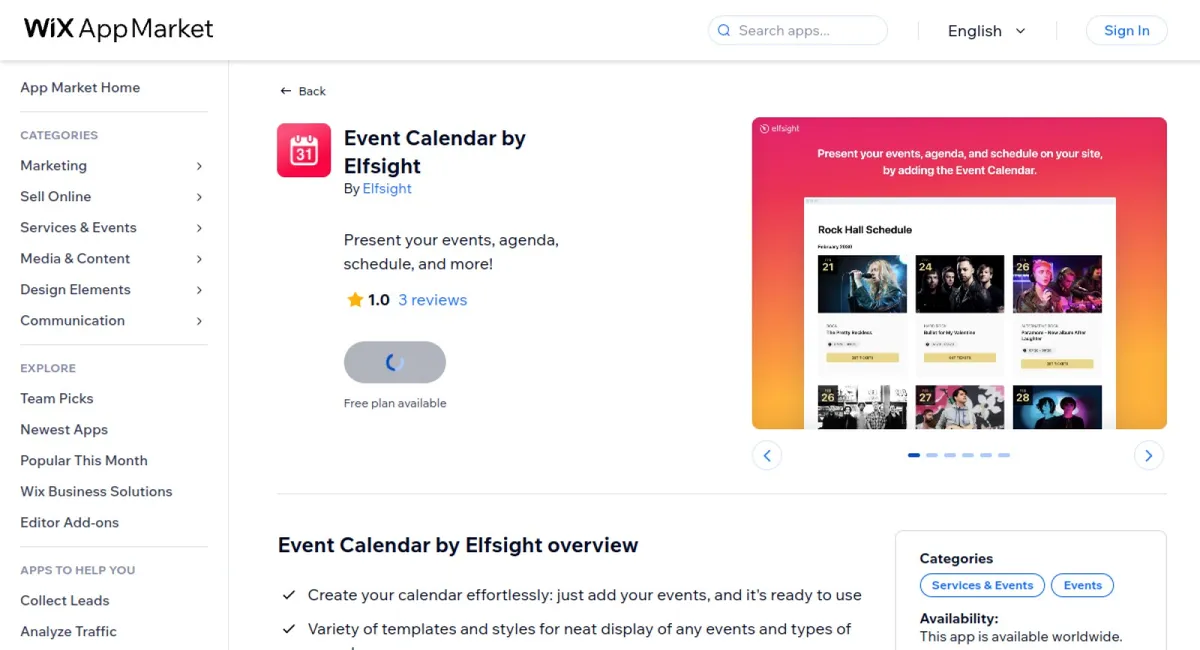
Welcome to Elfsight Event Calendar – the perfect app to display your upcoming events in a clear, user-friendly format. Ideal for workshops, webinars, appointments, or any other type of event, our Event Calendar app makes it easy to keep your audience informed and engaged.

  • Effortless Creation: Easily create your calendar by adding events with just a few clicks.
  • Diverse Templates: Choose from a variety of templates and styles for a neat display.
  • Customizable Designs: Tailor designs and layouts to complement your website's aesthetics.
  • Google Integration: Enhance user experience with seamless Google integrations.
  • Engagement Tools: Effective "Share" options and CTA elements to keep users engaged.

Users rave about the app's intuitive interface and robust customization options, which provide standout flexibility to match their website's design and needs. Ratings highlight its ease of use, with many appreciating the quick setup process and the reliability of customer support in addressing their queries efficiently.

Scroll to Top